Application
Instructions for use • VITOMEAGLE • TVA900_EN_V1.0_05-2023_IFU_CE-MDR 25
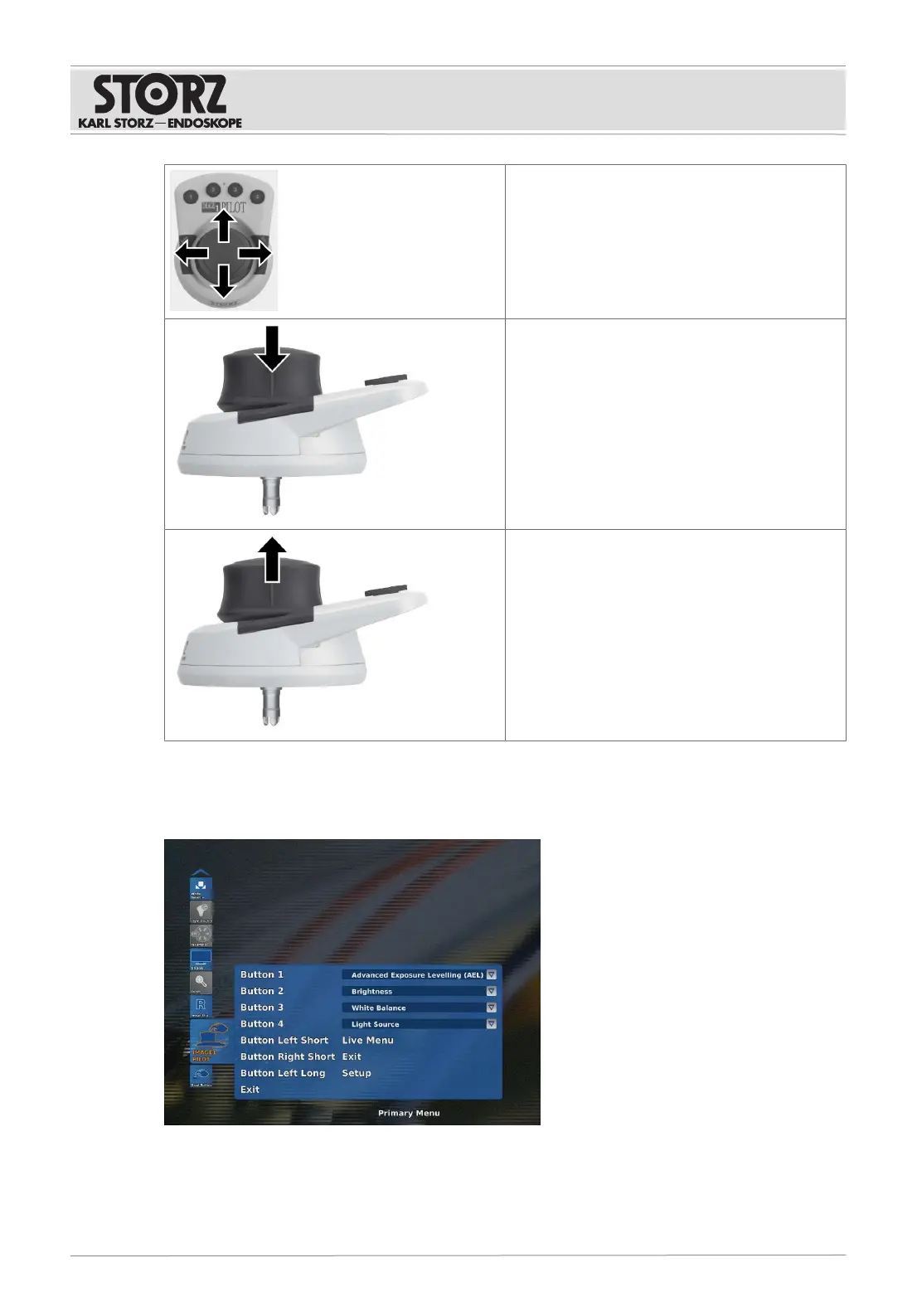
Move the 3D Wheel to navigate through the IM-
AGE1S menu.
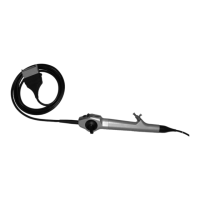
Press the 3D Wheel to confirm your selection.
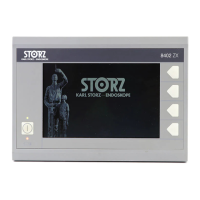
Pull the 3D Wheel to jump back from a menu or
cancel an action.
6.6 Function buttons on the IMAGE1 PILOT
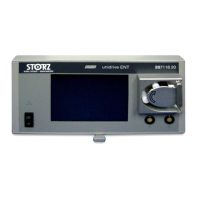
The 4 buttons on the IMAGE1PILOT or on the microscope footswitch can be programmed and
assigned functions.
The programmable buttons can be assigned the following functions:
– White Balance
– Capture











 To Next Page