Application
Instructions for use • VITOMEAGLE • TVA900_EN_V1.0_05-2023_IFU_CE-MDR 21
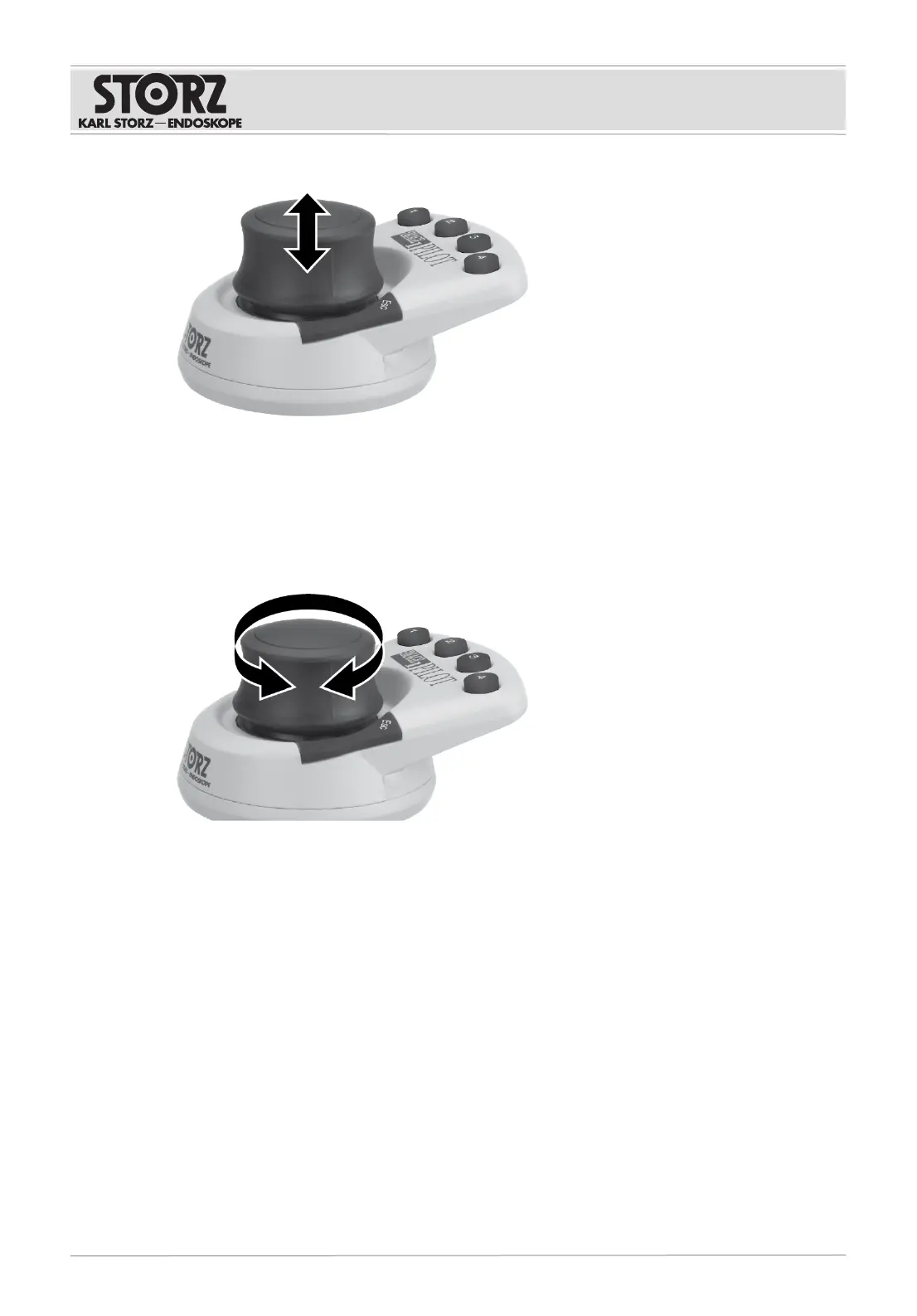
2. To reduce the image, pull on the 3D Wheel.
ð The focal distance can be continuously adjusted from 20 to 50cm.
ð While the image is being magnified or reduced, the status of the zoom function is shown at
the top right.
Focus
3. To bring a lower level into focus, turn the 3D Wheel clockwise.
4. To bring a higher level into focus, turn the 3D Wheel counterclockwise.
ð The focal distance is indicated for 3s in the top right corner during the focusing process. The
focal distance is not precise.
6.3 Selecting the region of interest
When the VITOMEAGLE is using digital zoom mode, it is possible to select the field of view shown.











 To Next Page