Application
Instructions for use • VITOMEAGLE • TVA900_EN_V1.0_05-2023_IFU_CE-MDR 22
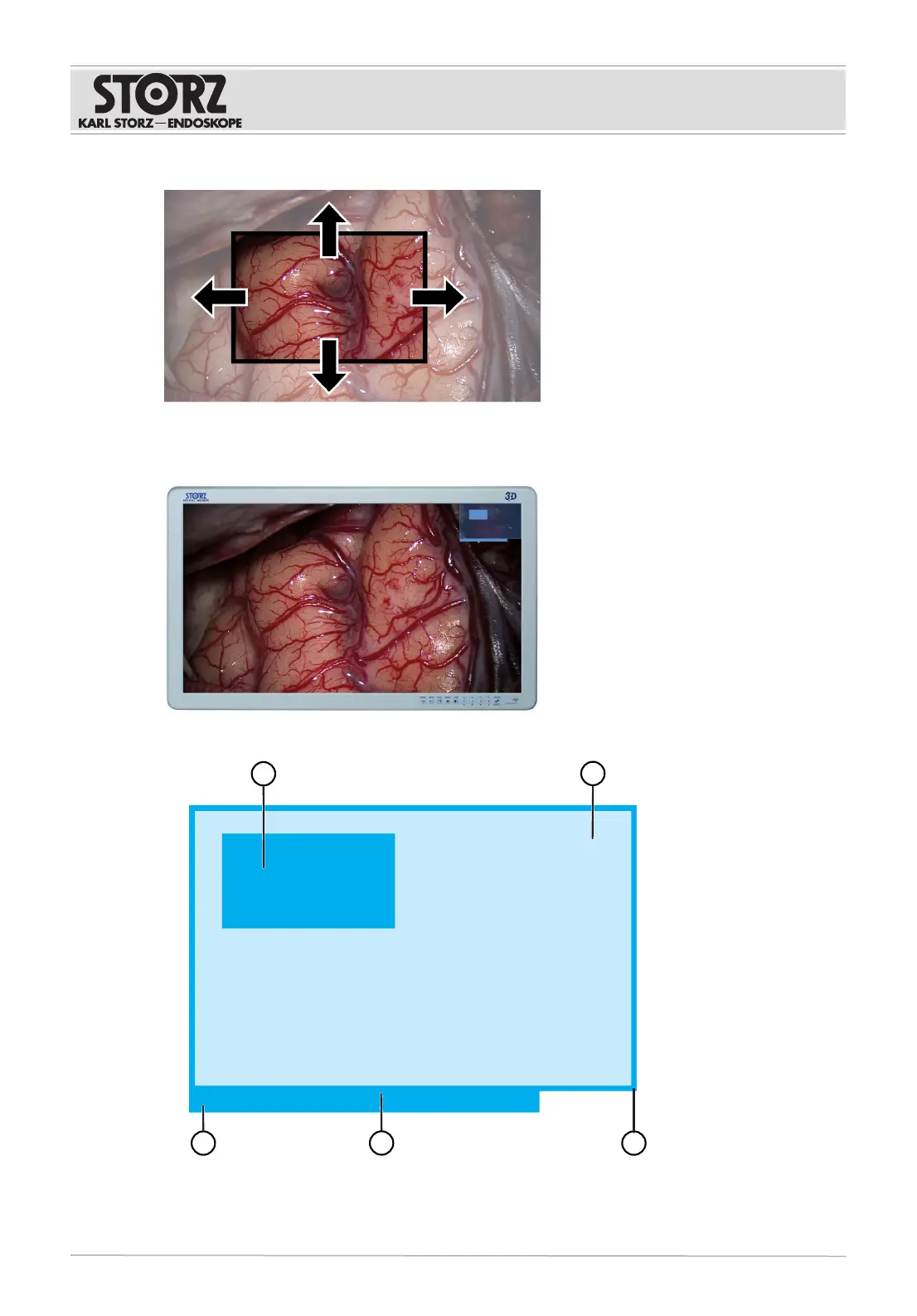
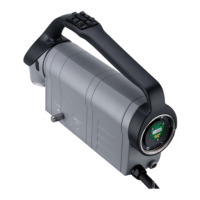
1. To move the field of view, push the 3D Wheel in the desired direction.
ð The region of interest can only be moved at image level.
ð This does not change the angle of view of the VITOM EAGLE relative to the object.
When the 3D Wheel is activated, an overview appears at the top right.











 To Next Page