Strand 301 Console Manual Page 13
Operation
Basic Navigation
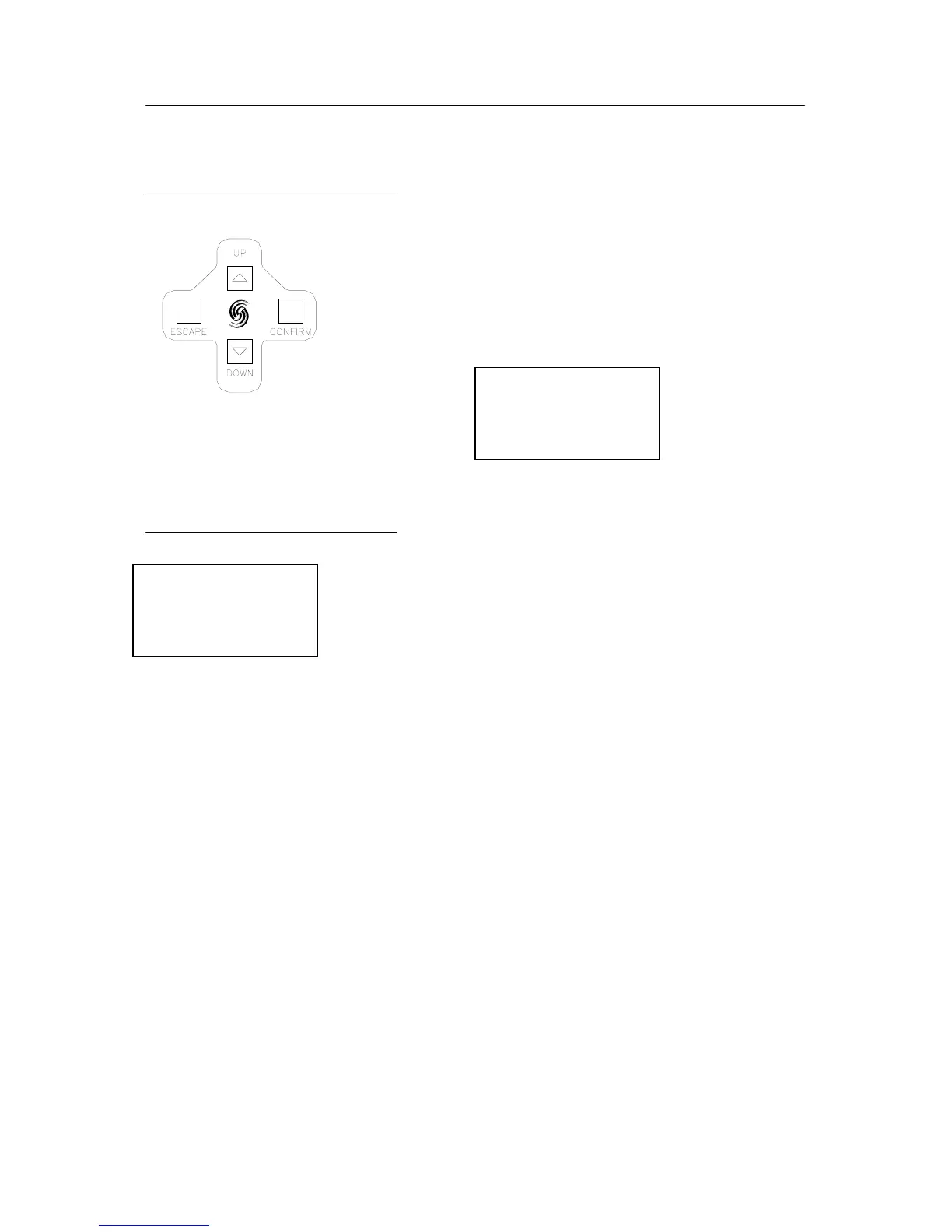
Basic navigation for the 301 is done with four buttons
(represented to the left). The functions of the keys are labeled
on the bottom line of the LCD screen. Escape on the left,
Confirm on the right and Up / Down in the center separated by
a slash (/). With the example below, Escape = Quit, Up/Down
scroll through options 1, 2 and 3. Confirm = Confirm.
Changing Modes
To change modes, hold down BOTH the up and down keys
simultaneously for 3 seconds. A list will appear on the LCD
screen.
Navigate with the up and down keys to pick the appropriate mode.
Notice the flashing cursor on the current selection. When the
cursor is on the appropriate mode, press Confirm to accept.
1. Back Up
2. Events Player
3. 12 Ch Control
Quit +/- Confirm
1. Back Up
2. Events Player
3. 12 Ch Control
Quit +/- Confirm



 To Next Page