Strand 301 Console Manual Page 17
Cross Fade Time –
Cross fade time – represented by (XFtm) allows you to set the
default cross fade time. Time can be any value from 0 – 99
seconds.
(The navigation keys do wrap from 0 to 99).
Navigate using the up
and down keys to select
the default time. Then
press Confirm.
Recording of Back Up Scenes
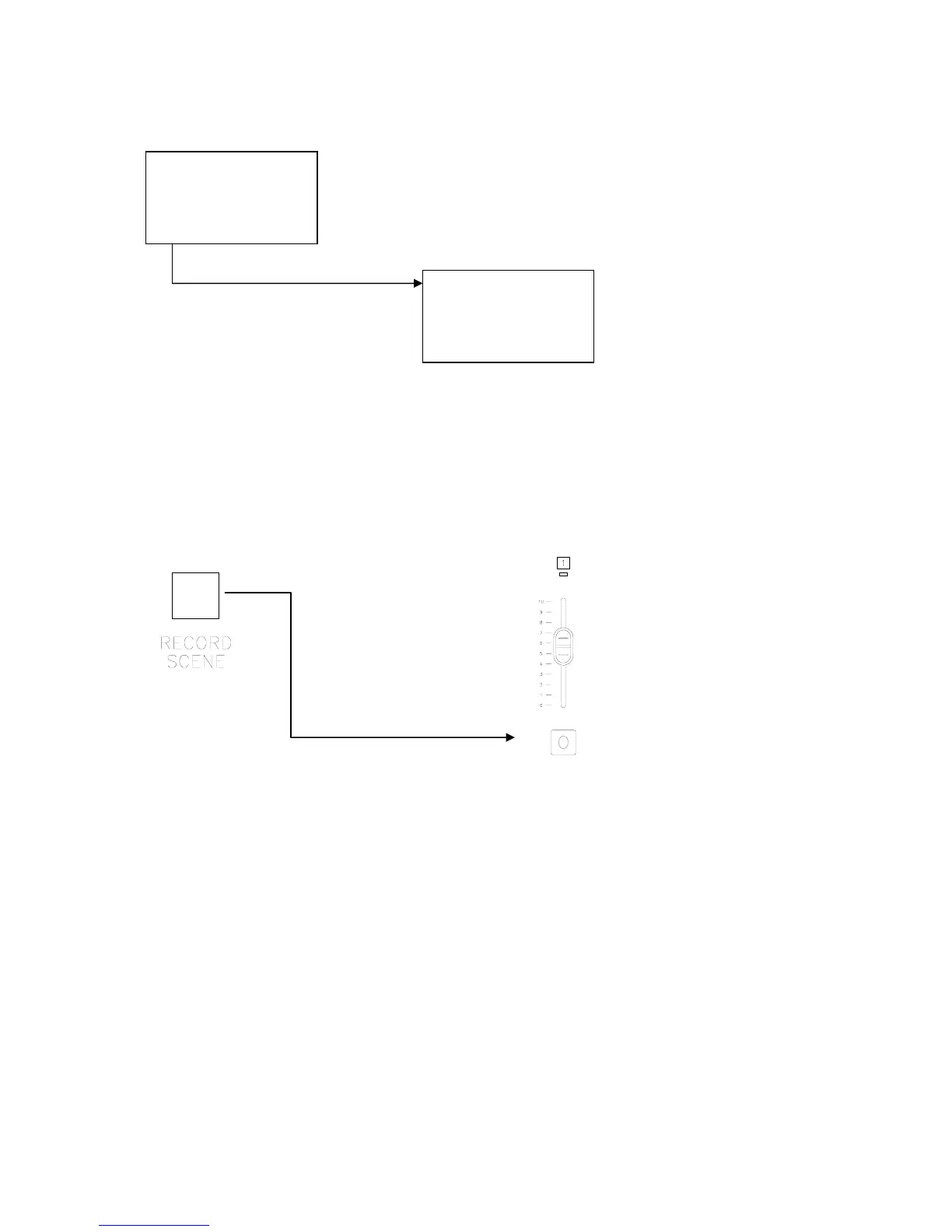
Once the consoles are setup properly to record a back up cue as page 1 scene 1, just
advance to the cue on the main lighting console, hold down the Record Scene button and
press the Flash button that corresponds with fader 1.
This will capture the current cue from the main lighting console.
Hold down while pressing
All LEDs will flash momentarily. When recorded, the LED above the selected fader will light
up.
The process can be repeated until all 12 faders have a cue stored in each one. For more
than 12 cues, change to a different page.
CrossFade Time
05 Sec
+/- Confirm
12:00:00 Page:01
C-Page:XX Ch:01
Level:00
XFtm <Ms> Menu



 To Next Page