Page 16 Strand 301 Console Manual
Delete
All Scenes
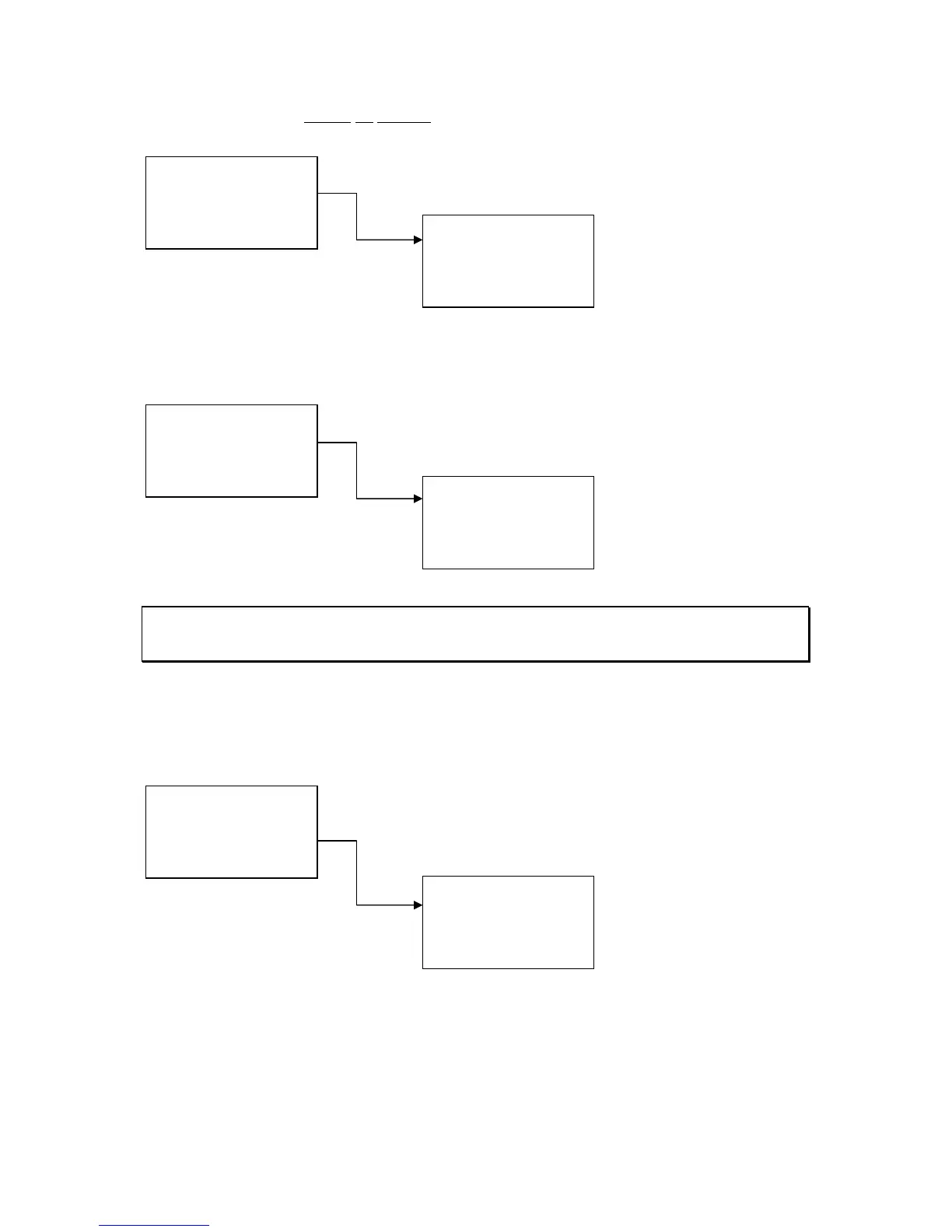
Delete All Scenes – deletes all scenes on all pages.
Press Confirm to
complete the deletion.
- Set Buzzer
Set Buzzer – The buzzer indicates if the back up has lost the
DMX512 signal. The options are Enable and Disable. There is no
other indication of the buzzer’s status.
Navigate using the up
and down keys to select
the buzzer option. Then
press Confirm.
Note: When DMX is lost, the buzzer will sound (if enable) and the DMX IN LED will flash until DMX is
restored to the main lighting console. The buzzer will also turn off automatically if any action is taken
on the console subsequent to DMX loss.
- Set Clock
Set Clock – this allows the operator to set the internal clock of the
console. The time is displayed in 24 hour mode. The console will
automatically go back to the main screen after 5 seconds of
inactivity.
Navigate using the left
key. Set the time using
the up and down keys.
Then press Confirm.
1. Del One Scene
2. Del Page Scene
3. Del All Scene
Quit +/- Confirm
Delete All Scene
Are You Sure?
Quit Confirm
1. Delete Scene
2. Set Buzzer
3. Set Clock
Quit +/- Confirm
Buzzer Set
1. Enable Buzzer
2. Disable Buzzer
Quit +/- Confirm
1. Delete Scene
2. Set Buzzer
3. Set Clock
Quit +/- Confirm
Set Clock
TIME:12:00:00
> +/- Confirm



 To Next Page