Page 30 Strand 301 Console Manual
00 00 00 00
00 00 00 00
00 00 00 00
XFtm <Hold> Patch
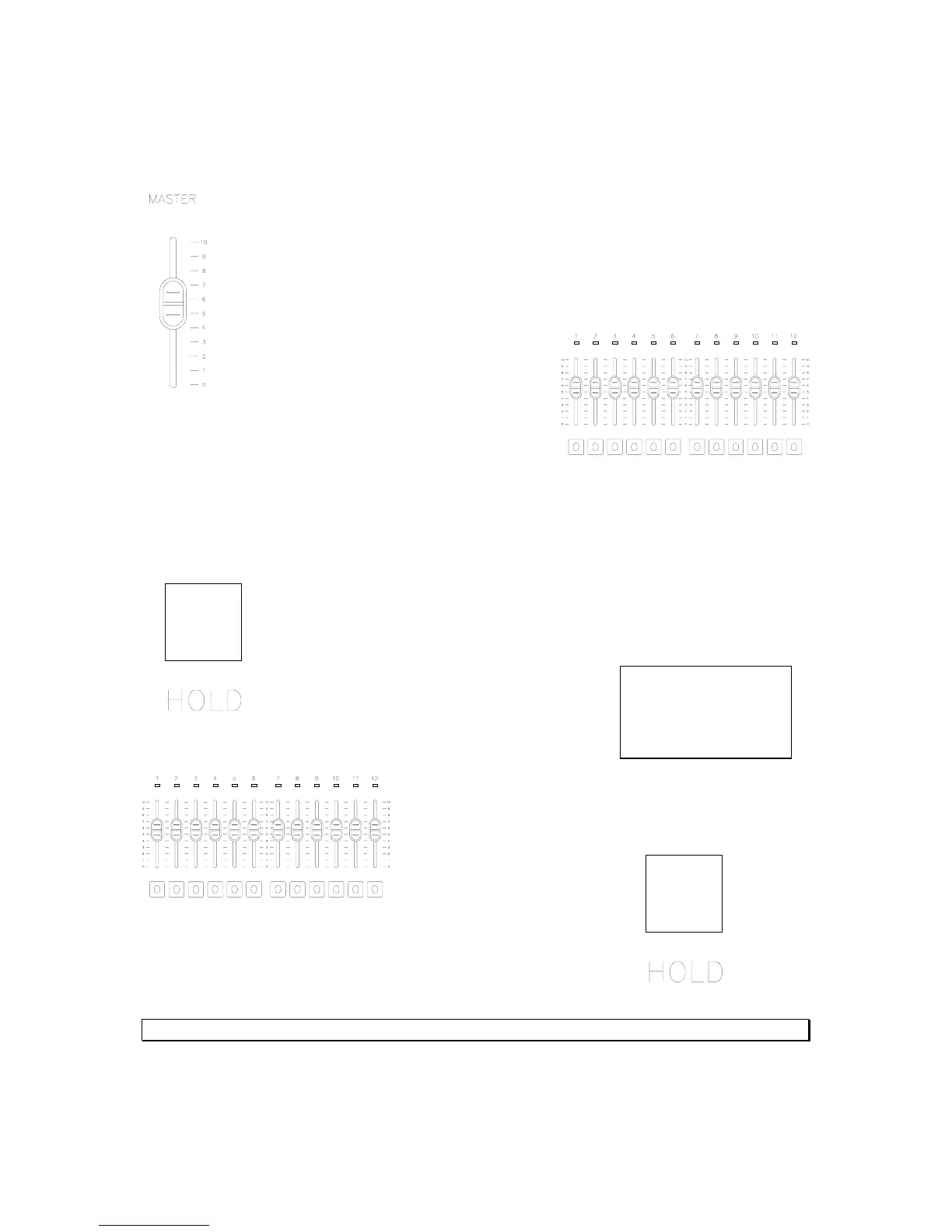
One Scene Mode
Make sure the Master is at full or the appropriate level.
Then set the faders 1 – 12 to the appropriate levels
to create the cue that is desired.
Hold – Two Scene Mode
The hold function allows the operator to “hold” or capture all levels on all active faders so
that all active faders can be reset to different levels to create a different cue.
To activate the hold feature press the Hold button.
The LCD screen now indicates that the hold
function has been activated by the flashing
<Hold> on the bottom line of text.
Now all active faders have been captured. Reset all
fader levels to the next cue.
Simply press the Hold button again and the new cue will
crossfade in while the old cue crossfades out.
See the LCD screen for countdown of crossfade using the default time.



 To Next Page