Strand 301 Console Manual Page 23
- Set Buzzer
Set Buzzer – The buzzer indicates if the console has lost the DMX
signal. The options are Enable and Disable. There is no other
indication of the buzzer’s status.
Navigate using the up
and down keys to select
the buzzer option. Then
press Confirm.
Note: When DMX is lost, the buzzer will sound and the DMX IN LED will flash until DMX is restored.
- Set Clock
Set Clock – this allows the operator to set the internal clock of the
console. The time is displayed in 24 hour mode. The console will
automatically go back to the main screen after 5 seconds of
inactivity.
Navigate using the left
key. Set the time using
the up and down keys.
Then press Confirm.
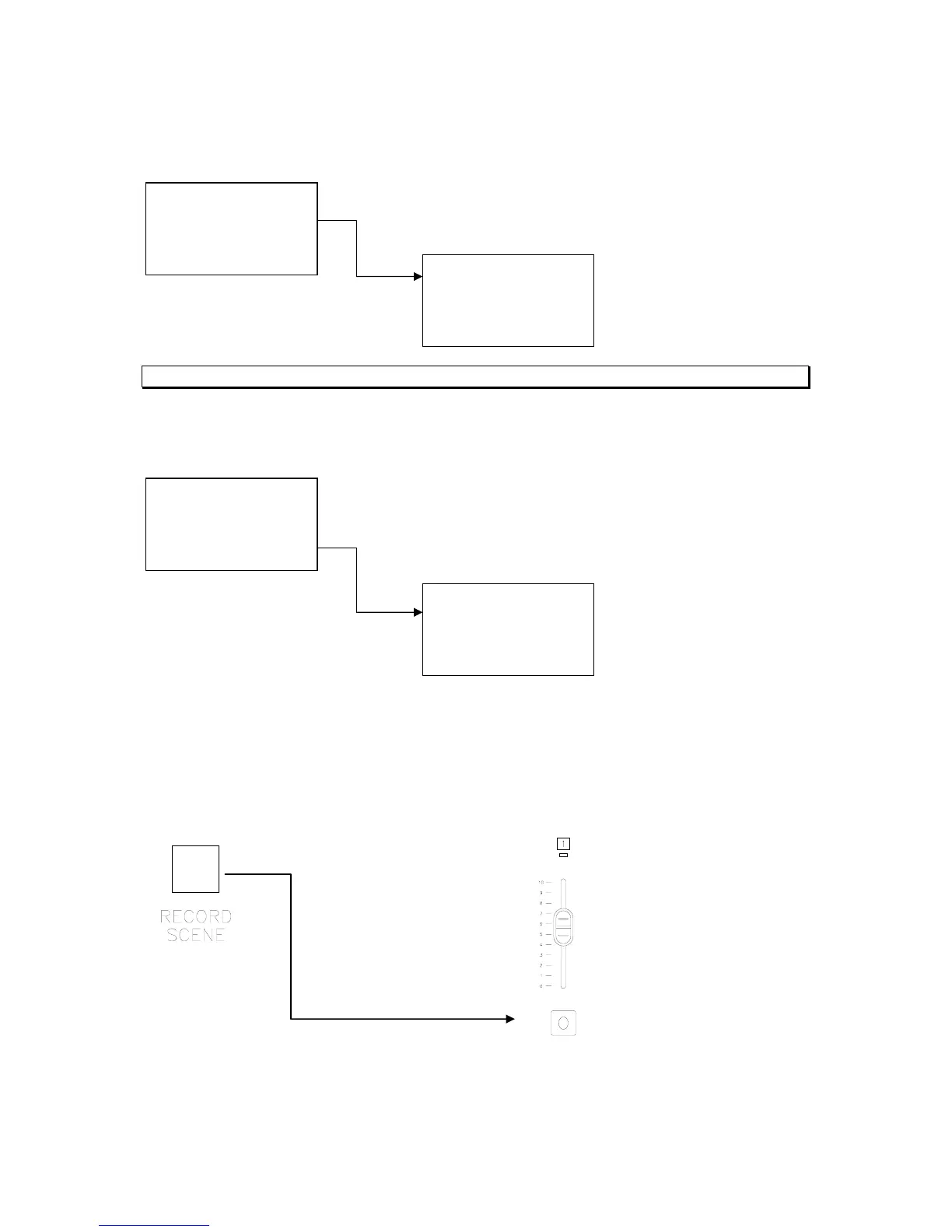
Recording of Timed Events
Once the consoles are setup properly to record a timed event on fader 1, just advance to the
cue on the main lighting console, hold down the Record Scene button and press the Flash
button that corresponds with fader 1.
This will capture the current cue from the main lighting console.
Hold down while pressing
1. Delete Scene
2. Set Buzzer
3. Set Clock
Quit +/- Confirm
Buzzer Set
1. Enable Buzzer
2. Disable Buzzer
Quit +/- Confirm
4. Set Clock
Quit +/- Confirm
Set Clock
TIME:12:00:00
> +/- Confirm



 To Next Page