Page 22 Strand 301 Console Manual
- Delete Event
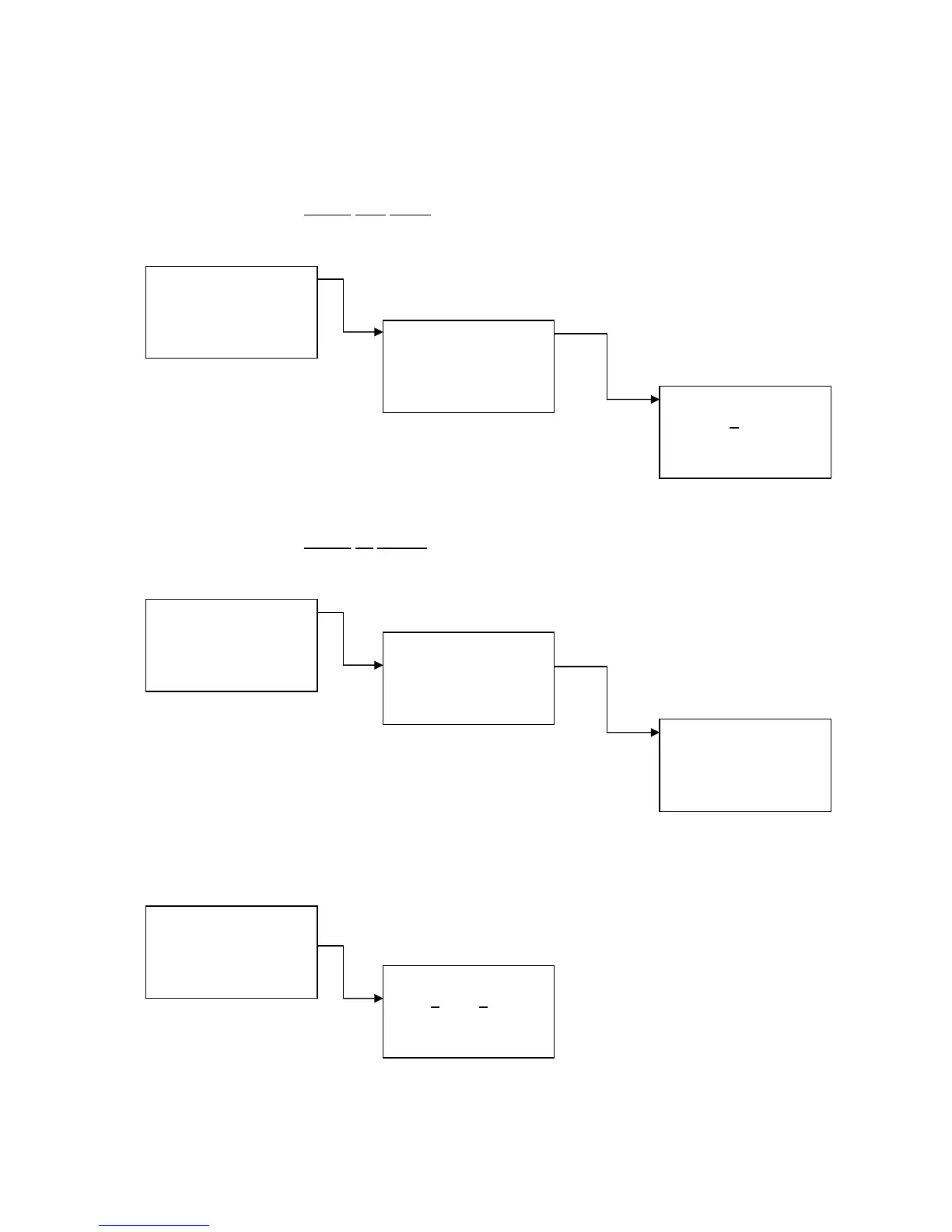
Delete
One Event
Delete One Event – this allows the operator to delete a
single event.
Navigate using the up and down keys to select the event to delete. Then press Confirm.
Delete
All Events
Delete All Event – this allows the operator to delete all
recorded events.
Press Quit to not delete all events or press Confirm to delete all events.
- Set Default Fade Time
Set Default Fade Time – this allows the operator to set
the default fade time for all events.
The arrow (Escape key)
changes your cursor from
minutes to seconds. The
Up and Down keys
change the time. Press
Confirm to accept.
1. Del One Event
2. Del All Event
Quit +/- Confirm
Delete
Event: 01
Quit +/- Confirm
1. Delete Event
2. Set Default Ft
3. Set Buzzer
Quit +/- Confirm
1. Del One Event
2. Del All Event
Quit +/- Confirm
Delete All
Event ?
Quit +/- Confirm
1. Delete Event
2. Set Default Ft
3. Set Buzzer
Quit +/- Confirm
Default Fadetime
59
Min:59Sec
> +/- Confirm
1. Delete Event
2. Set Default Ft
3. Set Buzzer
Quit +/- Confirm



 To Next Page