Strand 301 Console Manual Page 15
Menu -
Menu – this allows access to the back up menu that deletes scenes, sets the buzzer and
clock.
Delete Scene – gives the operator the delete scene options.
Set Buzzer - allows the operator to either Enable or Disable the
buzzer.
Set Clock – allows the operator to set the internal clock.
- Delete Scene
Delete
One Scene
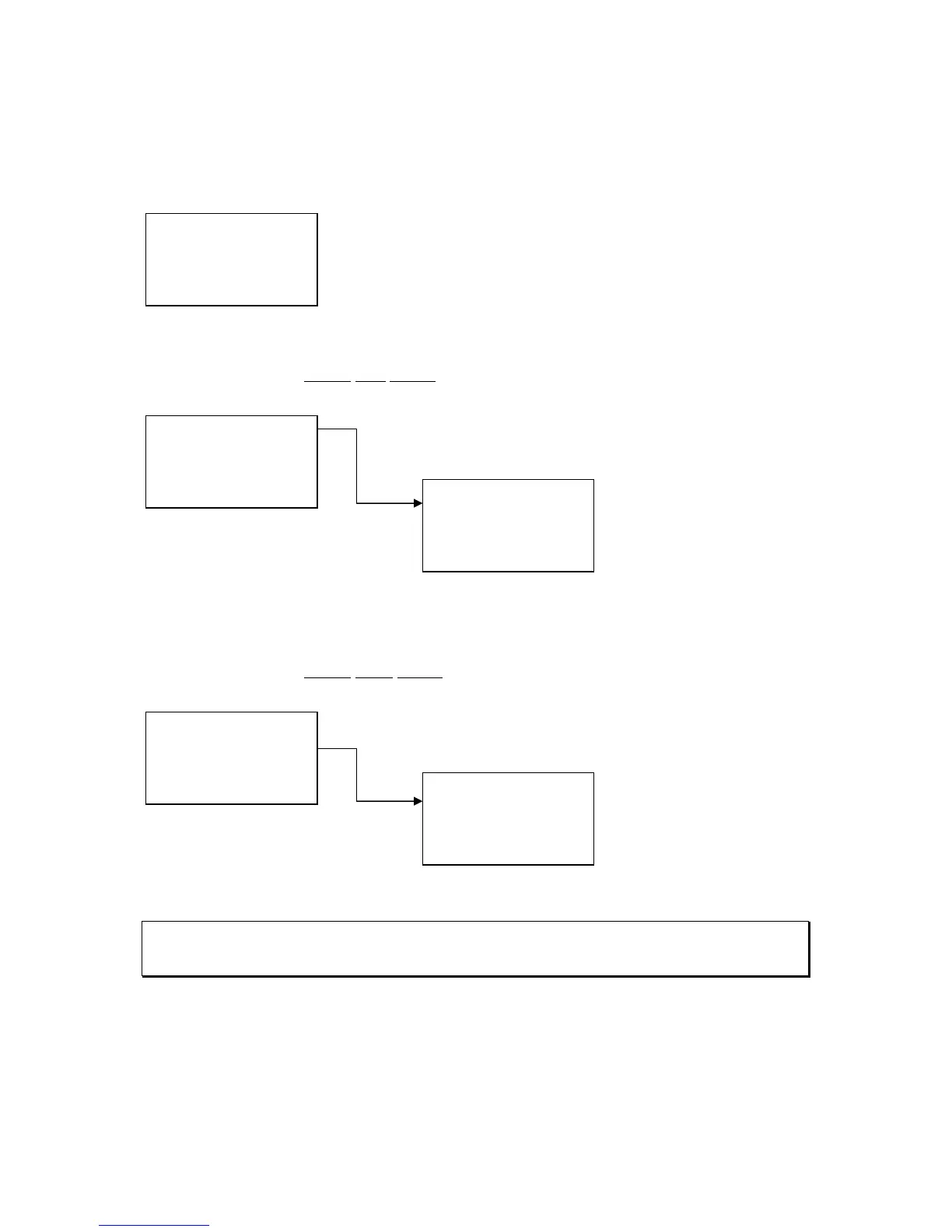
Delete One Scene – deletes a single scene on a single page.
Navigate using the up
and down keys to select
the page and then press
one of the flash button to
select scene to delete.
Then press Confirm.
(The XX represents the item number)
Delete
Page Scene
Delete Page Scene – deletes all scenes on a single page.
Navigate using the up
and down keys to select
the page to delete. Then
press Confirm.
Note: When an entire page of scenes are deleted, the console automatically advances to the next
page number for quick deletion of the next page. Also, when the console is back in playback mode,
the console has advanced to these pages live.
1. Delete Scene
2. Set Buzzer
3. Set Clock
Quit +/- Confirm
1. Del One Scene
2. Del Page Scene
3. Del All Scene
Quit +/- Confirm
Del One Scene
Page: XX
Scene: XX
Quit +/- Confirm
1. Del One Scene
2. Del Page Scene
3. Del All Scene
Quit +/- Confirm
Del Page Scene
Page: XX
Quit +/- Confirm



 To Next Page