Strand 301 Console Manual Page 19
- Back Up Cues on Multiple Pages
It’s very common to need to crossfade from a back up cue on one page to a back up cue on
another page. The example below will show how to go from page 1 fader 12 to page 2 fader
1.
First, make sure that there are back up cues recorded on page 1 fader 12 and page 2 fader
1. Then change to page 1 and take fader 12 to full.
If necessary, see Record Mode and Change Pages above.
With page 1 fader 12 live on stage, change to page 2.
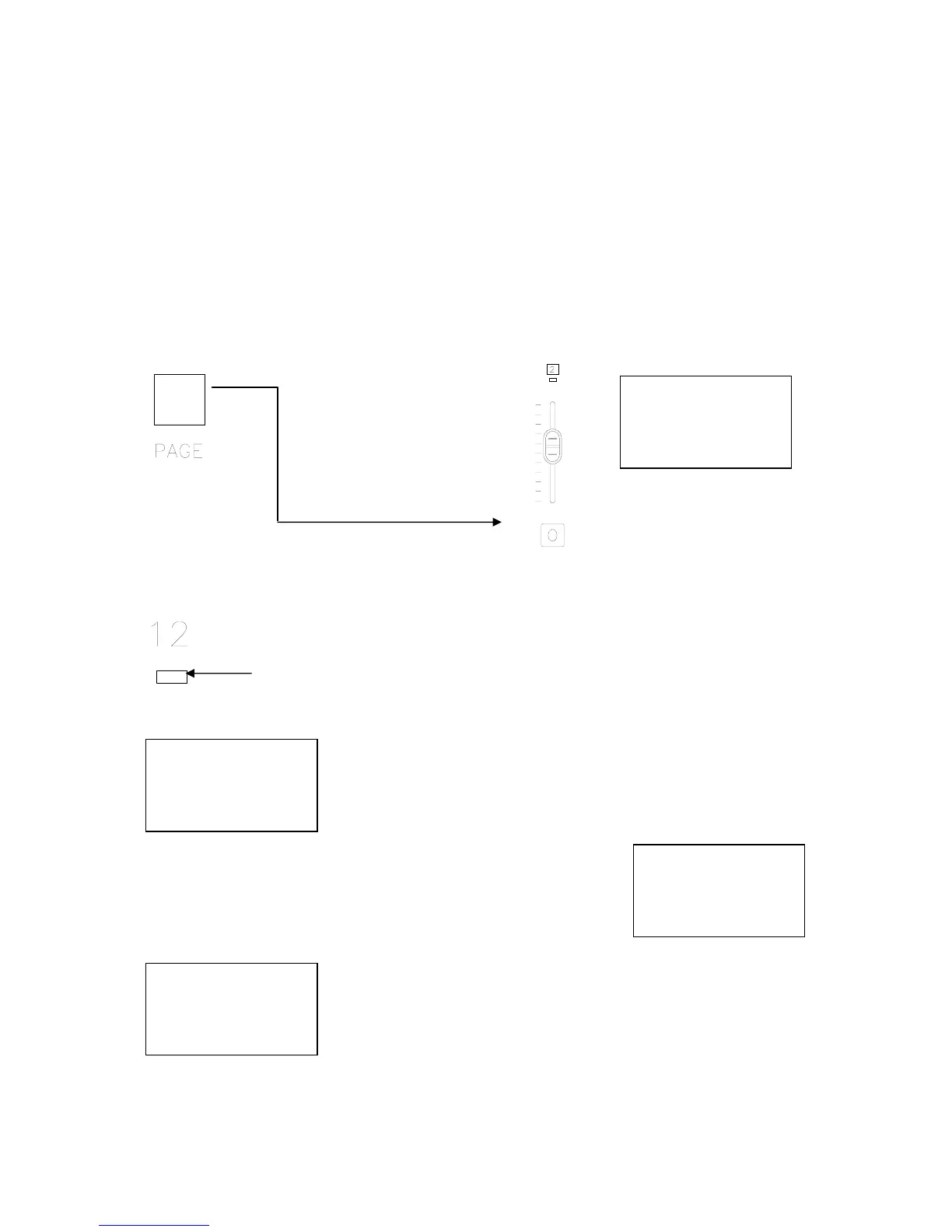
Hold down while pressing
The console is now on page 2 while the current page is page 1 because page 1 still has an
active fader. The active fader is listed as Ch:12 on the LCD screen with the level at full.
Notice that the LED above fader 12 is flashing indicating that it is still active.
This is a Non-Current Page Active Fader.
The Current Page will display XX until a fader is moved on the new
page 2.
Once fader 1 is active, the fader will be listed as Ch:01
and the intensity as Level:FL.
As soon as fader 12 (the one that has a flashing LED) is activated,
the page is was from, channel and level will appear on the LCD
screen. When the fader goes to zero, the LED light will go out,
indicating that this scene is no longer being held on this fader from
the previous page (page 1).
12:00:00 Page:02
C-Page:01 Ch:12
Level:FL
XFtm <Ms> Menu
12:00:00 Page:02
C-Page:XX Ch:12
Level:00
XFtm <Ms> Menu
12:00:00 Page:02
C-Page:02 Ch:01
Level:FL
XFtm <Ms> Menu
12:00:00 Page:02
C-Page:01 Ch:12
Level:50
XFtm <Ms> Menu



 To Next Page