Stratasys J826 User Guide 4 Operating and Maintaining the Printer
DOC-28000 Rev. I 4-11
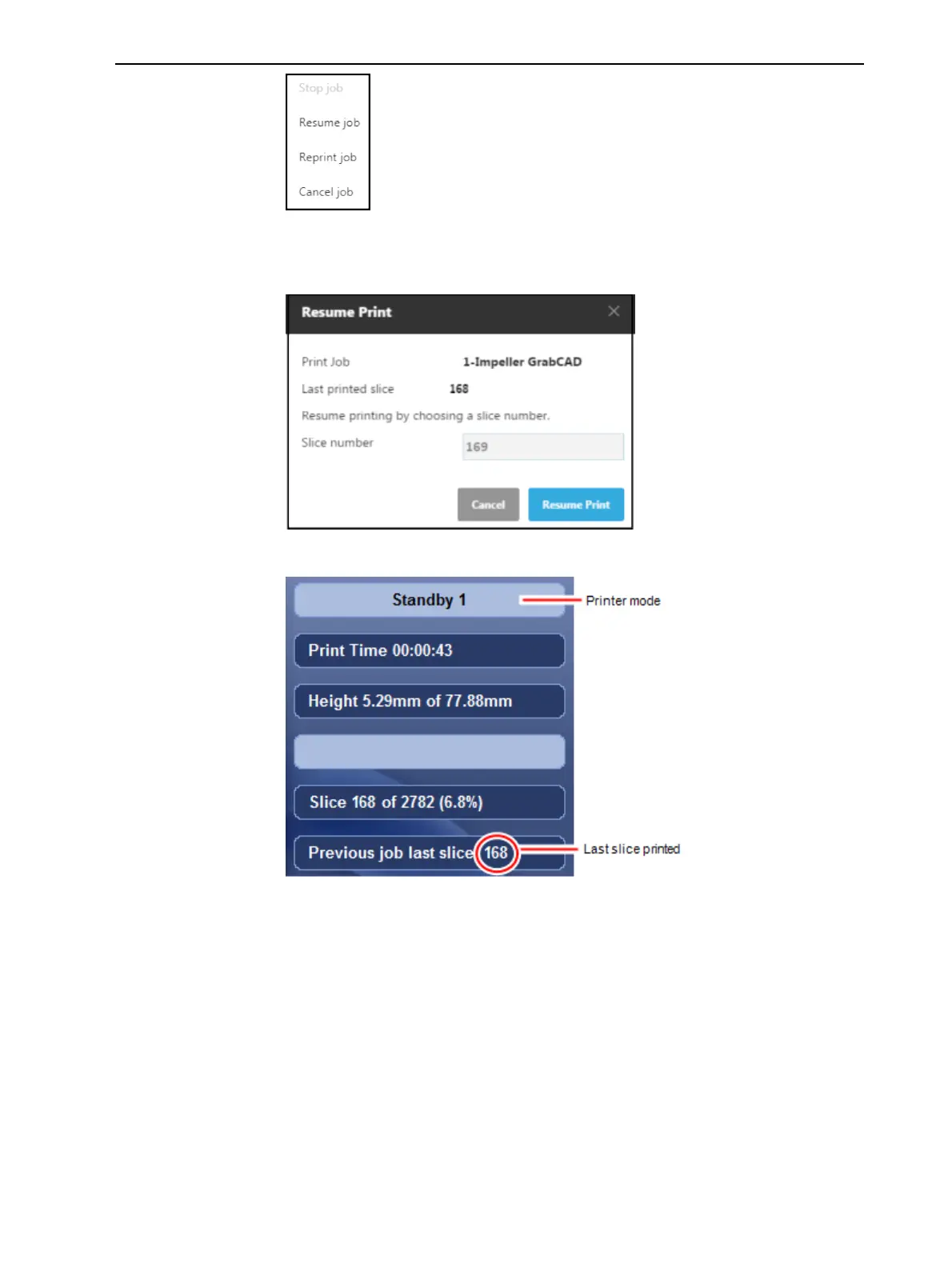
6. In GrabCAD Print, make sure that the correct slice number is entered in the
dialog box.
Figure 4-8 Slice confirmation in GrabCAD Print
Figure 4-9 Printer interface after interrupted printing
7. If, for any reason, the correct number does not appear in the dialog box,
enter the number and click OK.
You cannot continue printing if:
• The number of the last slice printed does not appear in the printer interface,
even if the server computer displays the confirmation dialog box.
• There was a relatively long interruption in printing, even if the “last slice” and
indicators are correct. This is because the part already printed might slightly
deform or shrink before printing continues, causing a visible difference
between it and the part printed later. The effects of a printing stoppage















 To Next Page