Stratasys J826 User Guide 4 Operating and Maintaining the Printer
DOC-28000 Rev. I 4-55
Cleaning the Print-Head Splash Shield
To prevent excess printing material from accumulating around the print heads,
a splash shield is installed on the bottom of the print block. Remove the shield
and clean it once a month, when cleaning the print heads (see "Cleaning the
Print Heads, UV Lamp Glass, Roller and Wiper" on page 4-38).
To remove the print-head splash shield:
1. Run the Cleaning wizard from the Options menu.
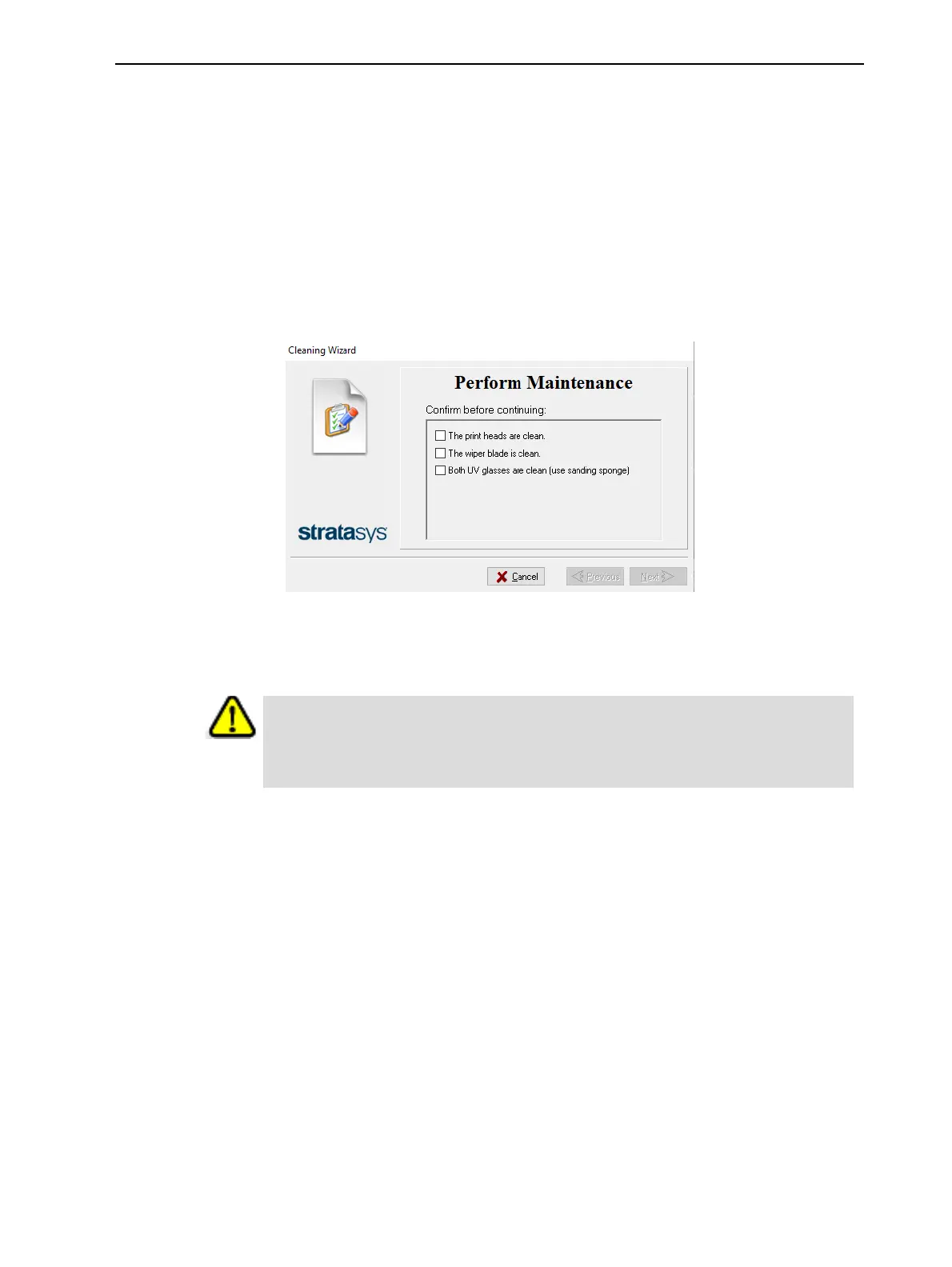
When the printer moves components to the cleaning position, the following
screen appears.
Figure 4-71 Wizard screen during cleaning tasks
2. Open the printer and place a mirror on the build tray.
3. Put on cleaning gloves.
Caution
Uncured printing material on the print heads might cause skin irritation. Use
disposable cleaning gloves to protect your hands.















 To Next Page