Stratasys J826 User Guide 4 Operating and Maintaining the Printer
DOC-28000 Rev. I 4-56
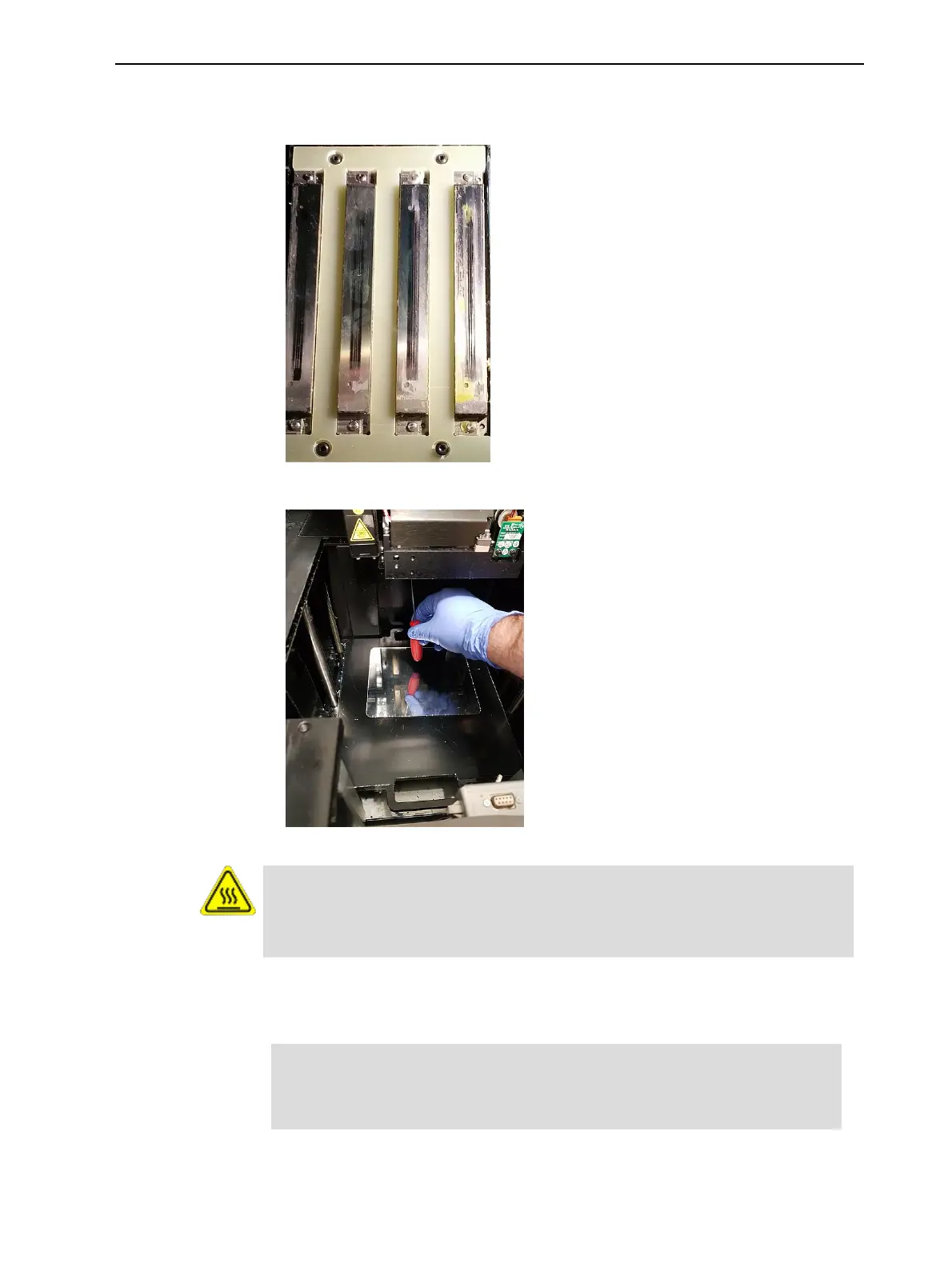
4. Using a 2-mm hex (Allen) key, remove the screws to remove the splash
shield.
Figure 4-72 Print-head splash shield installed on the print block
Figure 4-73 Removing the print-head splash shield
Warning: Hot Surface
The print head orifice plates (bottom surface) may be hot. Do not touch
them with your bare hands, and proceed with caution.
5. Soak a cleaning cloth with 90% alcohol and clean the splash shield.
6. Return the splash shield to the print block and secure it with four (4) screws.
After cleaning the print heads and the splash shield, continue with step 9
in the daily cleaning routine (see "Cleaning the Print Heads, UV Lamp
Glass, Roller and Wiper" on page 4-41).















 To Next Page