Stratasys J826 User Guide 4 Operating and Maintaining the Printer
DOC-28000 Rev. I 4-41
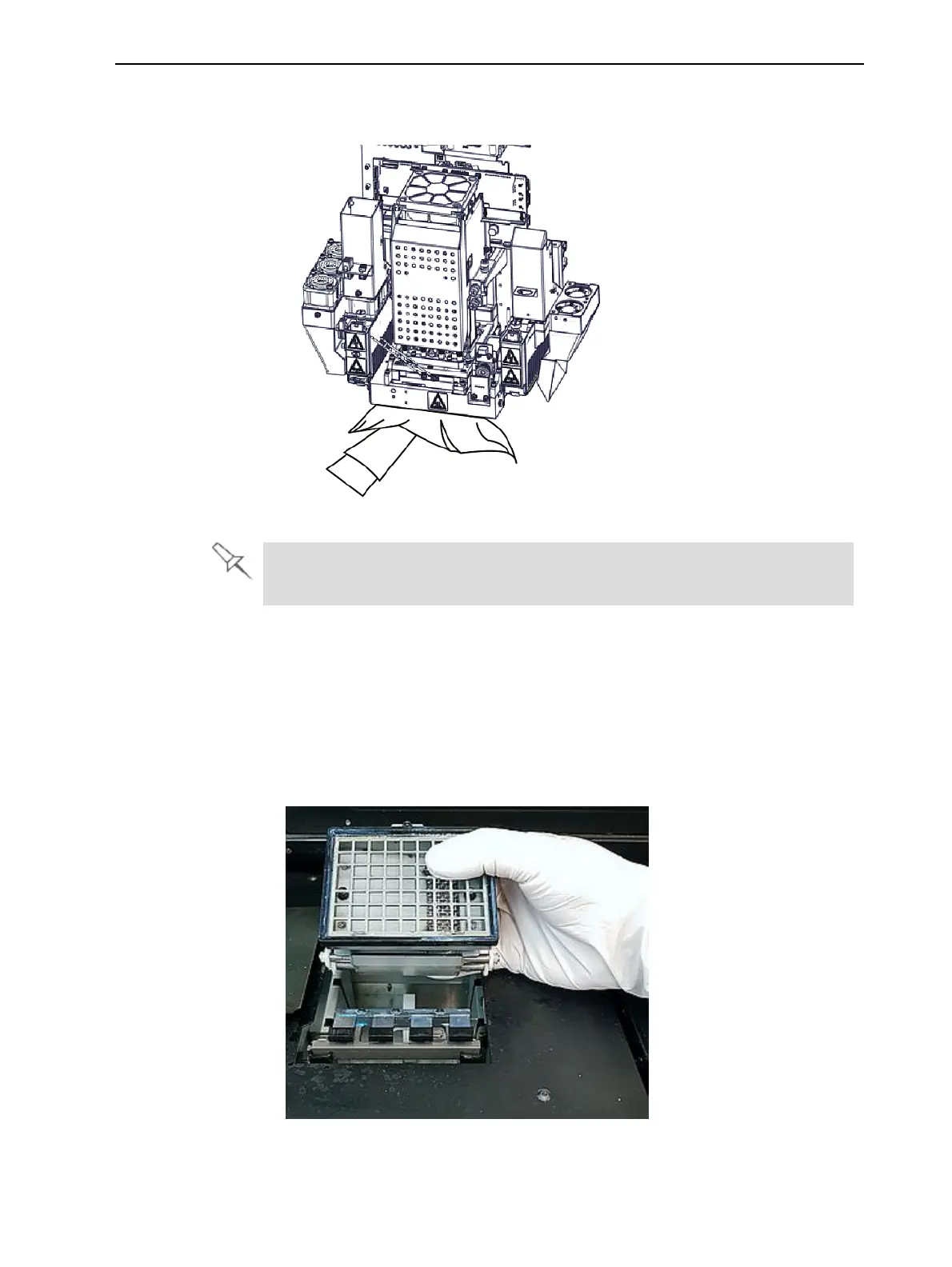
8. Clean the orifice plates, with a back-and-forth motion. Use the mirror to
make sure that you have removed all of the residue material.
Figure 4-46 Cleaning the heads
Once a month, remove and clean the print-head splash shield. (See step 4
on page 4-56.)
9. Using the supplied cleaning sponge, clean the glass lens on both UV
lamps.
10. Using the alcohol-soaked cleaning cloth, remove any material remaining on
the wiper and the surrounding area.
11. Remove any pieces of waste material collected in the purge unit. If
necessary, remove the waste collector to clean it. Wipe the rubber seal.
Figure 4-47 Removing the purge unit waste collector















 To Next Page