Stratasys J826 User Guide 4 Operating and Maintaining the Printer
DOC-28000 Rev. I 4-43
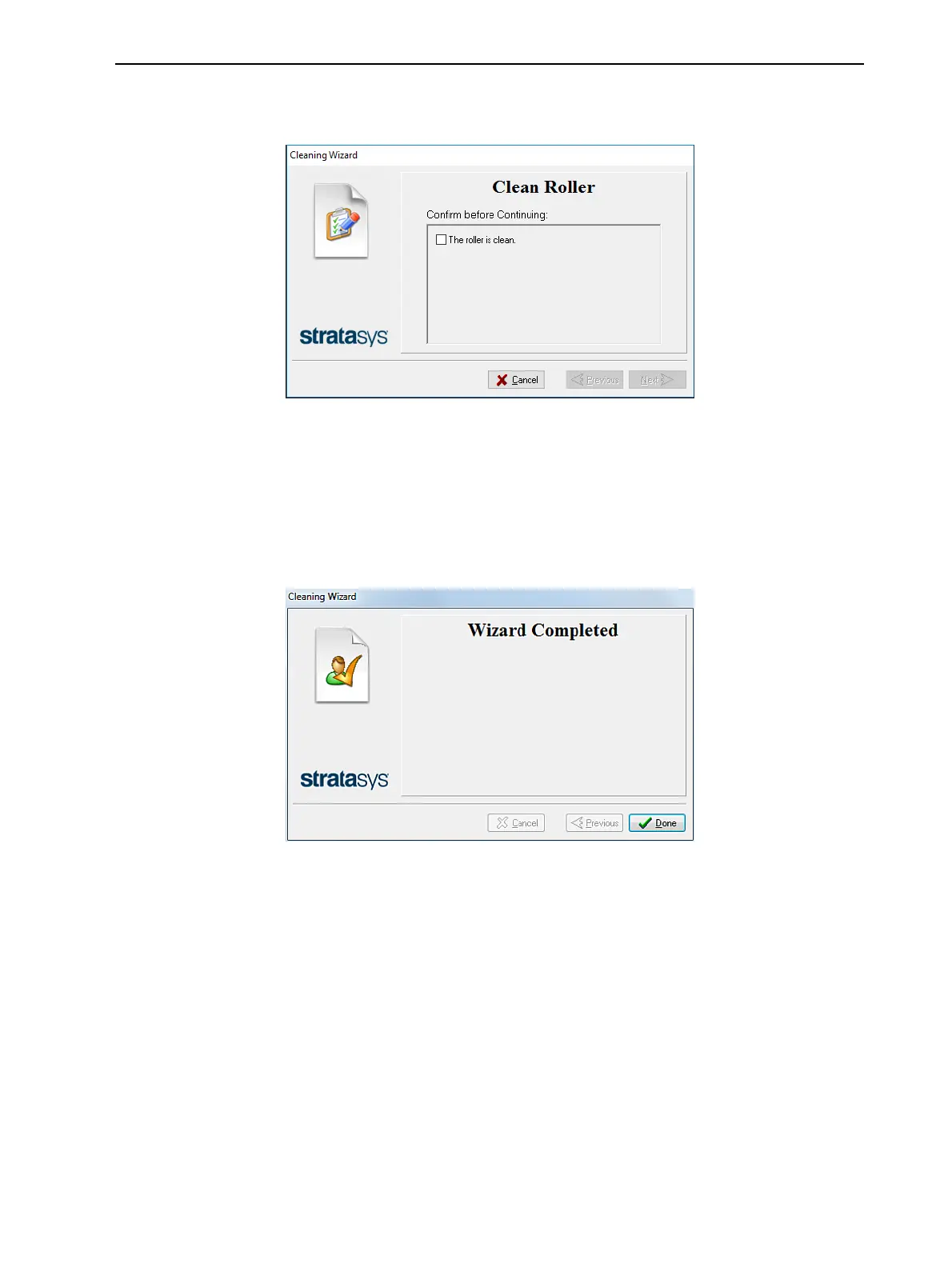
16. When the roller is clean, select the confirmation check box in the wizard
screen and click Next.
Figure 4-49 Clean-roller confirmation
The roller stops rotating when you click Next.
17. Remove the cleaning materials from the printer and close the printer cover.
18. Select the confirmation check boxes in the wizard screen and click Next.
The head-purge cycle begins. When this is complete, the final wizard
screen appears.
Figure 4-50 Cleaning wizard—final screen
19. Click Done to close the wizard.
Cleaning the Roller Waste Collector and Inspecting the Roller Scraper
The roller waste collector removes waste material scraped from the roller.
Suction removes this waste to the printer’s waste container.
This assembly should be cleaned weekly to prevent a blockage in the tubes
leading to the waste container, so that waste material does not overflow into
the printer.















 To Next Page