Stratasys J826 User Guide 4 Operating and Maintaining the Printer
DOC-28000 Rev. I 4-42
Note: When returning the waste collector to the purge unit, make sure to insert
it as shown.
12. Inspect the wiper.
If the wiper is scratched, torn or worn, or if you cannot clean it completely,
replace it.
a. Grasp it and pull it up and out of its bracket.
b. Insert the new wiper blade, making sure that it is straight and secured
well on both sides.
13. Select the confirmation check boxes in the wizard screen (see Figure 4-45)
and click Next.
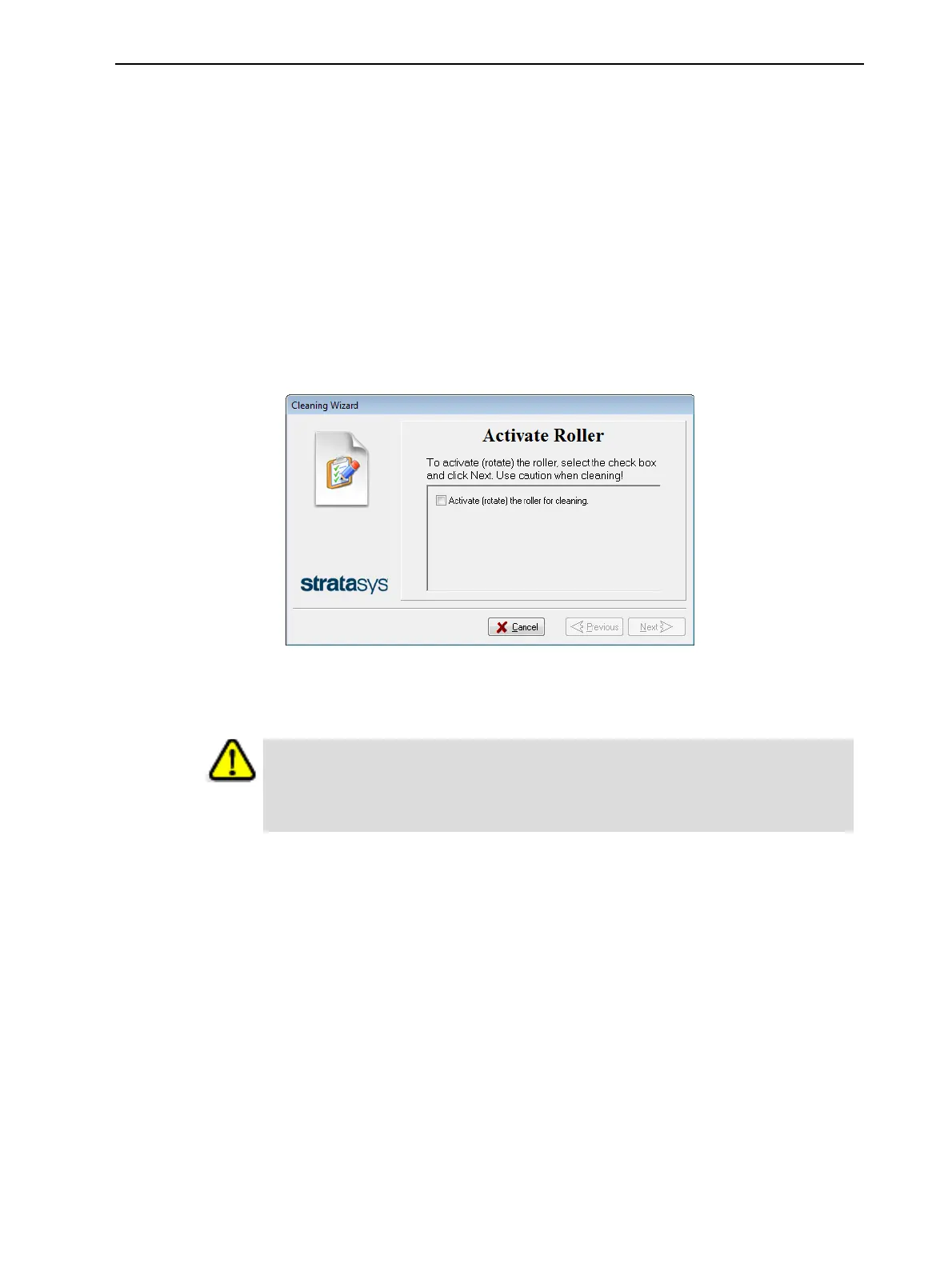
14. Activate the roller, so that it rotates while you clean it.
Figure 4-48 Roller-rotation activation
15. With a cleaning cloth soaked with alcohol, clean the roller surface, as it is
rotating.
Caution
Use caution when cleaning the rotating roller. Use a cleaning cloth or the
supplied UV sanding sponge.















 To Next Page