Stratasys J826 User Guide 4 Operating and Maintaining the Printer
DOC-28000 Rev. I 4-35
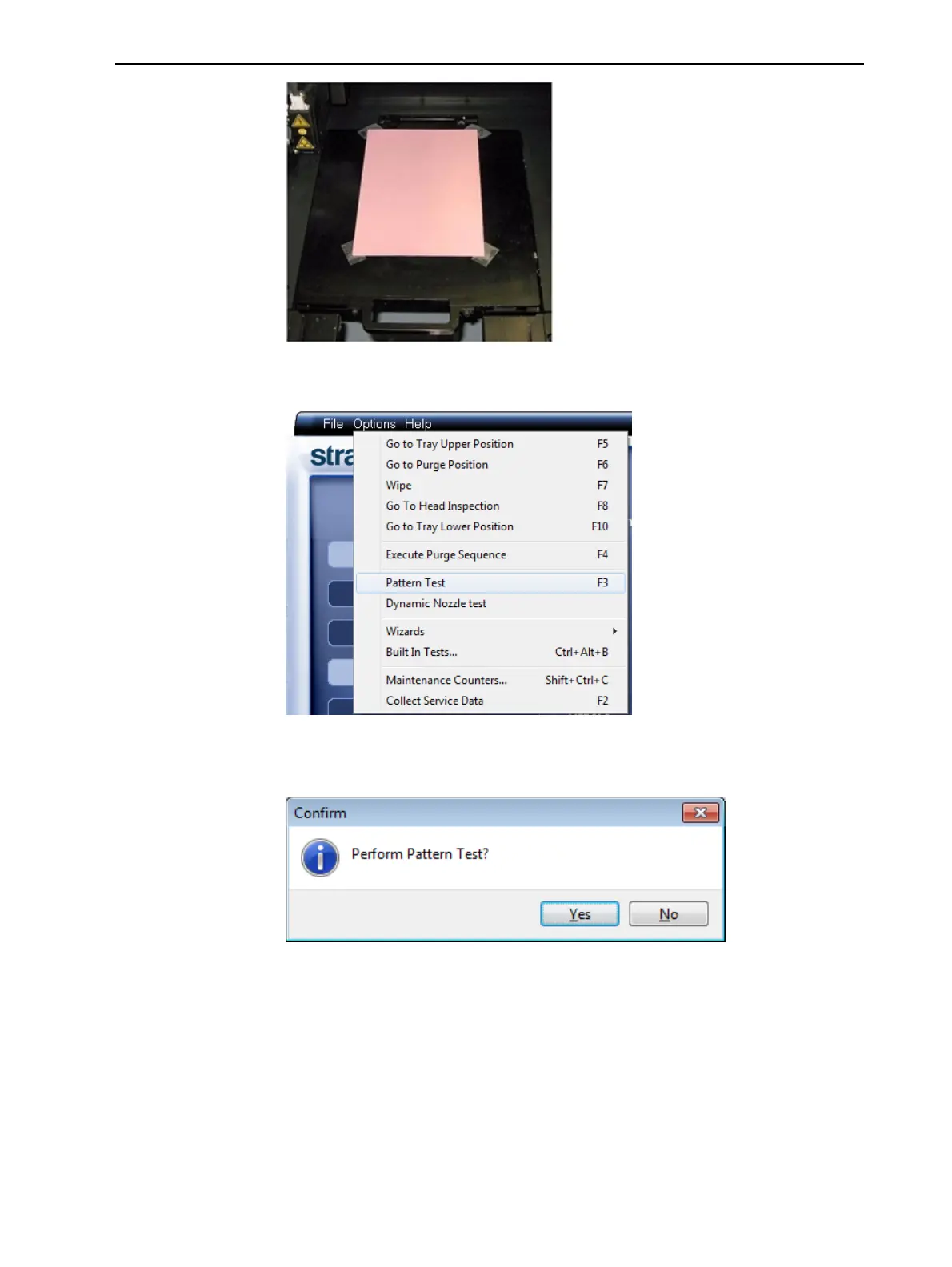
4. Press F3, or open the Options menu and select Pattern Test.
Figure 4-38 Selecting Pattern Test
5. Click Yes in the Confirm dialog box to begin.
Figure 4-39 Pattern Test confirmation
6. If the build tray is not clear, click No in the following dialog box.















 To Next Page