Stratasys J826 User Guide 4 Operating and Maintaining the Printer
DOC-28000 Rev. I 4-50
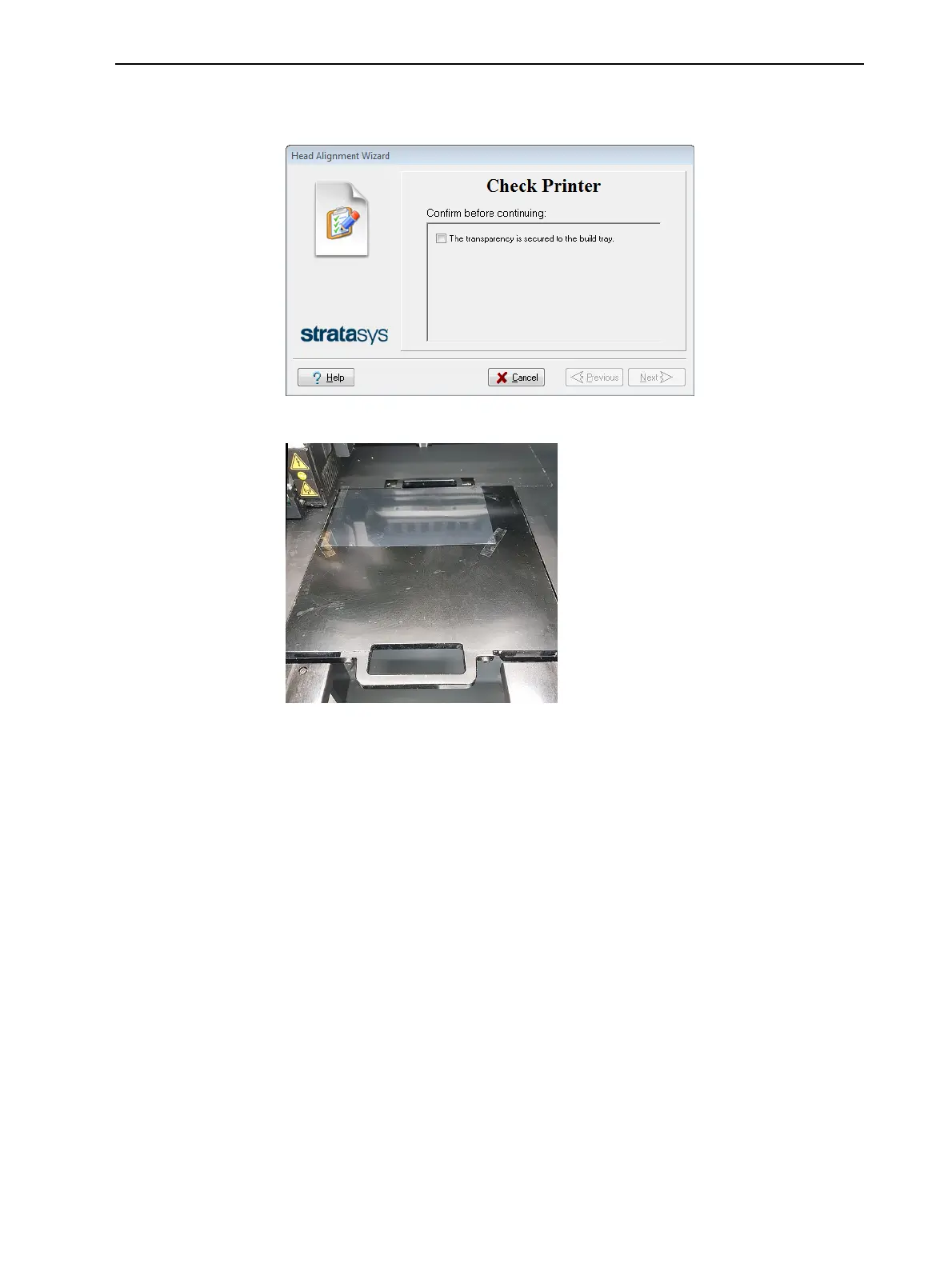
3. When the following screen appears, place the transparency on the build
tray—next to the left and rear edges of the tray (see below).
Figure 4-62 Transparency confirmation
Figure 4-63 Positioning the transparency on the build tray
4. Make sure that the transparency sheet is lying flat, and tape it to the tray.
5. Close the printer cover.
6. In the wizard screen, select the check box to confirm that the transparency
sheet is secured to the build tray, and click Next.















 To Next Page