Objet500 User Guide 6 Operating and Maintaining the Objet500 3DPrinter
DOC-07027 Rev.E 6-42
12.ClickNexttodisplaythenextheadalignmentscreen,andagainselectthe
numberrepresentingthemostcloselyalignedverticallinesonthe
transparencyforthatprinthead.
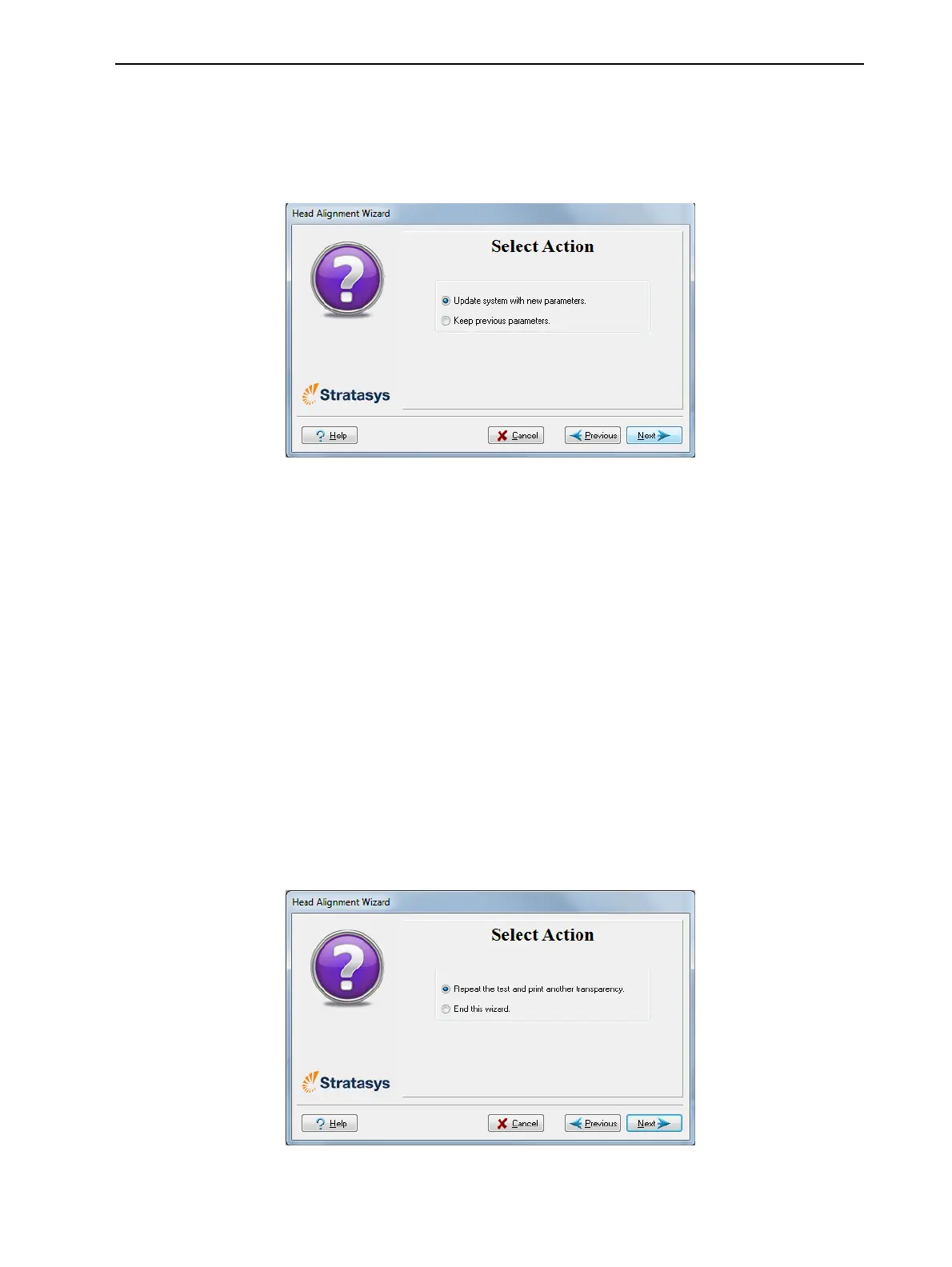
Whenyouhavefinishedaligningalloftheheads,thefollowingscreenis
displayed.
Figure6-52Parameterupdateconfirmation
13.Continueasfollows:
❒ Tomakethealignmentchangesintheprinter,makesurethatUpdate
system with new parametersisselected,andclickNext.
❒ Torecheckthealignmenttestresultsbeforemakingthealignment
changesintheprinter,clickPrevious.
❒ Ifyoudonotwanttomakealignmentchangesintheprinteratthis
time,selectKeep previous parameters andclickNext.
14.Inthefollowingscreen,youcanchoosetoeitherrepeatthehead
alignmentprocedureorclosethewizard.
❒ Ifthemostcloselyalignedverticallinesforaprintheadwereateither
extreme,chooseYestoruntheHeadAlignmentwizardagain,then
clickNext.
Thetransparencytestwillshowiftheheadsarenowproperlyaligned,
and—ifnot—thewizardwillallowyouto“finetune”thealignment.
❒ Iftheverticallinesfortheprintheadswerenotalignedateither
extreme,chooseNotoclosethewizard,thenclickNext.
Figure6-53Repeat head alignmentoption



 To Next Page