Objet500 User Guide 6 Operating and Maintaining the Objet500 3DPrinter
DOC-07027 Rev.E 6-79
TestResults
Tosaveandviewareportofalltests:
➢ UsetheSaveandViewcommandbuttons.
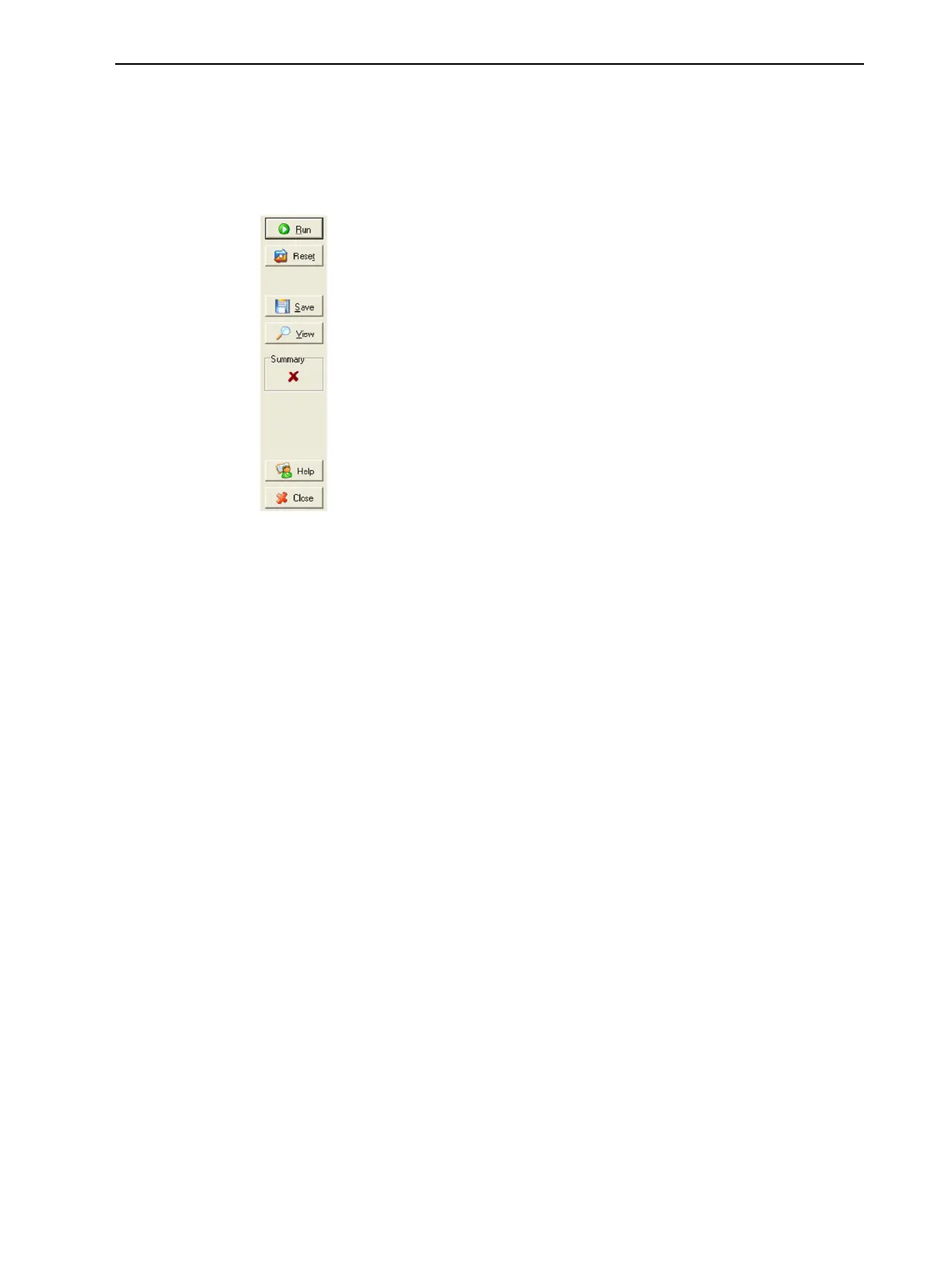
CommandButtons
Youclickthecommandbuttons,ontherightsideofthescreen,toperform
thefollowingoperations:
Run
Clicktoruntheselectedtests.
Reset
Clicktoclearpreviouslyruntests.Thisreturnsthestatusofeachtestto
Unknown(?).
Save
Clicktosaveareportthatsummarizesthetestsrun.Thereportissavedasan
HTMLfile.Youcansaveanynumberofreportsforthetestsyourun;the
nameofthefilesavedisBITReport[date][time].htm.Bydefault,thesefilesare
savedintheObjet500installationfolder,butyoucansaveitinanyother
folder.
View
Clicktodisplaythelatesttestreportthatyousaved.(Youcanviewothertest
reportsbyopeningtherelevantfilesinyourWebbrowser.Todoso,open
WindowsExplorer,anddoubleclicktheBITReport file.)



 To Next Page