Objet500 User Guide 5 Using Objet Studio
DOC-07027 Rev.E 5-15
❒ Numberofcopies—Howmanycopiesofthisobjecttoplaceonthe
buildtray.
❒ OrientAutomatically—Automaticallyorientobjectsonthebuildtrayfor
efficientmodelbuilding.
❒ Assembly—Markthischeckboxifyouselectedmultiplestlfilesthat
arepartofanassembly.
Note: TheExtentsvaluesdisplayedintheCoordinatessectionoftheInsert
dialogbox,representthemaximumdimensionsoftheobjectoneachaxis.
Thesedimensionscorrespondtothevirtual“boundingbox”surroundingthe
objectseeFigure5-54onpage5-47).
6. ClickInsert.
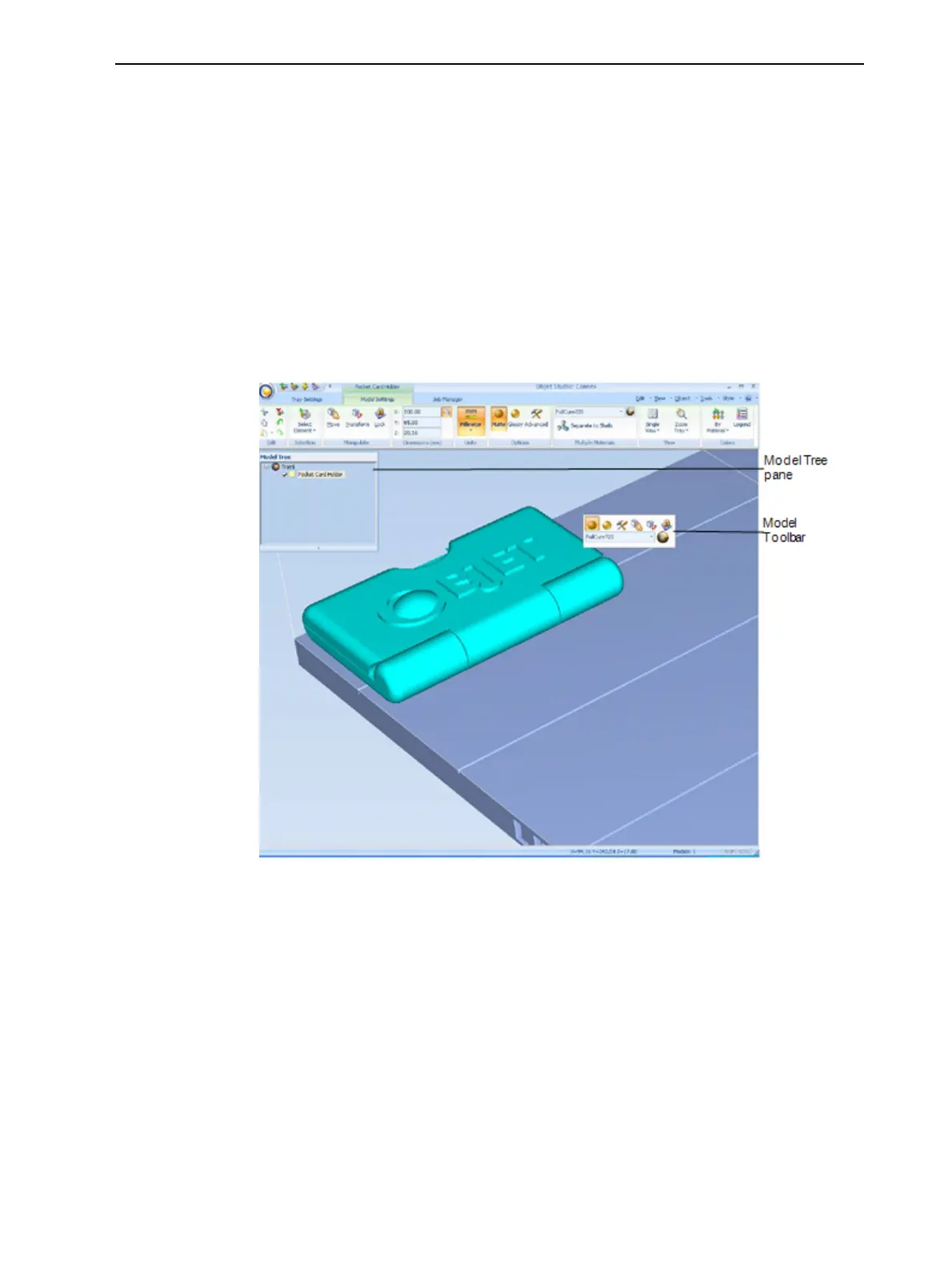
ObjetStudioplacestheobjectonthebuildtray,andinthemodeltree.
Figure5-13Defaultscreenlayout
TheModel Settingsribbonisdisplayedwhenobjectsareplacedonthe
buildtray.



 To Next Page