Objet500 User Guide 5 Using Objet Studio
DOC-07027 Rev.E 5-28
Assigning a
Model Material
to Objects
Youcanassignanyoftheavailablematerialstoobjectsonthebuildtray.
Toassignamodelmaterialtoobjects:
1. Selectanobjectonthebuildtray(see"SelectingObjects"onpage5-21).
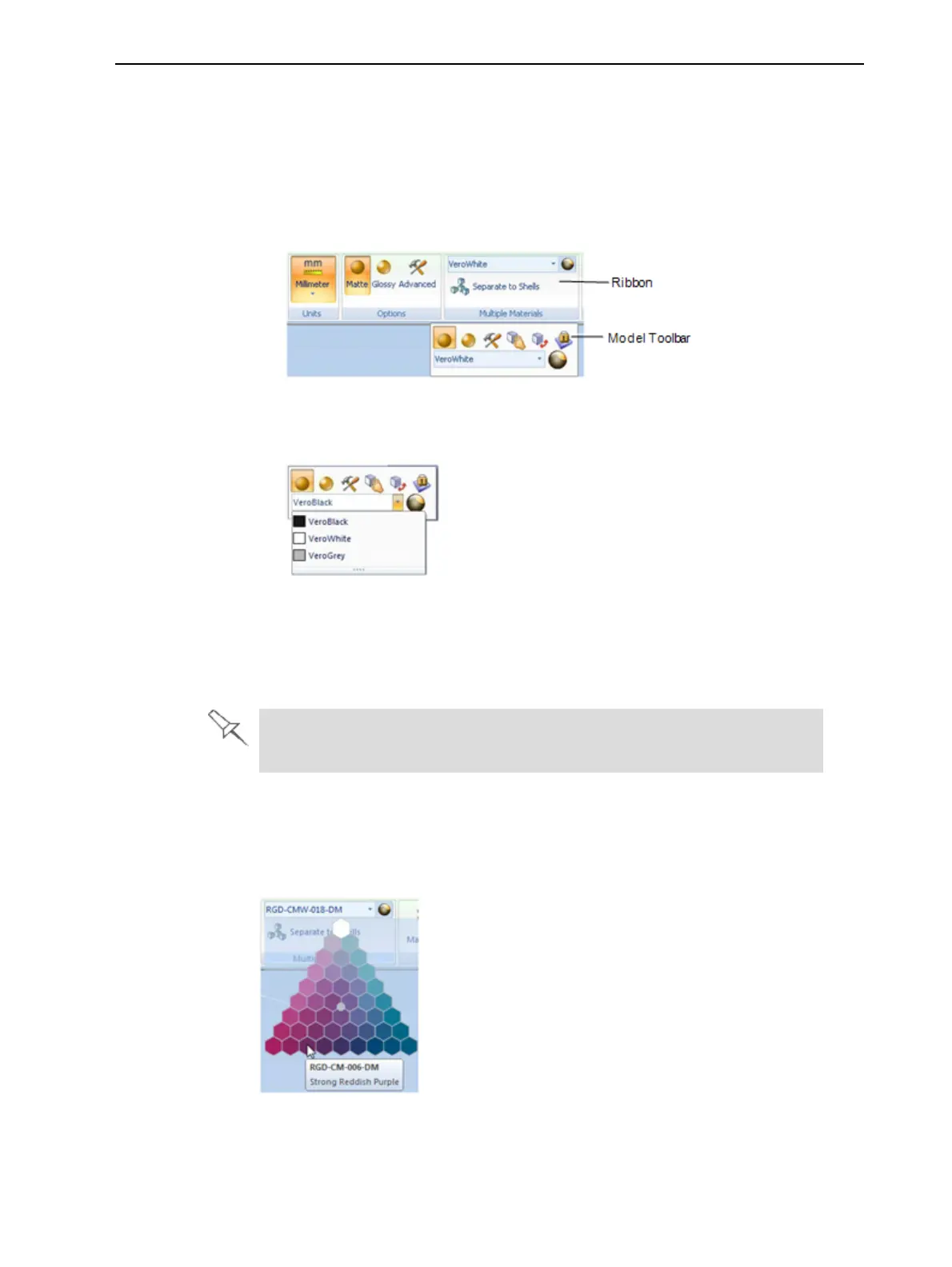
Whenanobjectisselected,itsproperties—includingmodelmaterials—are
displayedontheModelToolbarandontheribbon.
Figure5-30Objectproperties,onribbonandModelToolbar
2. Displaythematerialdrop-downlistandselectthedesiredmaterial.
Figure5-31Menuforassigningmaterialstoobjects
Whenyoude-selecttheobjectonthebuildtray,itisdisplayed,bydefault,
withthecolorofthematerialyouselected.Inthesameway,youcan
assignmodelmaterialstoeachoftheindependentobjectsonthebuild
tray.
Toseparateanobjectintoindependent,componentparts(eachanstlfile),
see"SplittingObjectsintoComponents"onpage5-23.
ColorSelection(Connex3 printers)
Youcanassignmaterialstomodelsusingacolorpaletteifcertain
combinationsofmaterialsareavailable.
Figure5-32Colorpalette



 To Next Page