Objet500 User Guide 5 Using Objet Studio
DOC-07027 Rev.E 5-61
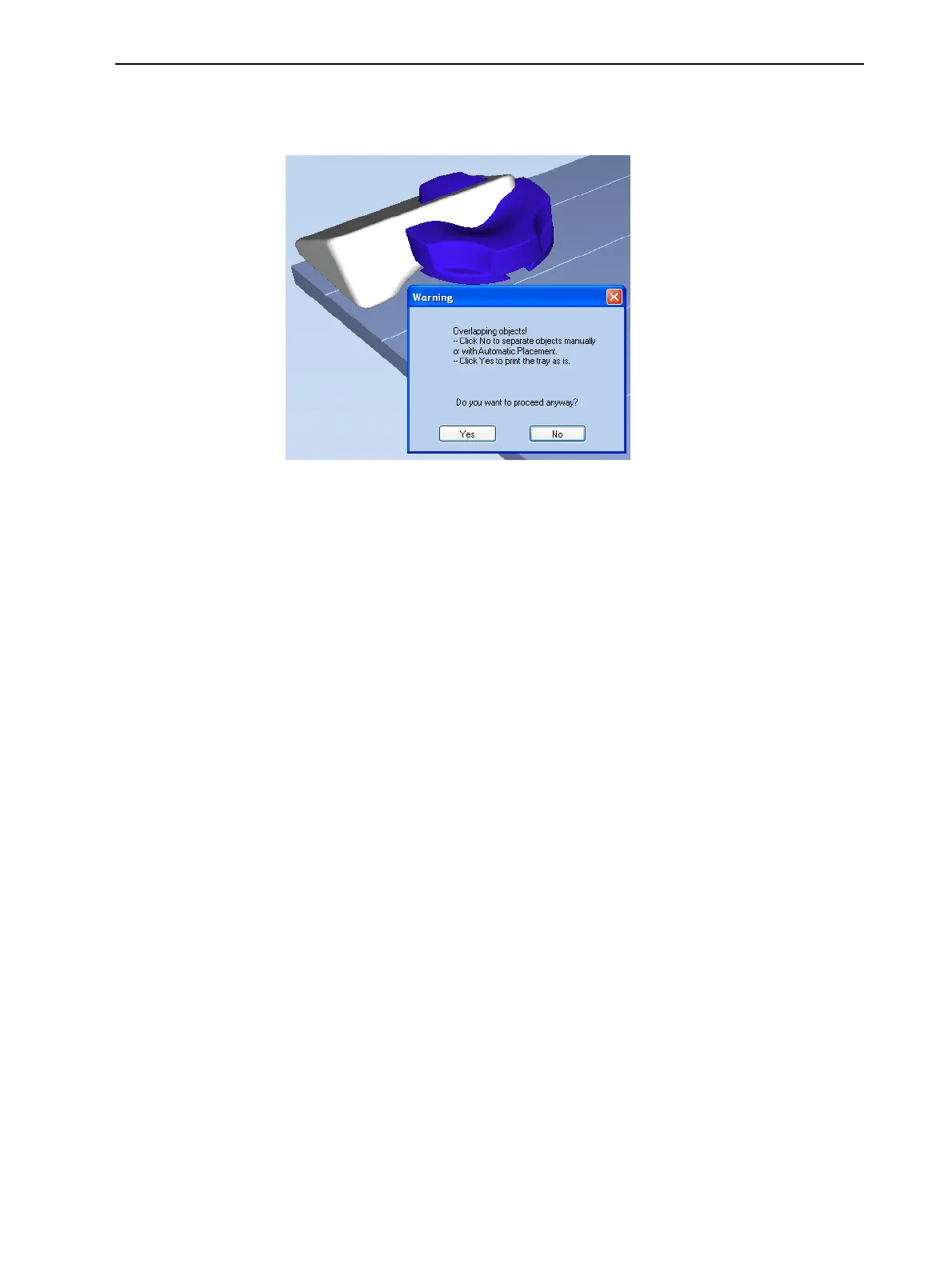
ObjetStudiochecksifthereisaproblemwiththepositioningofobjects
onthetray.Ifso,theaffectedobjectsaredisplayedwithspecialcolors(see
"TrayValidation"onpage5-55),andawarningmessageappears.
Figure5-76Trayvalidationwarningmessage
❒ TocanceltheBuildcommandsoyoucancorrecttheproblem,click
No.
❒ Toprintthemodelsastheyarepositionedonthetray,clickYes.
TheJob Managerscreenopens,soyoucanmonitortheprogressofyour
trays—before,during,andafterprinting.See"MonitoringandManaging
PrintJobs"onpage5-82.



 To Next Page