33 MA_441-1-2_A1_180830_en
4.17.2
Activation of control panels by code.
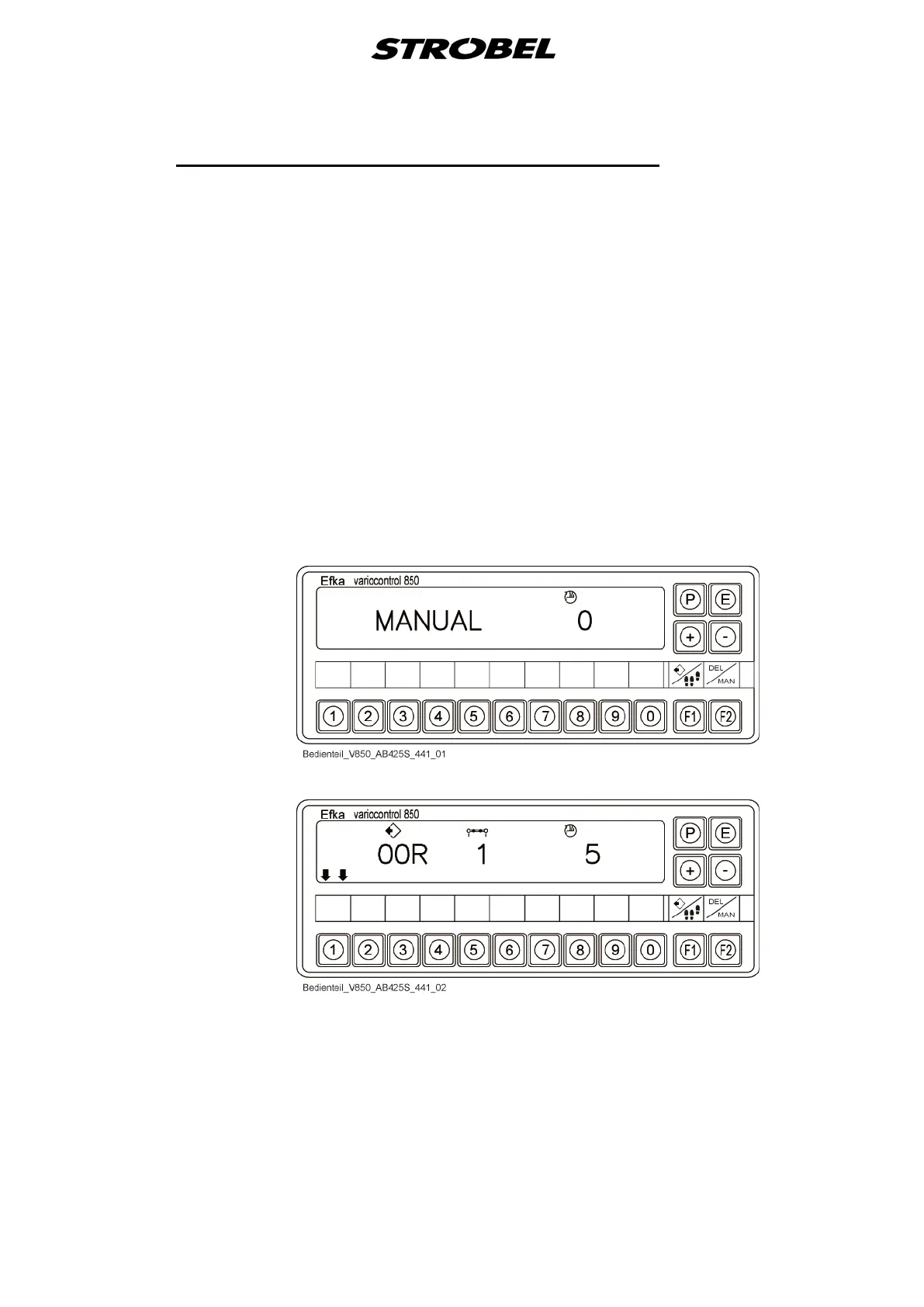
Working with operating control (V850) (Fig. 20)
For activation you need a two part code, available from your Strobel agent.
Procedure of activation:
- Press and hold button “P” and switch on the machine by “S1”
- Open the supplier level by code “3112” and confirm with “E”
- Select parameter “F-798” and confirm with “E”, for code-A
- Enter the 5-digit code-A and confirm with “E”
- Select parameter “F-799” and confirm with “E”, for code-B
- Enter the 5-digit code-B
- Save data by pressing “P” two times
Fig. 20
Example:
Example:


 To Next Page