39 MA_441-1-2_A1_180830_en
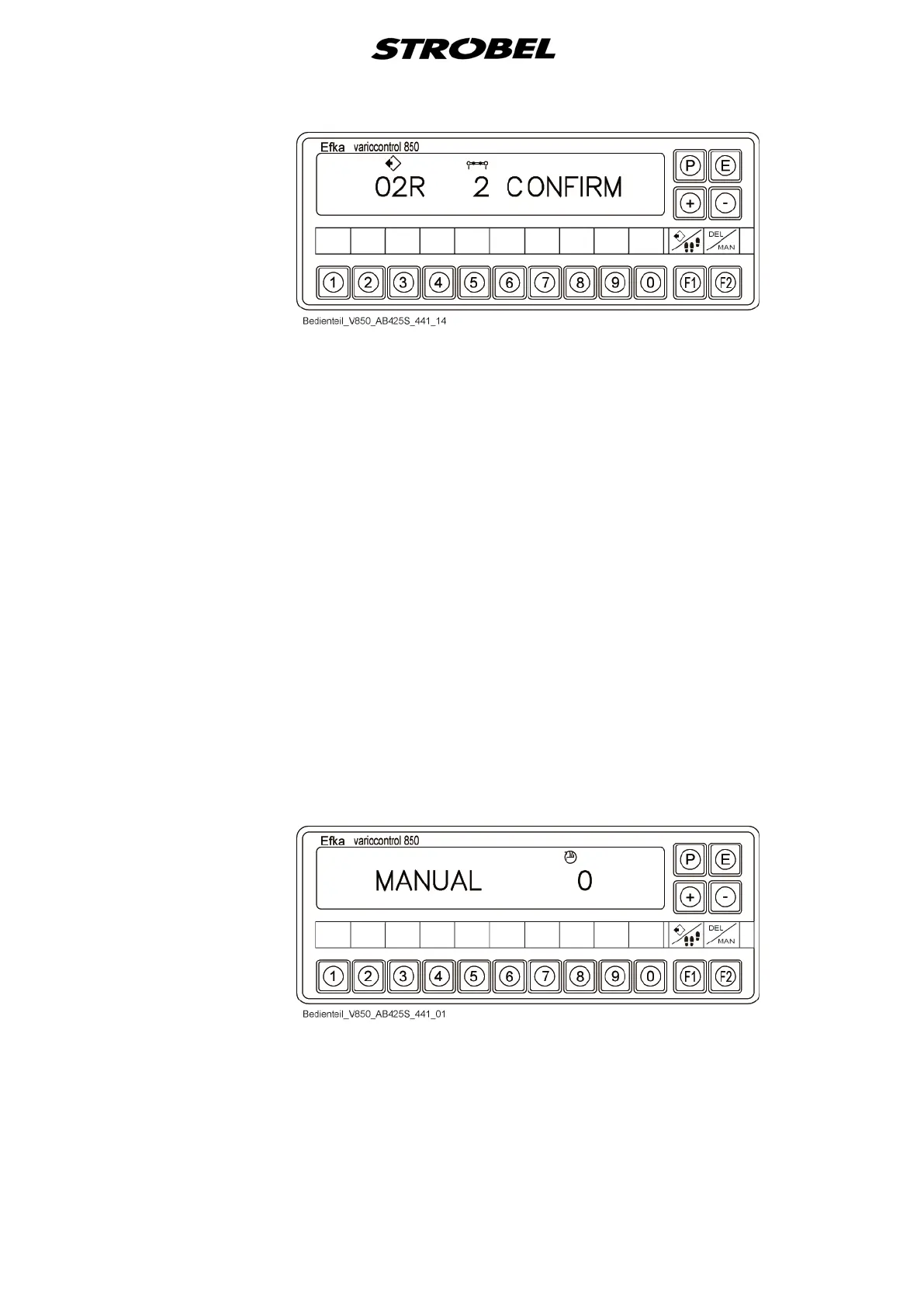
- To make sure, the deletion needs to be confirmed by pressing the "E"
button again.
- Save and return to the display "Standard" by pressing the "P" button.
- The deletion process is also transferred to the second associated
program (e.g. 00R+01L, 02R+03L, 04R+05L…)
Process sector
- Activate programming mode.
- Select and confirm program number.
- If the program number is invalid, "No Prog" is displayed.
- Page through to the corresponding sector with the "E" button or knee
switch.
- Set the value of the differential transport.
- Save with the "P" button
- The processing process is automatically transferred to the second
associated program (e.g. 00R+01L, 02R+03L, 04R+05L…)
- Return to the display "Standard".
5. Display "Manual mode"
- The switching of the display into manual mode is done by a
parameter.


 To Next Page