45
English
6.6 External Device
6. Operation
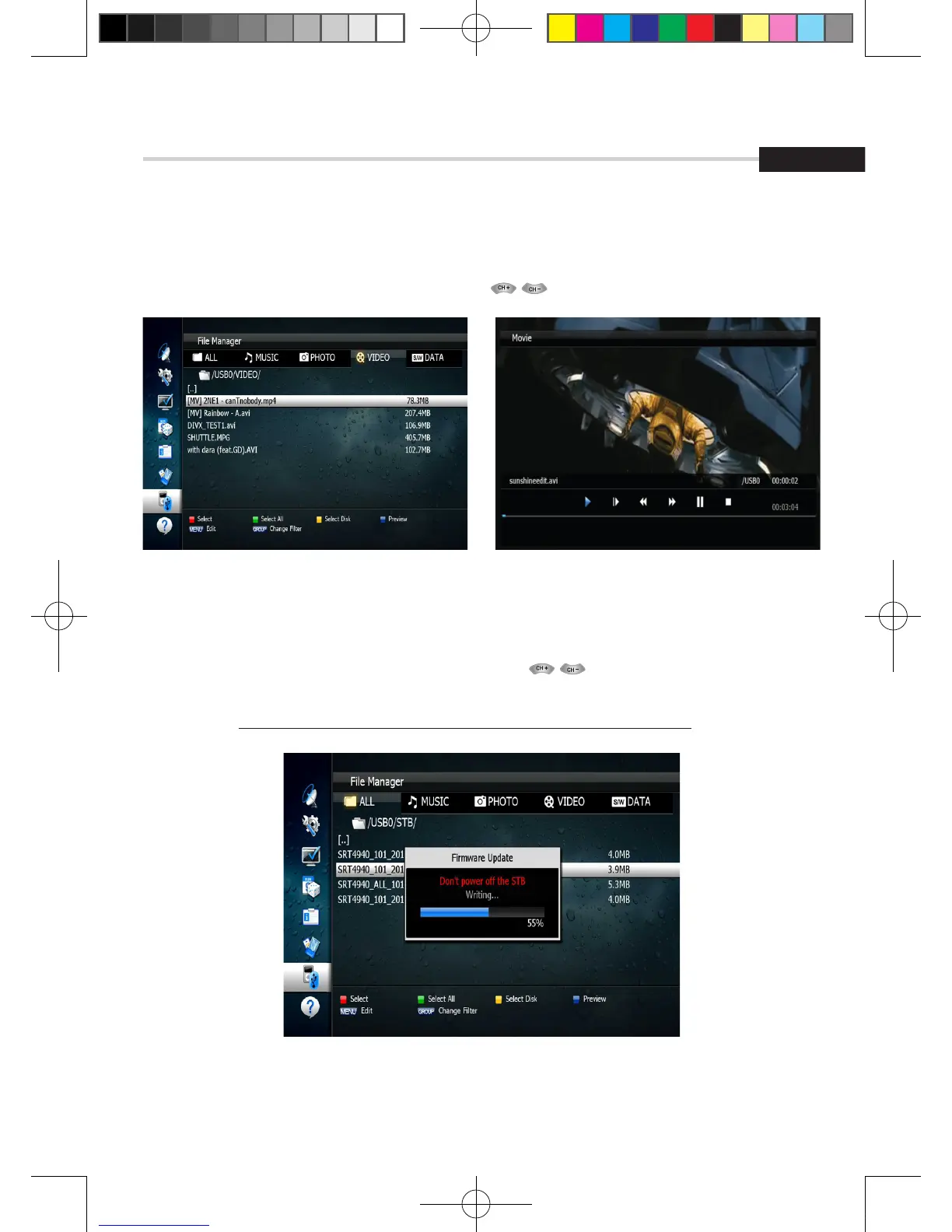
Figure 6.6.11Figure 6.6.10
Figure 6.6.12
[VIDEO Play]
1. Select the video file you want to play using the , OK in the file list.<Figure 6.6.10>
[Update (Firmware, Channel)]
1. Select the software you want to download by using in the menu.
2. Press the OK button to start the download. <Figure 6.6.12>
✽ Warning: do not switch off your receiver before the download is complete.
[2013.01.04]SRT4922A 매뉴얼_english_AUS.indd 45 2013-01-04 오후 4:50:02



 To Next Page