35
6.2 System Setting
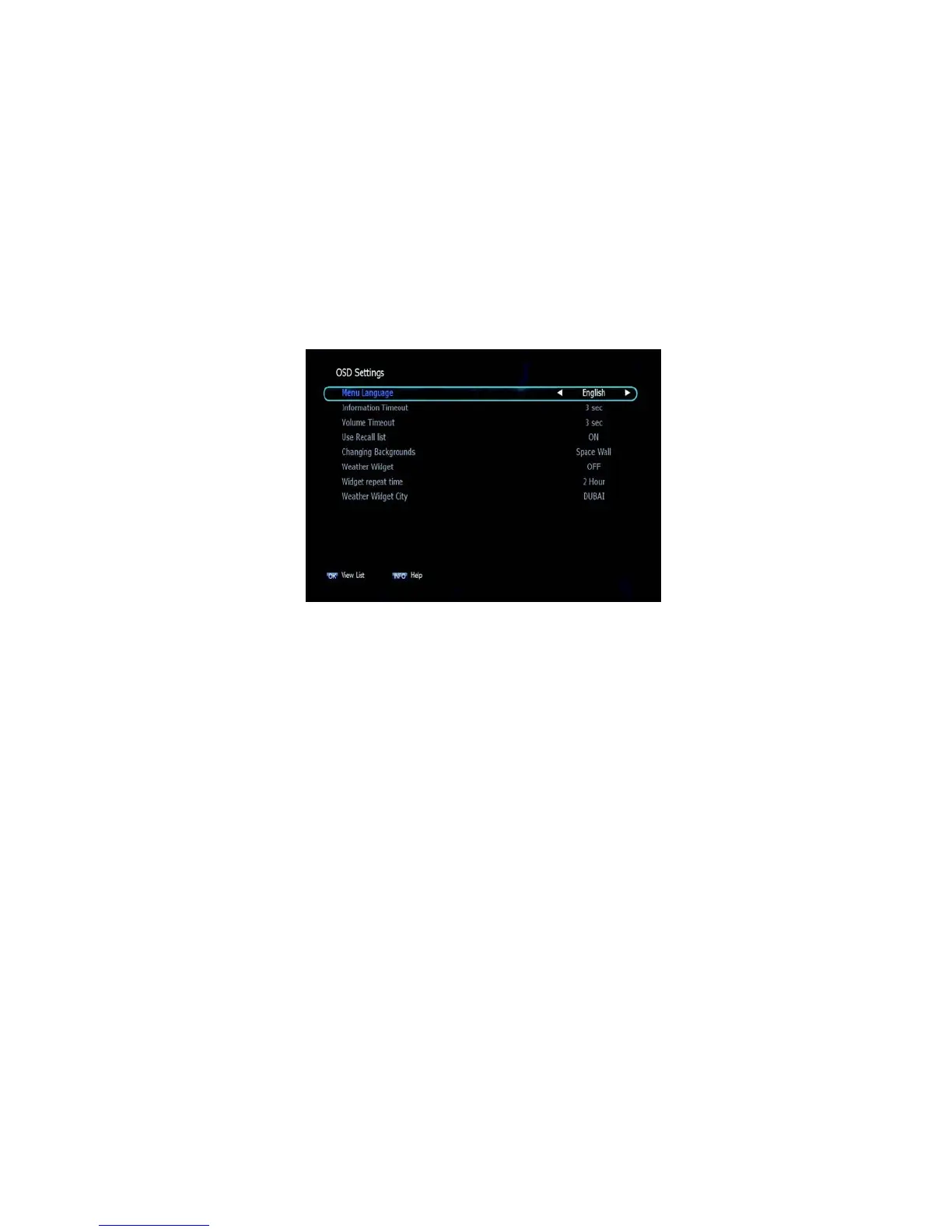
➌ OSD Settings
This submenu allows you to set the menu language, OSD
transparency and Information and Volume timeouts. <Figure
6.2.3>
▪ Menu Language: Select the desired language for the menu.
▪ Information Timeout: Select the display duration of the information
banner.
(1, 2, 3, 5 or 10 seconds)
▪ Volume Timeout: Select the display duration of the volume box. (1,
2, 3, 5 or 10 seconds)
▪ Recall List: Set ON to display previous channel list.
Figure 6.2.3



 To Next Page