14
• On the rear panel, select the 1 position of the 0/1
switch and RED standby light will be viewed on the
Display, including 4 horizontal lines.
• Push the RED Power Button on the remote control
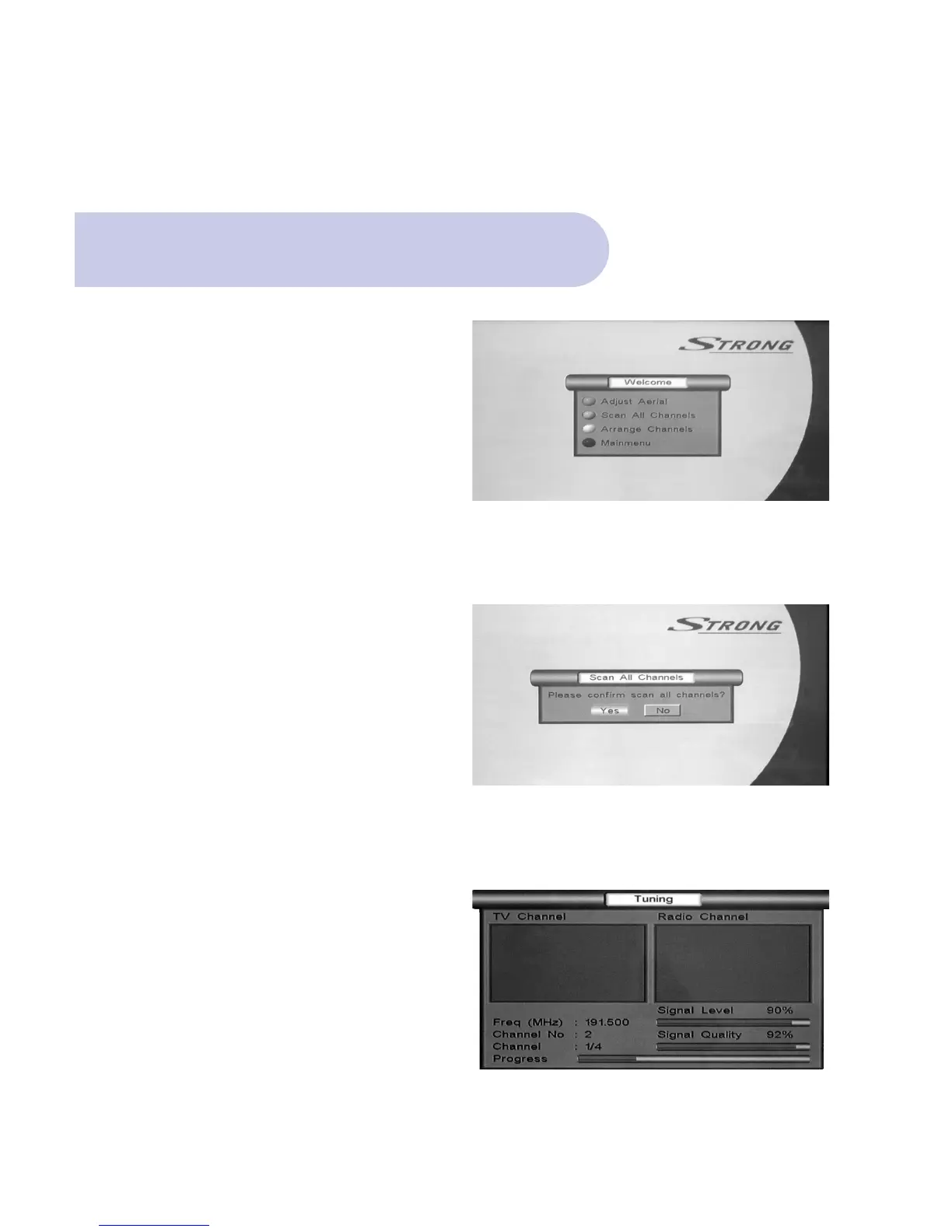
and a Welcome Banner will
appear listing 4 topics.
Power On & Auto Scan
• On the remote control, push the Green button for
Scan All Channels.
• Scan All Channels banner will appear
prompting Yes / NO
• Using R & L Scroll buttons, select YES, which will
then be highlighted
• Push OK button on the Remote Control and Unit will
now begin to scan and lock in all available
frequencies in your area.
This will take approximately one minute.



 To Next Page