STRONG HD STB User’s Manual
13
Automatic Scan Process
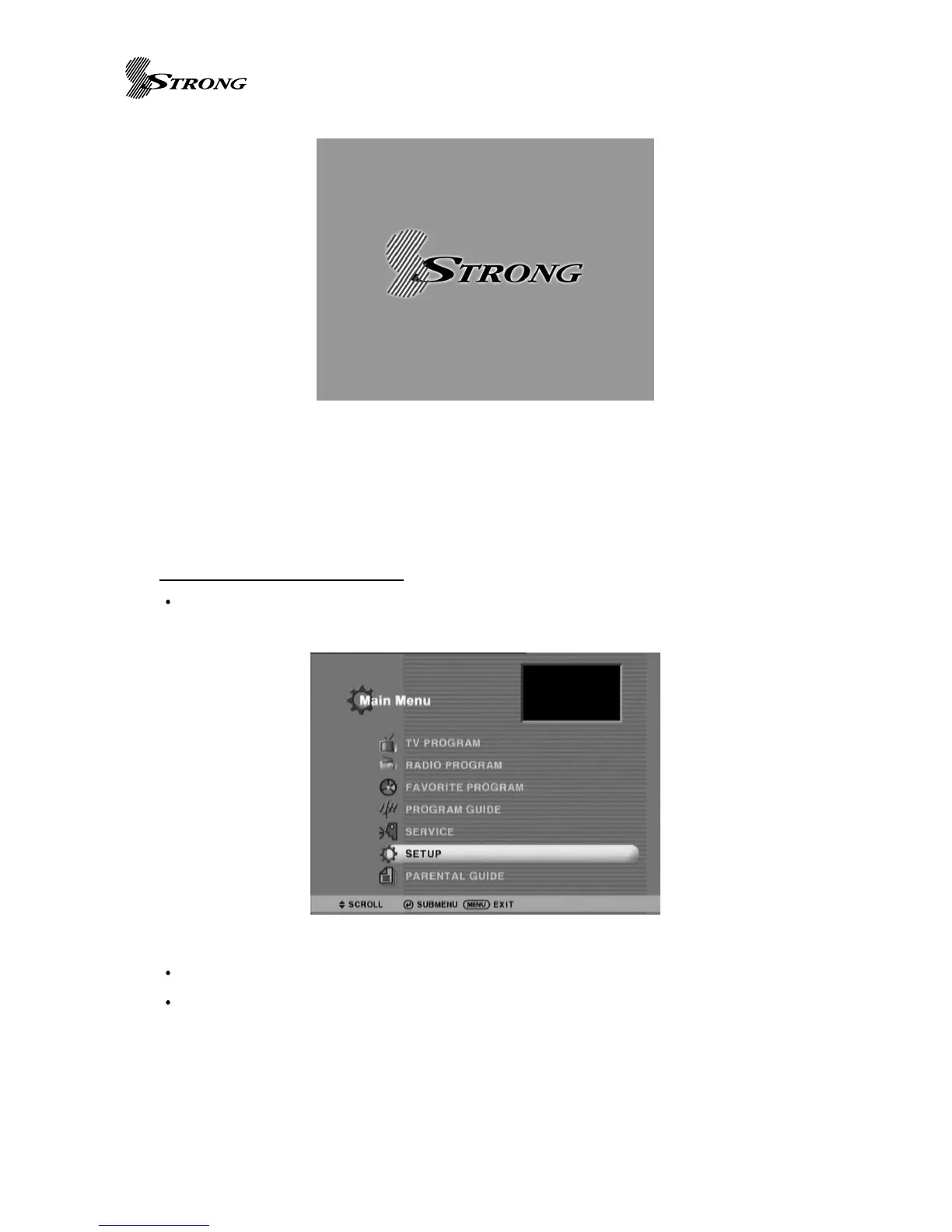
Press the Menu button (Page 7 No.26) on the remote control and a Main Menu Banner
will be viewed listing 7 topics.
Using Remote Control Up/Down Scoll Buttons, Scroll to Set Up
Push Remote Control OK Button (main centre button of Remote Control:Button 24)
Set Up banner will be viewed listing 9 topics



 To Next Page