STRONG HD STB User’s Manual
18
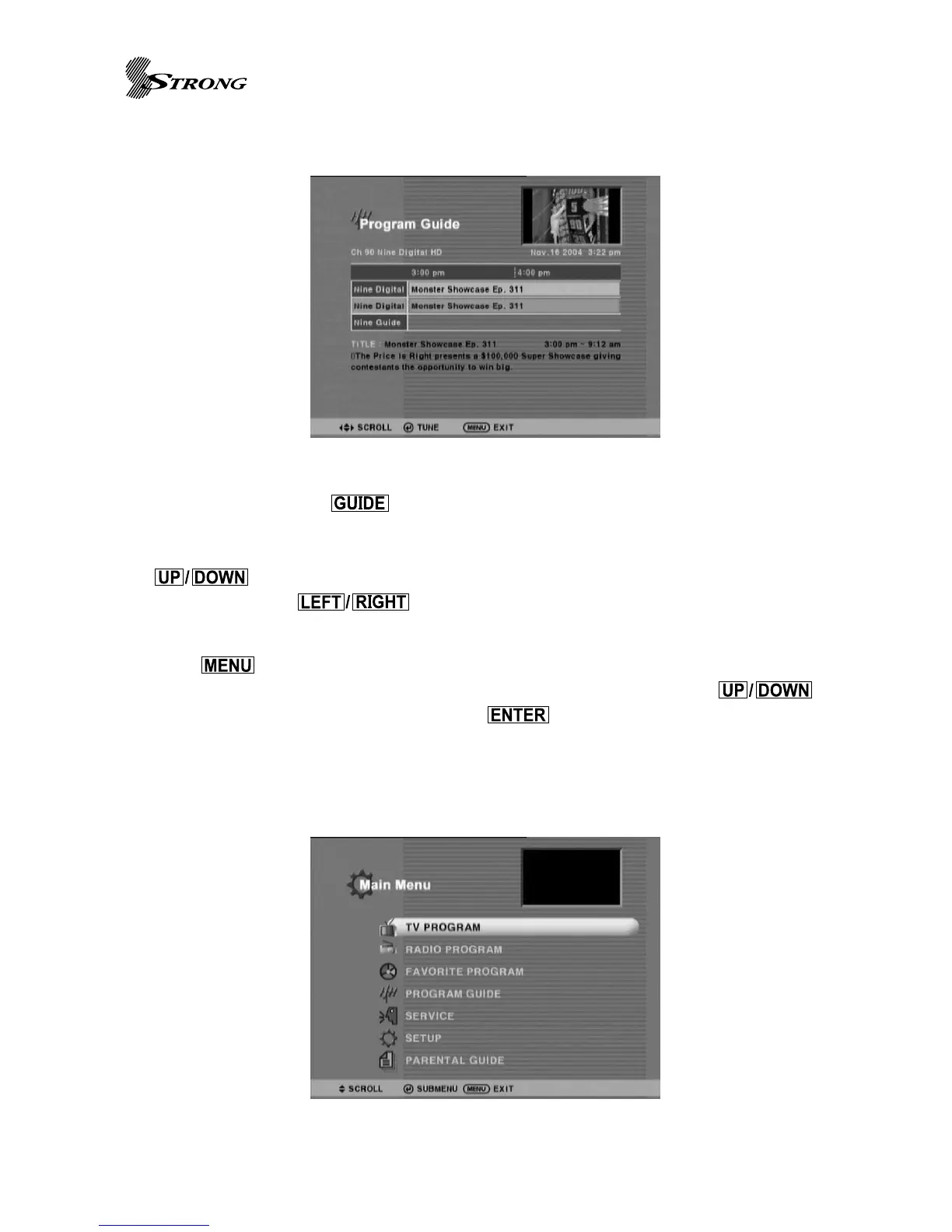
Program Guide
This page is visible with button(Page 7 No.33) press. This page shows all the
information found from Information Panel as well as additional program schedules not just
current / next event related contents. User can scroll through multiple programs with
(Page 7 No.21/25) buttons and select a program to tune it. To navigate through
different time zone, (Page 7 No.22/23) buttons are used.
Main Menu
Press button(Page 7 No.26) to invoke main menu that has 5 section entries:
Program List, Program Guide, Service, Setup, and Directory. By using the
buttons (Page 7 No.24/25) to select and use (Page 7 No.24) button the to see sub-
menu page. Once a sub-menu has been chosen the particular page is displayed and the main
menu disappears. shows an main menu of STB. Selecting Directory entity switches the STB
into playback mode.
Figure 2. Example of Program Guide Page
Figure 3. Main Menu



 To Next Page