STRONG HD STB User’s Manual
DTV SPECIFIC MENU OPERATIONS
17
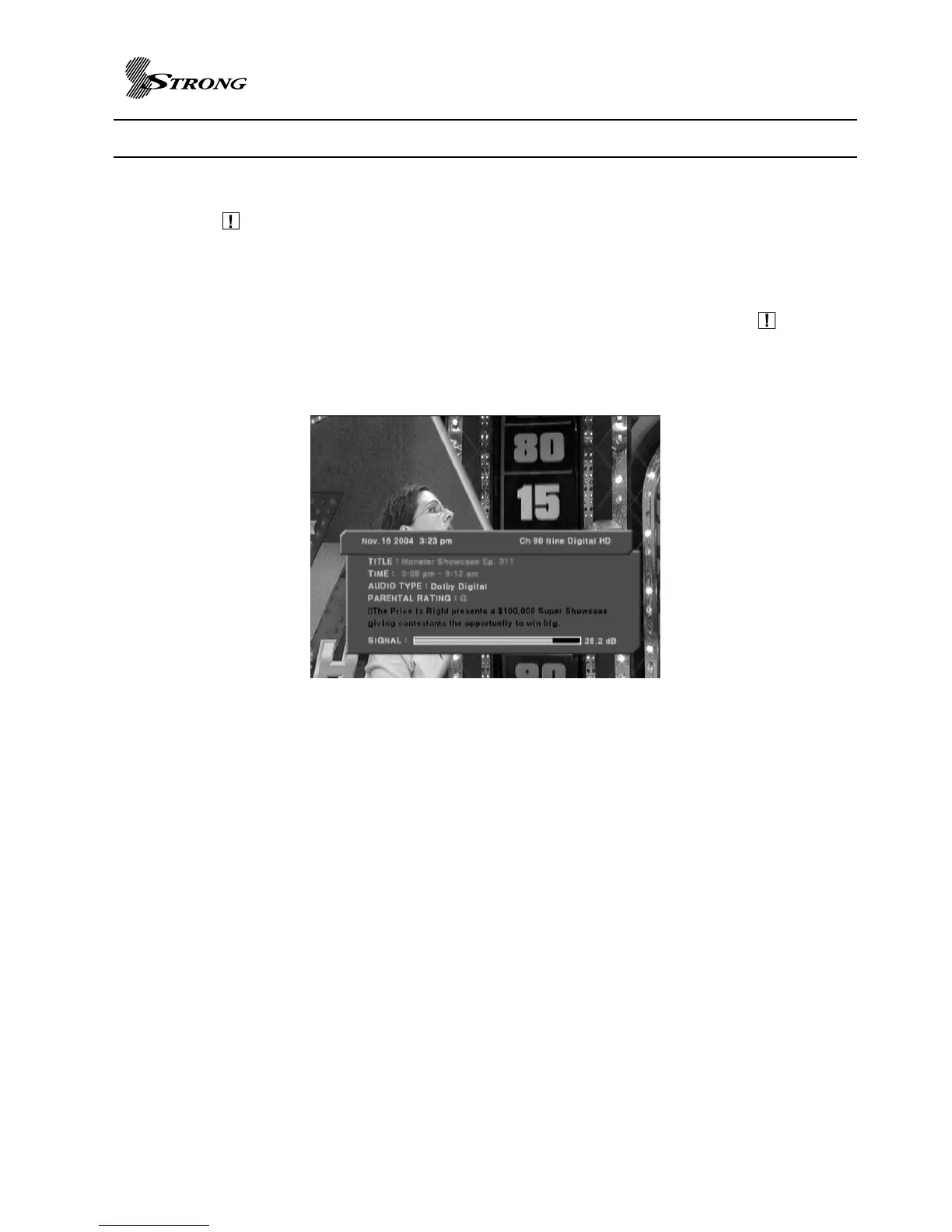
Information Panel
Pressing button(Page 7 No.28), this Information Panel becomes active. This bar displays
major-minor channel number; channel name, title, start time, end time, content advisory rating,
closed captioning indicator, and extended text descriptions for current / next event. To have
quick response, the bar displays initial information but update in a second when program
description information is detected. RF signal status is displayed together. Pressing button
again with Information Panel deactivates Information Panel.
Information Panel displays different contents on Trick Playing operation and video, music play
back. On Trick Playing operation, Information Panel and Trick Playing value display are
displayed together. On video playback, Information Panel and playback progress value are
shown together. The Information Panel displays file name, event name, event description, time
information, duration, Dolby availability. On music playback, music title, bit rate, artist name,
time information, album, duration is shown.
Figure 1. Example of Information Panel



 To Next Page