STRONG HD STB User’s Manual
20
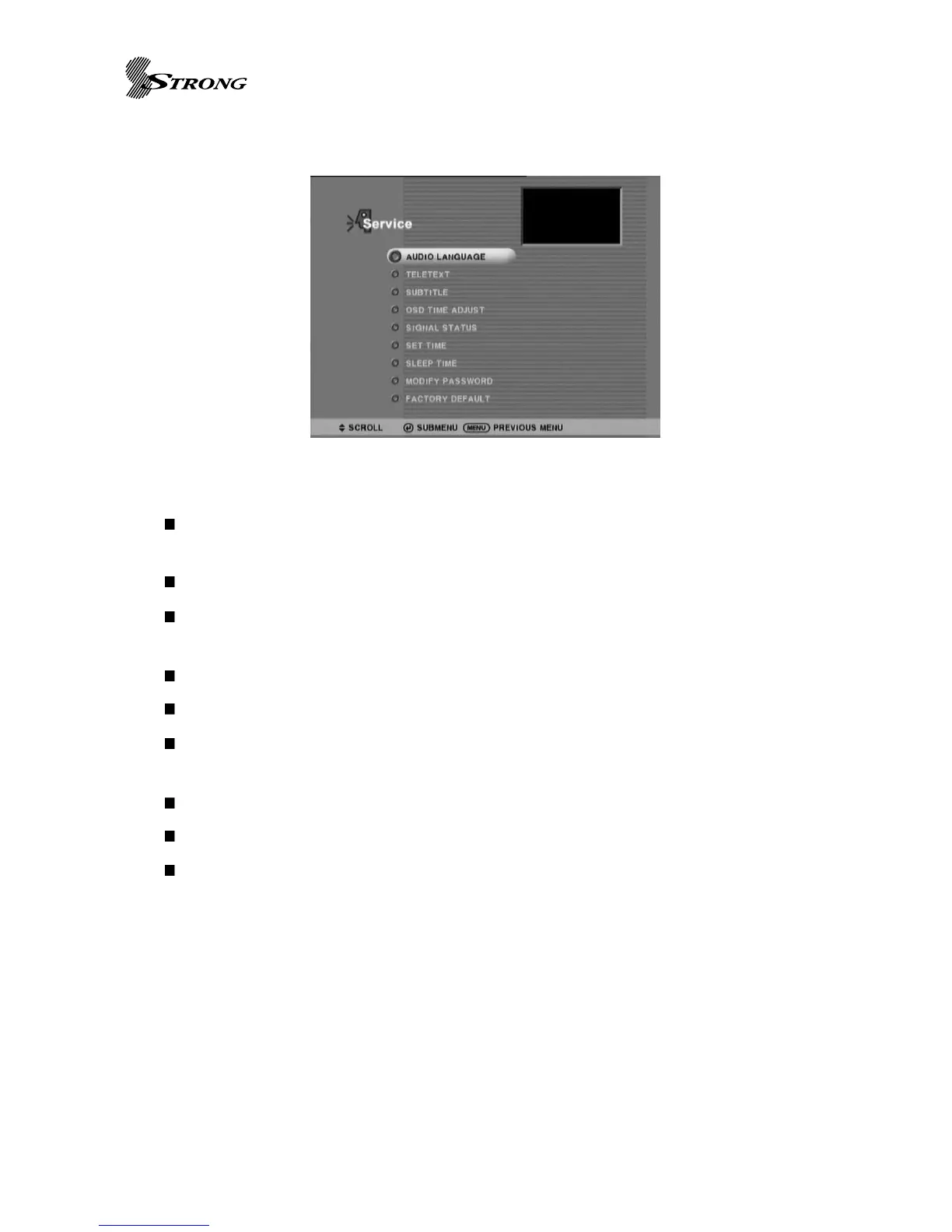
Service Menu
Audio Track [English / Spanish / French / Portuguese / German / Italian / Korean]: Select
prefered audio language when multiple audio language is available.
Teletext Sub-menu: (Available for DVB model)
Turn off OSD : Remove menu page when no button-input is given before the specified
interval time-out.
Subtitle turn on/off.
Signal status : Checking signal status of current channel.
Set time : Local time offset is calculated from current time setup and broadcasted clock
information.
Sleep time set
Modify password : Use to change password.(Default password code is 0000)
Fatory Default : All setting reset.(Default password code is 0000)
Figure 5. Service Menu Page



 To Next Page