STRONG HD STB User’s Manual
23
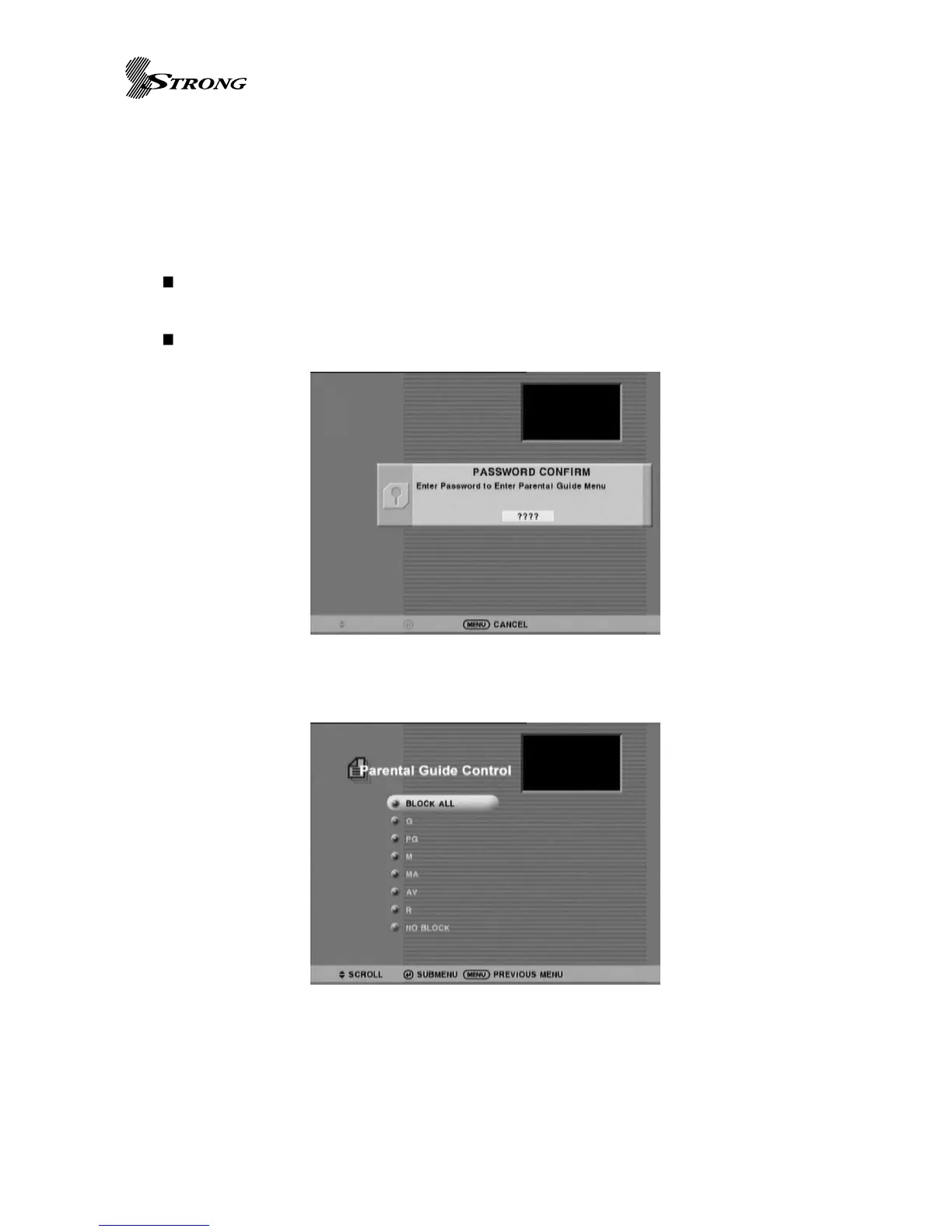
The set-up page will ask to enter password before proceed to configure. Then it will display
rating tables parsed from Regional rating information and show previous setting status. It will
allow user to navigate items and set/clear blocking. Remember blocking set/clear status for each
grade of parsed regions. The parental guide uses OK (Page 7 No.24) button to set/clear block
status and numeric button for password.
Password : Four digits number is used to limit access grade especially for content
advisory. (Default password code is 0000)
Parental guide configuration
Figure 8. Password Confirm Dialog
Figure 9. Parental Guide Setup Menu Page



 To Next Page