Studer Innotec SA
RCC-02/-03
User manual V4.4.0 29
11.1 DISPLAY OF THE PARALLEL AND THREE-PHASE SYSTEMS
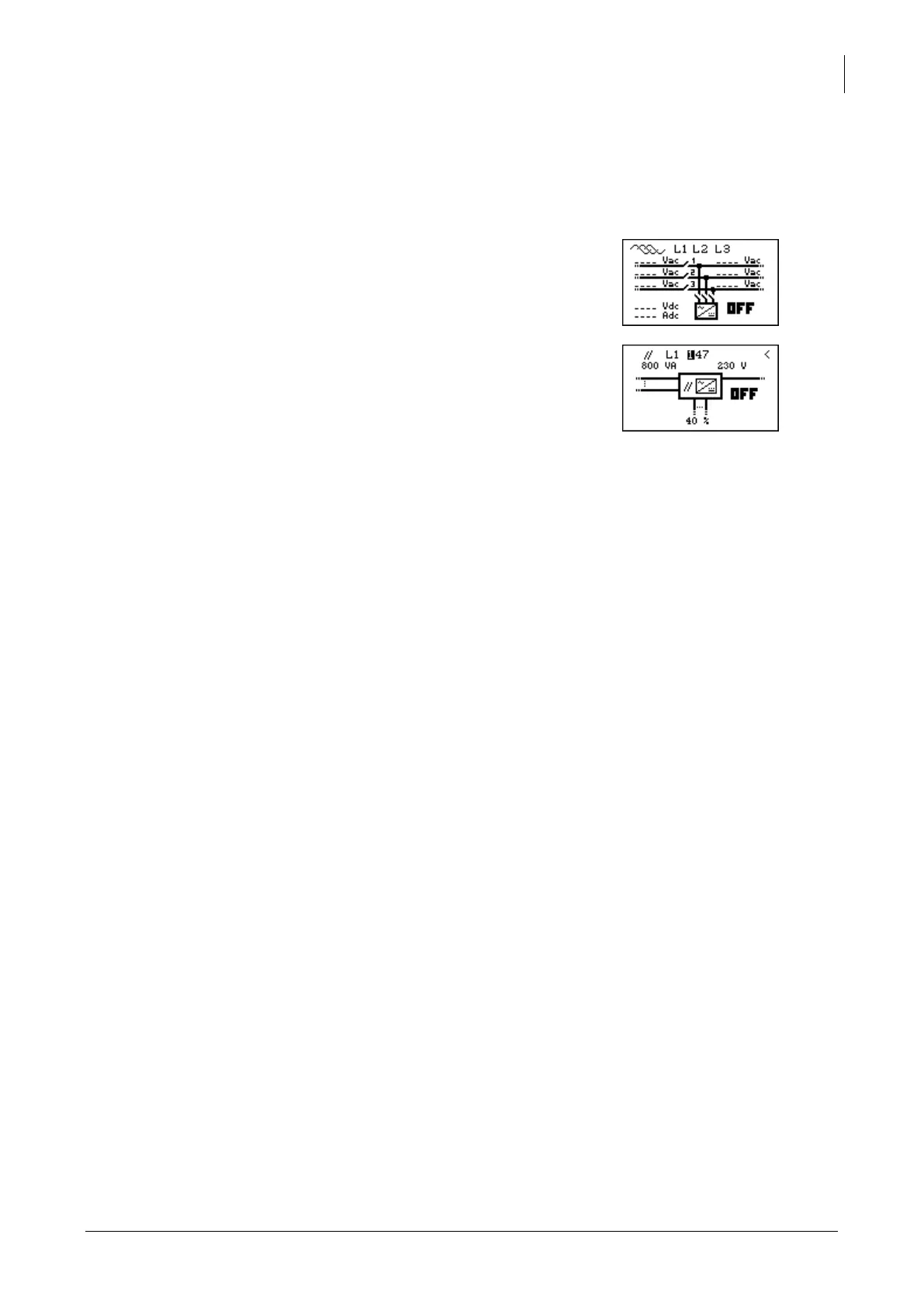
While using several Xtenders in parallel or in three-phase, an additional view is available. This view
summarizes the various electrical values of the system. Like for the display of a system with one single
Xtender, you can access to the displayed values in order to modify them.
Each summarized view gives access to the display of one
Xtender.
In the view of the three-phase, you have access to the detail
of one phase by pushing the key SET and then, by pushing UP
or DOWN, you can choose the phase you want to see
displayed in details.
If the phase consists of several Xtenders in parallel or if the
system is a single phase one but with several Xtenders in
parallel, you can then have access to the display of each
Xtender by selecting in the view parallel one of the three
available inverters.



 To Next Page