11
English
Operation
The following settings may be changed with Dive.Log or via
"
set 1
"
or
"
set 2
"
directly on
XP-H
:
Setting Range Default Page
• Depth alarm
• Dive time alarm
• Safety stop time
• Tank pressure warning and alarm
• PDIS
• Tank pressure unit
• Salt water
• Backlight duration
• Maximum partial pressure of oxygen
(ppO2 max)
• Time limit to reset the O2% mix to air
• Unit system
• Audible attention signals
• Water contacts
• Reset desaturation
• Alarm clock
• UTC (Universal Time Change) zone
• Time of day
• 24 or AM/PM setting
• Date
• Display contrast
• Sound
5-100m / 15-330ft
5-195 min
off, 1-5 min
warning 50-200bar/750-3000psi
alarm 20-120bar / 300-1750psi
on / off
bar / psi
on / off
2-12s / push on/off
1.2-1.6bar
no reset / 1 - 48hrs
metric/imperial
on / off (Dive.Log: selective)
on / off
on / off
0 - 23h 59min, on/off
±13hrs, increments: 15min
hours:minutes
24 (off) / AM/PM (on)
1 (low) -12 (high)
on / off
40m/130ft
60min
3min
100bar/1450psi
40bar/600psi
off
bar
on
6s
1.4bar
no reset
on
on
no reset
12:00, off
4
on
45
46
46
46
46
47
47
47
46
46
46
47
47
48
48
49
49
49
49
49
50
The following data may be recalled with Dive.Log:
• Number of past dives • Dive profile
• Total duration of dives • Logbook
• Deepest dive • Temperature curve
• Longest dive • Alarms and attention messages
• Atmospheric pressure • Battery condition
• Tank pressure at beginning and end of the dive
Downloading your dives
XP-H’s memory allows you to store approximately 15 hours of dive profile
information in 4 second sampling intervals. With Dive.Log you can transfer
this information to the PC in order to visualize and analyze your dives on the
monitor. To download data from XP-H, click on "NEW" under the
"LOGBOOK" menu to open and name a new logbook or open an existing
logbook. Then click on the "TRANSFER DIVES" icon: a box will appear on
the screen identifying the computer being downloaded, and a progress bar
will show the status of the transfer.
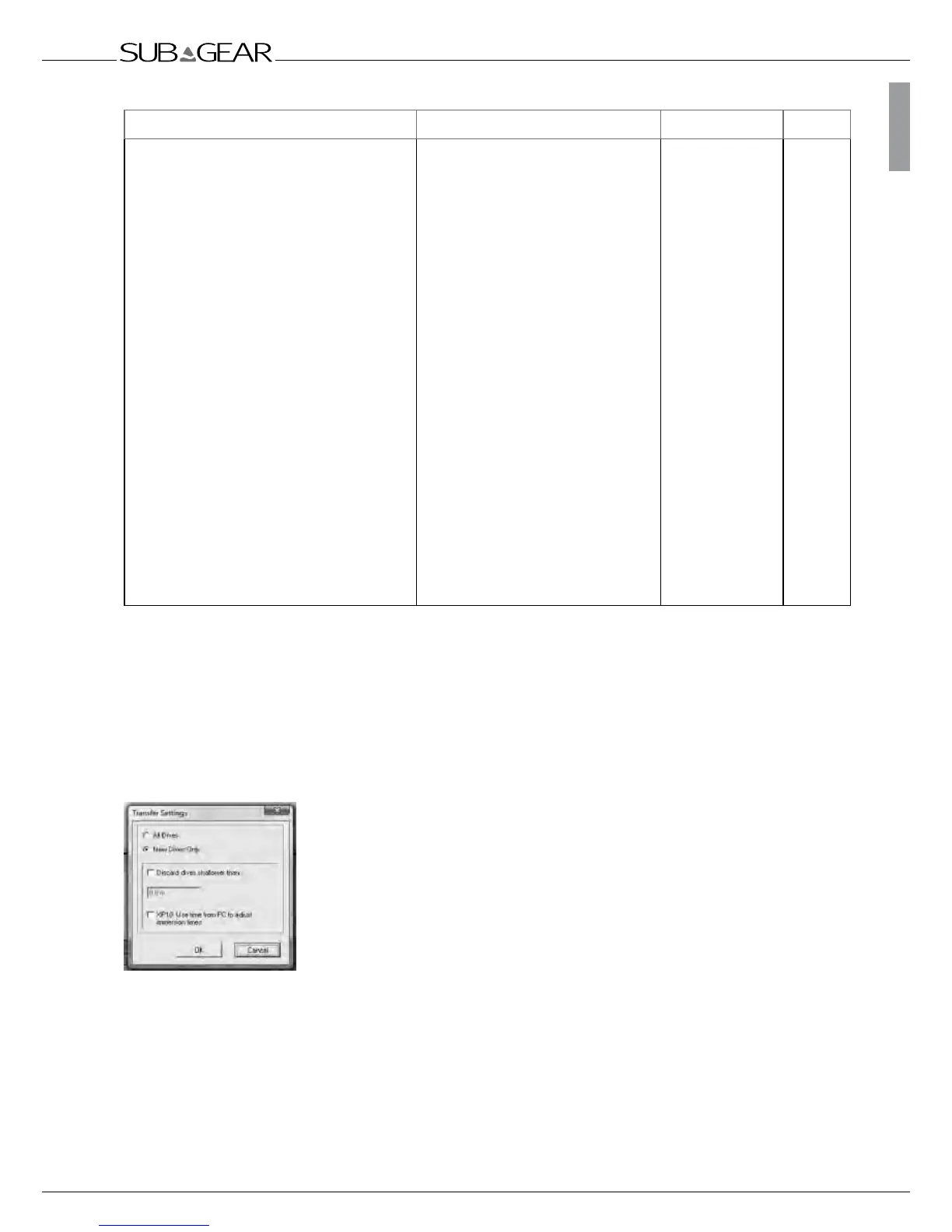
You can choose between transferring all dives or new dives only (default
setting) from XP-H’s memory. If you choose to transfer new dives only,
Dive.Log will only transfer dives that are more recent than the most recent dive already saved in the
PC logbook. To transfer all dives, you must change the default setting by selecting "Transfer" under
"Dives" in the main menu bar.
Once the data is downloaded, a window will show you a summary table of all dives; for the selected
dive, another window will show you its details. From these windows you can add and edit your dive
information.



 To Next Page