43
English
V Logbook
1 Survey
A dive is entered in the logbook if the dive time is longer than 2 minutes. XP-H records the profiles
of about 15 hours of diving. This information can be transferred to a PC with the standard infrared
interface (IrDA) and the Windows
®
software Dive.Log. All dives in the memory can be displayed directly
on the dive computer.
2 Operation
until From the time of day display you can select the logbook with .
If there was a remaining desaturation time (DESAT) before selecting the
logbook, the time since the last dive (surface interval) is displayed.
With
you enter the logbook.
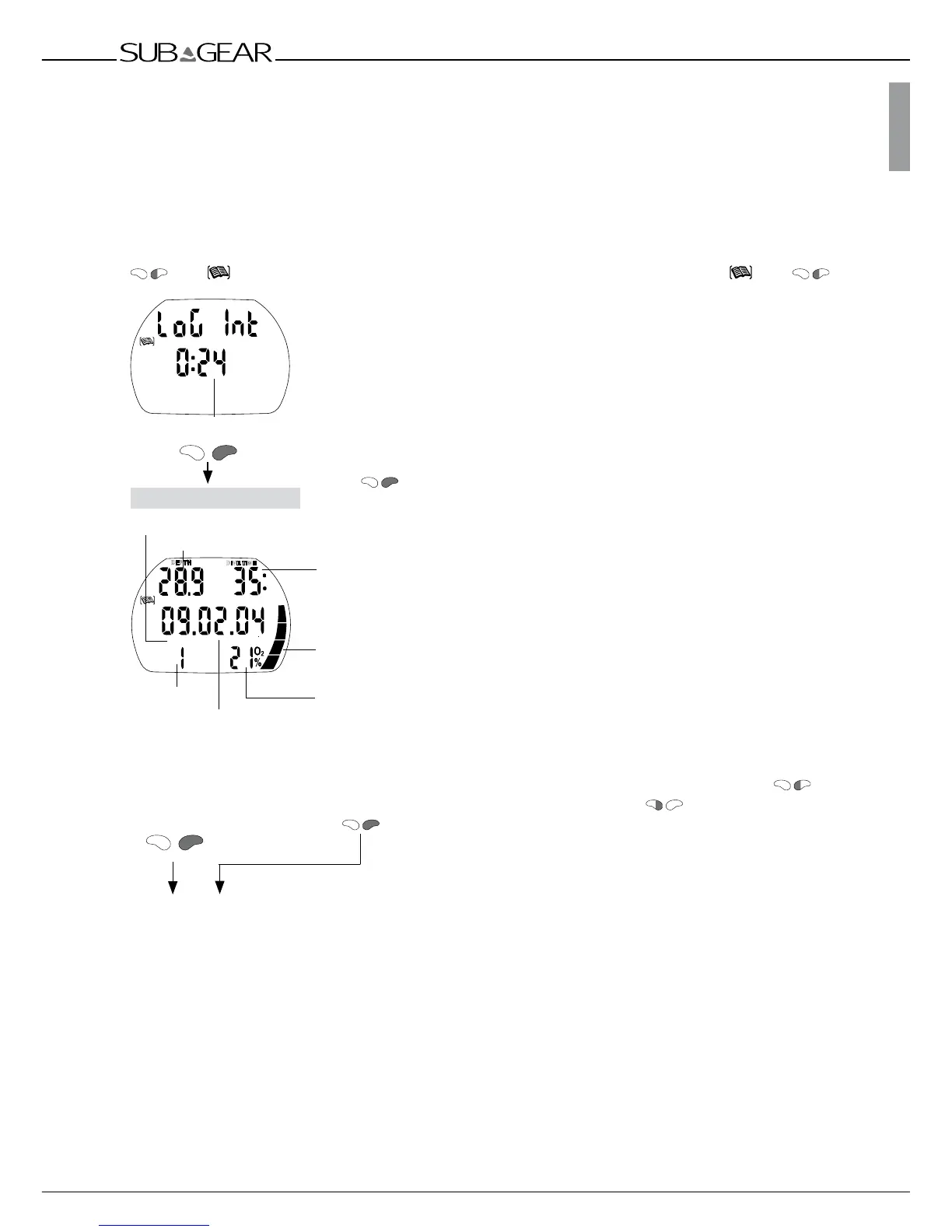
The most recent dive is displayed (dive number 1).
There are 3 pages for each dive.
Dive time
Battery performance
O
2
mix
From here you can:
a) get more information about the
displayed dive by pushing
.
XP-H displays further
information about the selected dive.
b) select other dives.
Each time you push
or causes a jump to the
next or previous dive.
At the end of the logbook
XP-H displays statistic
information ->45.
Dive number
Date of the dive
Logbook icon



 To Next Page