40
PDIS (Profile DependENT Intermediate Stop)
9.3 Diving with PDIS
F
NOTE:
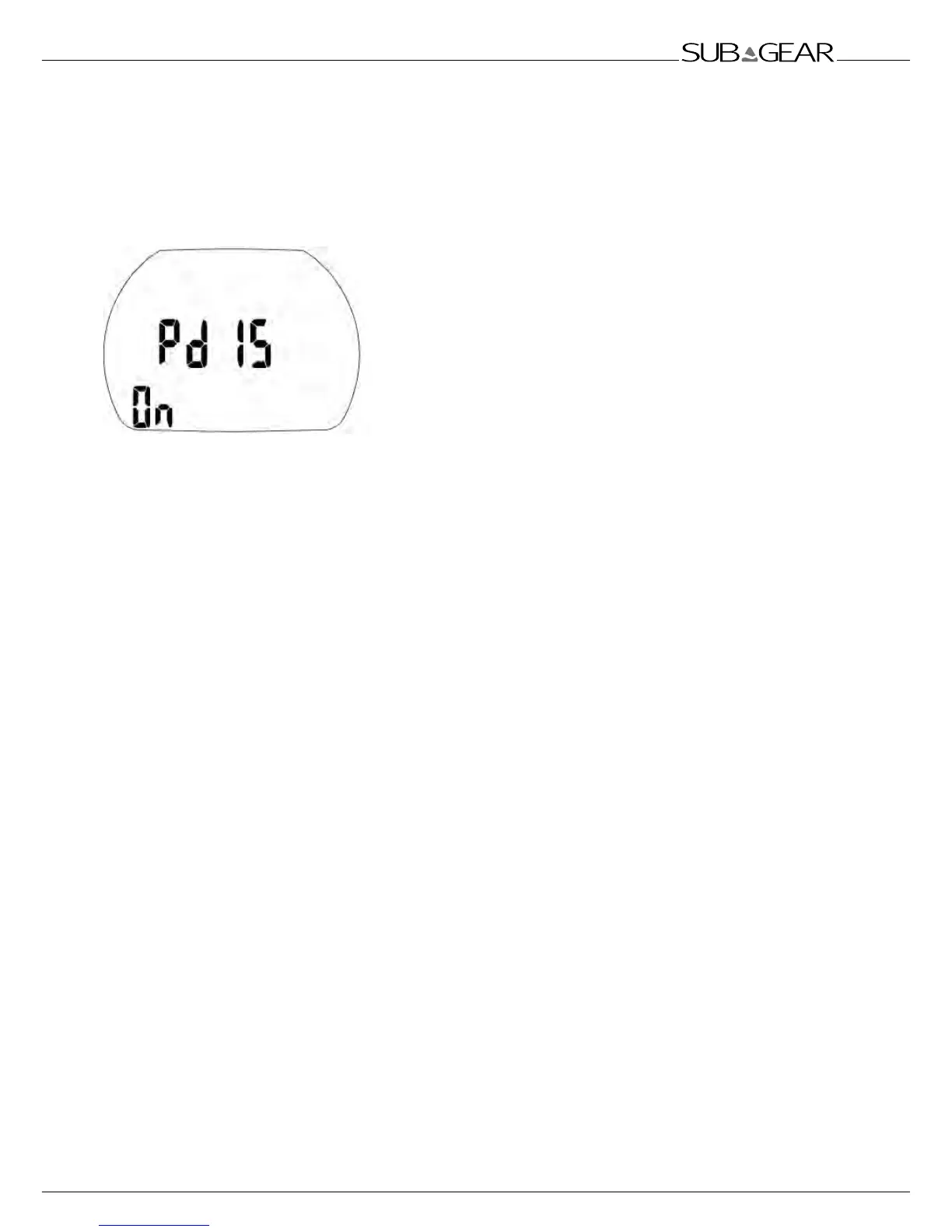
To use the PDIS feature, you must set PDIS to ON in the PDIS menu under Set 1. The default
setting is OFF.
When the calculated PDI stop is deeper than 8m/25ft, XP-H
shows it on the display and continues to do so until you reach
the displayed depth during an ascent. The displayed value
changes during the dive as XP-H tracks the uptake of nitrogen in
the 8 compartments and updates the PDIS depth accordingly to
reflect the optimum at all times.
The PDIS depth is shown in the lower left corner, with the label
PDIS. During a no-stop dive, as soon as you reach that depth
during an ascent, a 2-minute countdown will appear in place of
the no-stop value with label STOP. In addition, the PDIS label
will blink. You can have one of three situations:
-
you have spent 2 minutes within 3m/10ft
above the indicated depth. The countdown timer
disappears and the PDIS value is replaced by the label YES as an indication that you have
performed the PDI stop;
- you have descended by more than 0.5m/2ft below the PDIS. The countdown timer disappears and
will reappear again, starting at 2 minutes, the next time you ascend to the PDIS depth;
- you have ascended by more than 3m/10ft above the PDIS. The PDIS value and countdown timer
are replaced by the label NO to indicate the fact that you have not performed the PDI stop.
If XP-H is displaying a decompression obligation when you reach the PDIS depth during an ascent, all
rules apply the same way, but the 2-minute countdown runs in the background and is not displayed
on the screen. The PDIS label however will still be blinking to show you that you are in the PDIS range.



 To Next Page