48
Settings
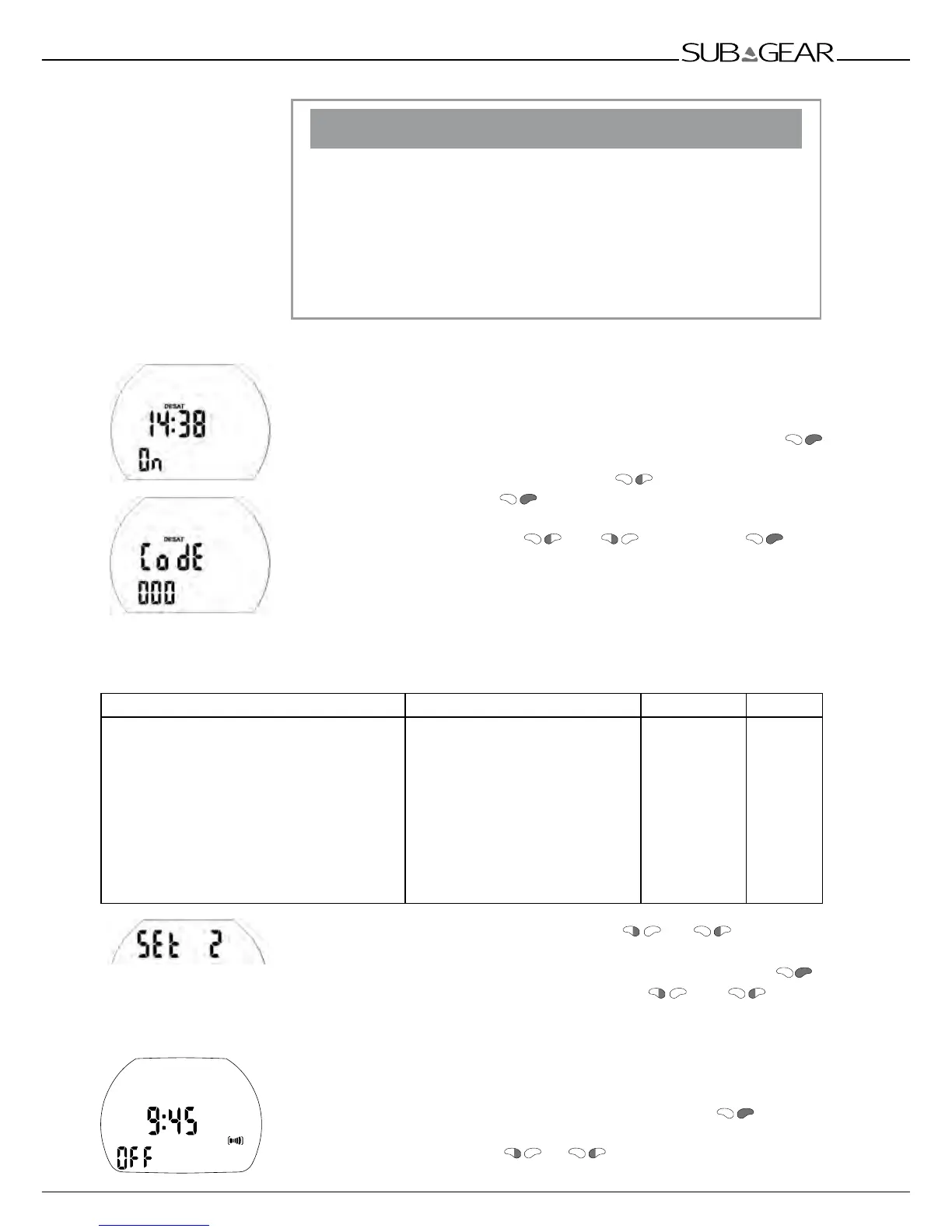
Resetting the remaining saturation
!
WARNING
Diving after a reset of the remaining saturation may lead you into
potentially hazardous situations which could result in death or serious
injury. After a reset of the remaining saturation do not dive for at
least 48 hours. If you dive after resetting the remaining saturation the
computer will miscalculate your decompression, which may result in
serious injury or death.
Reset the remaining saturation only if you know you will not be diving,
flying or going to higher altitude for the next 48 hours.
Resetting the desaturation should only be done when there is a valid
reason, e.g. loaning the computer to somebody who has not dived in
48 hours or more. When the computer itself has remaining saturation
you must assume full responsibility for the consequences of resetting the
remaining saturation.
1. Confirm that you wish to reset the displayed saturation by pushing
.
"On" starts to flash.
2. Switch between "on" or "off" by pressing .
3. Confirm the setting with . If you have selected "off", "Code" and
"000" appear.
4. Set the first digit by pushing
and . Confirm with .
Repeat point 4 for the next 2 digits. If you entered the right code the
desaturation will be reset to zero (desat off).
Code: 313
2 Menu "set 2"
With menu "set 2" or Dive.Log you can configure the following items:
Setting Range Default Page
• Alarm clock
• UTC zone
• Time of day
• 24 or AM/PM setting
• Date
• Display contrast
• IrDA speed (set 2 only)
• Sound
• Show XP-H electronic ID
0 - 23h 59min, on/off
±13hrs, increments: 15min
hours:minutes
24 (off) / AM/PM (on)
1 (low) -12 (high)
low / high
on / off
12:00, off
4
low
on
48
49
49
49
49
49
50
50
50
Starting from the time of day display push
or until "set 2"
appears.
Confirm that you wish to enter into the menu of "set 2" by pushing .
Once entered into the menu you can scroll with and through
the menu.
Setting the alarm clock time
The alarm clock goes off only at the surface. "Sound" must be turned "on"
in "set 2".
1. Confirm that you wish to set the alarm time by pushing
.
The hours start to flash.
2. Set the hours by pushing
or .



 To Next Page