- 33 -
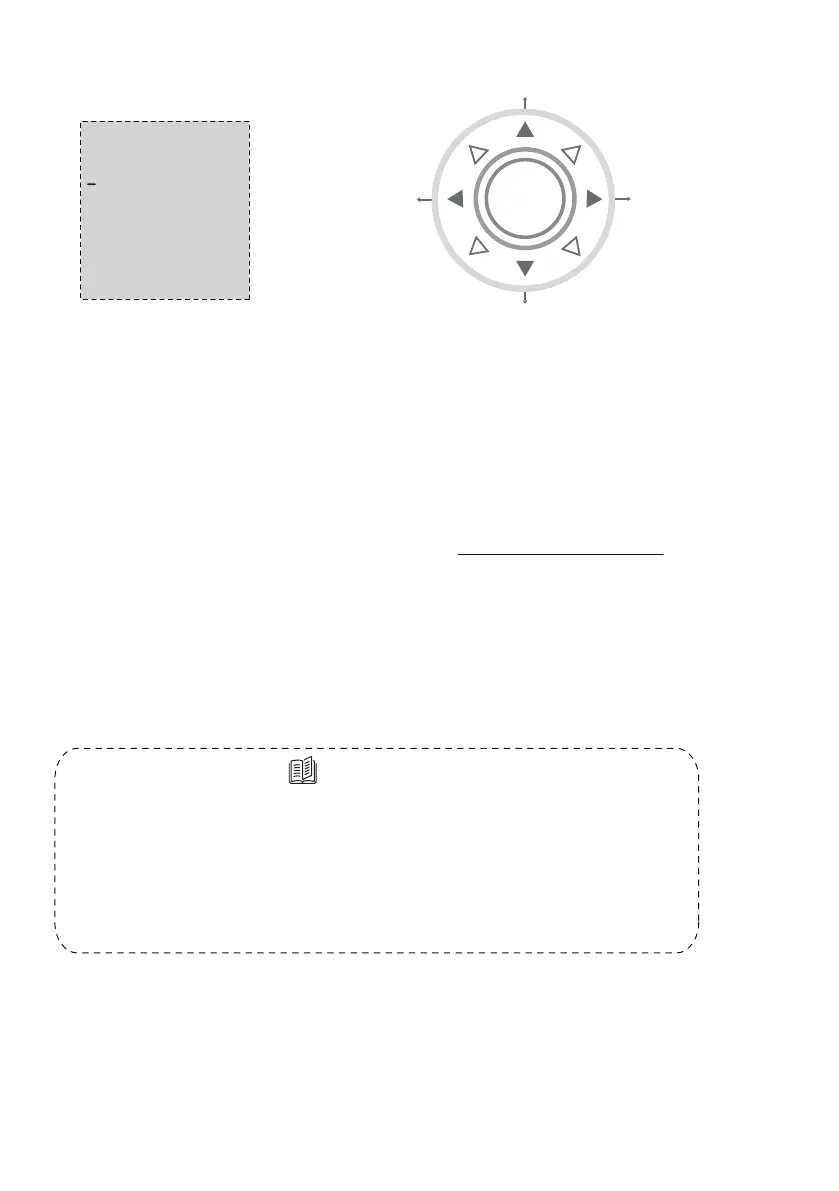
Move the cursor up/value increase.
Move the cursor down/value decrease.
Enter/Confirm/Select.
Go to previous menu.
IR SETTING
IR MODE AUTO
IR ON SENS 210
IR OFF SENS 185
EXIT
IR MODE
A.AUTO: Turn on/off IR LED automatically according to darkness of ambient
environment. If the value of the CURRENT LEVEL (darkness) is ≥ the IR ON SENS,
then the LED will be turned on automatically, vice versa. Larger CURRENT LEVEL
is equivalent to darker environment. AUTO MODE is selected by default.
B.MANUAL: Turn on and off the IR LED manually. This can be accomplished using
special presets 100~103 as well. Please check specialpreset.sunba.net
IR ON SENS
The adjustable darkness threshold to turn on the IR LED, default is 210.
IR OFF SENS
The adjustable darkness threshold to turn off the IR LED, default is 185.
How the IR LED works:
The difference between the LED ON and LED OFF values must be at least
30 to avoid problems of IR LED blinking. Like vehicle lights, only half side of IR
will be on for near view (low beam), please zoom in to enable the further view
(high beam), which is the other side of the IR. Use preset 103+call to manually
turn on both sides together. However, turning on both sides of IR LED on might
cause torchlight effect, and may not necessarily improve the overall night vision
capacity.



 To Next Page