- 15 -
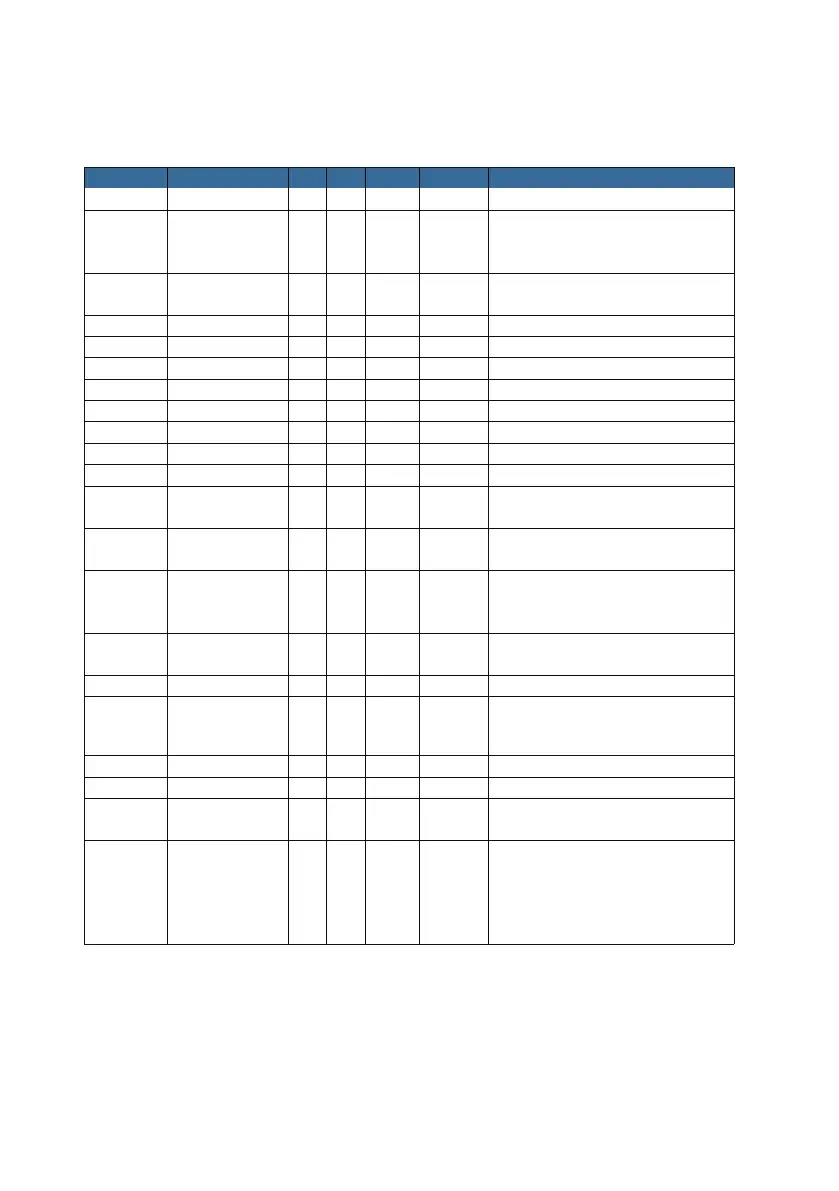
6. The Preset List
A surveillance scene (preset 50) and
an intrusion defense region must
be created first.
A surveillance scene (preset 51) and
a line must be created first.
1-49 Position Presets Yes Yes Yes
Yes
Yes
Yes
Yes
Yes
Yes
Yes
50 Intrusion Tracking Yes Yes Yes
51 LineCross Tracking Yes Yes Yes
53 Preset Tracking Yes Yes Yes Preset Tracking
54 Preset Tracking Yes Yes Yes Preset Tracking
55 Preset Tracking Yes Yes Yes Preset Tracking
57 Preset Tracking Yes Yes Yes Preset Tracking
58 Preset Tracking Yes Yes Yes Preset Tracking
81 Left Boundary Yes N/A Set a left boundary to run a scan
82 Right Boundary Yes Yes Yes
Set the right boundary to run a scan,
and call to activate the scan
83 Clear Preset N/A Yes N/A
Clear all preset (restart/refresh the
browser to take effect)
92 Default N/A Yes N/A
Reset the lens to factory setting (you
need to activate the camera again using
the SADP tool after you call preset 92)
95 OSD Menu N/A Yes N/A
Open the on-screen-display menu of the
camera
98
°
N/A Yes N/A Perform a 360 degrees continuous scan
100 IR ON N/A Yes N/A Turn the infrared LED on
101 IR OFF N/A Yes N/A Turn the infrared LED off
102 IR AUTO N/A Yes N/A Turn the infrared LED into AUTO mode
103 IR ALL ON N/A Yes N/A
Turn both sides (high beam & low beam)
Any other
presets not
mentioned
or grayed
out
Position Presets Yes Yes Yes
Only preset 1-32 support Park Act.
Note: some presets have been grayed out for future development purposes.



 To Next Page