- 32 -
3) Please swipe the device to open the setting menu. Under “Alarm
Notification”, choose “Enable” and set the “Notification Schedule” if you
want. The notification schedule allows you to customize the specific time
slot you want to receive the notification.
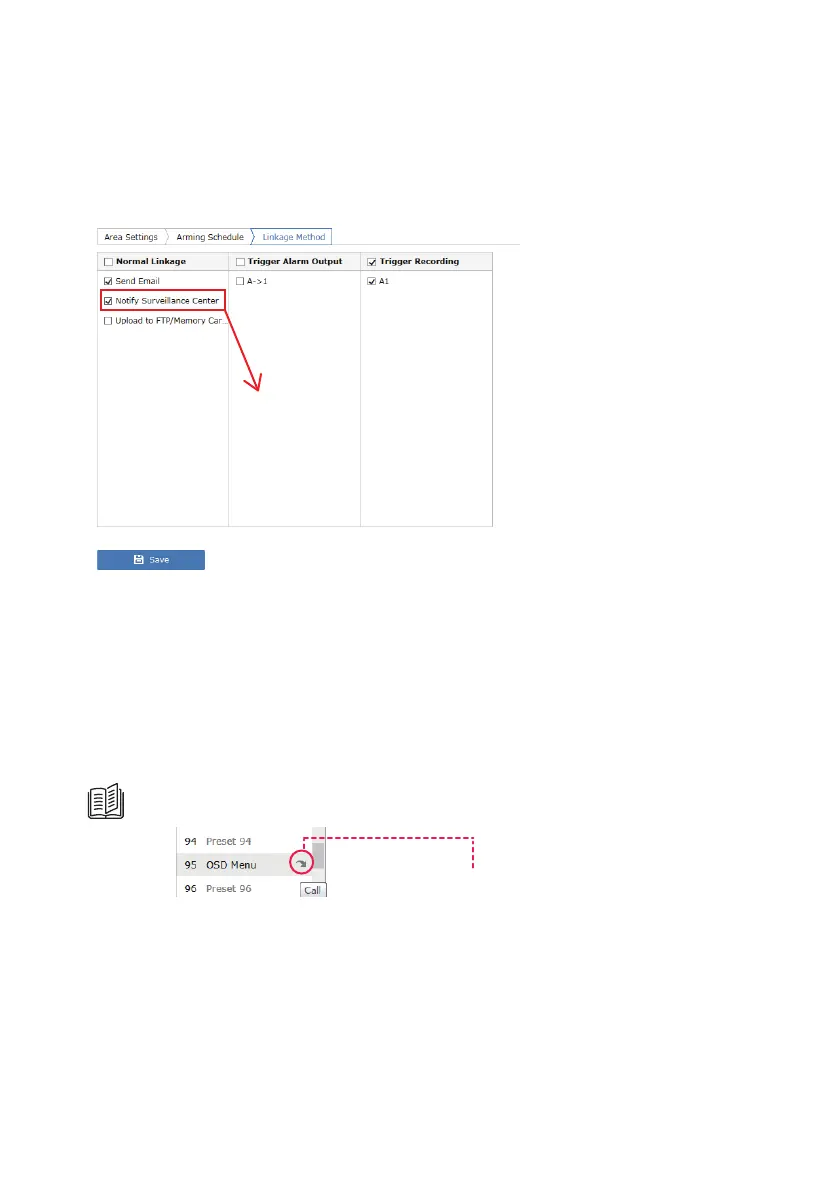
4) From the camera interface, please always ensure the “Notify Surveillance
Center” option is checked for each type of event you want to receive an
alert.
Check this to receive push notification.
15. OSD Menu and Night Vision
The On-Screen-Display menu for Sunba Illuminati is only designed to
customize the night vision activation mode and threshold.
Please call preset 95 to open the OSD menu. Use the up and down key to
browse and move the cursor, left key to go back to the previous menu,
right key to select and confirm.
How to activate and control the OSD?
Call to activate the OSD Menu.



 To Next Page