- 34 -
16.2 Recover Password
Method A. Security Questions.
Before You Start:
1) You should have set up security questions already.
2) You are on the same network as the camera.
Enter the camera web interface, and click “Forgot password”.
Alternatively, use SADP tool and select Security Questions Verification as the
Verification Mode, answer all 3 questions to set a new password.
Method B. Security Email.
Before You Start:
1) You should have set up a reserved email account already.
2) You are on the same network as the camera.
Enter the camera web interface, and click “Forgot password”.
16.1 Reset the camera configuration
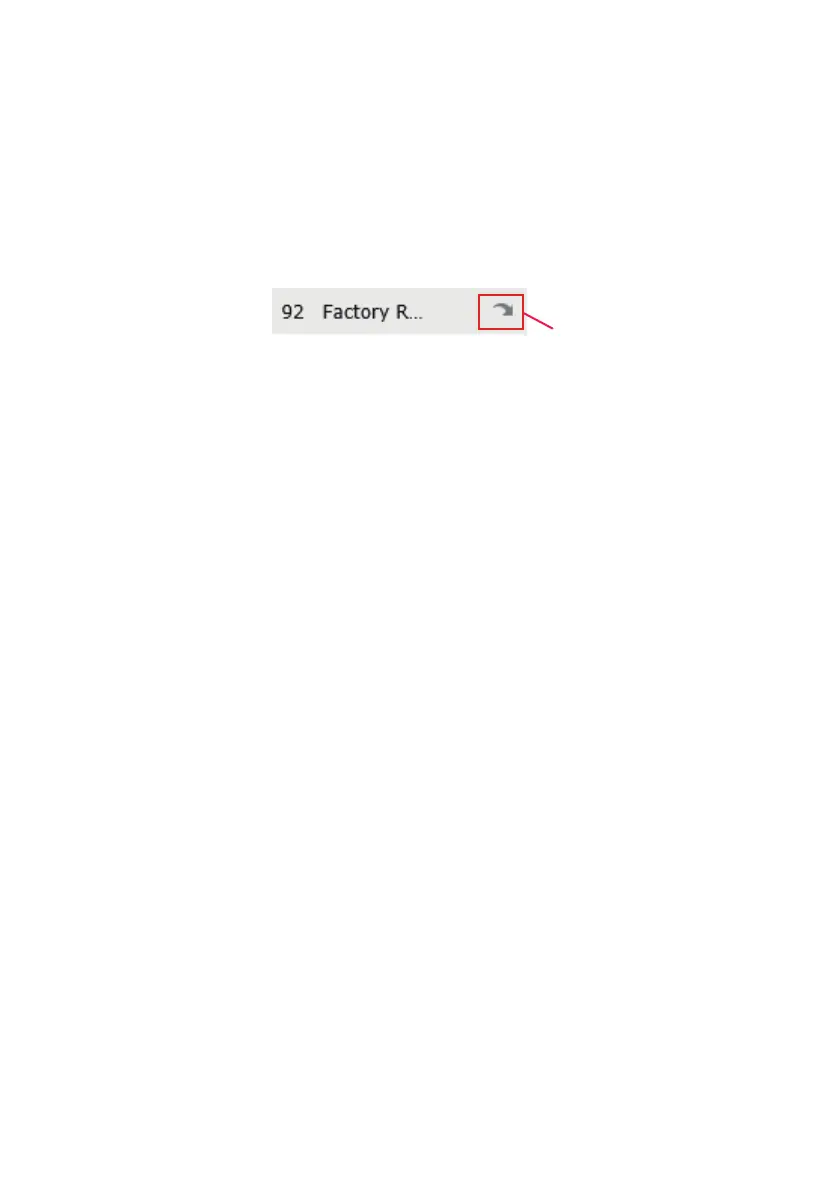
To reset the camera to factory reset, please access the camera web interface, and
find preset 92 from the preset list. Click to select the preset, and hit the call button
next to preset 92.
NOTE: After you reset the camera, you must re-activate the camera using the SADP
tool.
16. Reset the Camera
Call to factory reset the camera.
A default set of security questions have been pre-configured for the camera
for “ your favoritate automobile brand”, “your favoriate flowers”, “your first
mobile phone brand”. Users can use that to reset their password unless the
camera has been reset before. The answer for all 3 questions is “sunba”.



 To Next Page