- 22 -
8. Remote Access
P2P technology allows you to remotely connect, and configure your pan tilt
zoom camera even though you are thousands miles away through Sunba
encrypted cloud server. Below we will introduce how to use P2P to connect
to your device through Guarding Vision app and iFollow desktop client. Note
in both apps, since the camera is registered on US servers, your account will
be automatically migrated if it is registered in other regions.
For smartphone app P2P access, please read Chapter 3.3 Camera
Management by Smartphone App.
For iFollow desktop client access, go to Device Management and select
“Cloud P2P Device” under Device Type. Click Login.
8.1 P2P Cloud
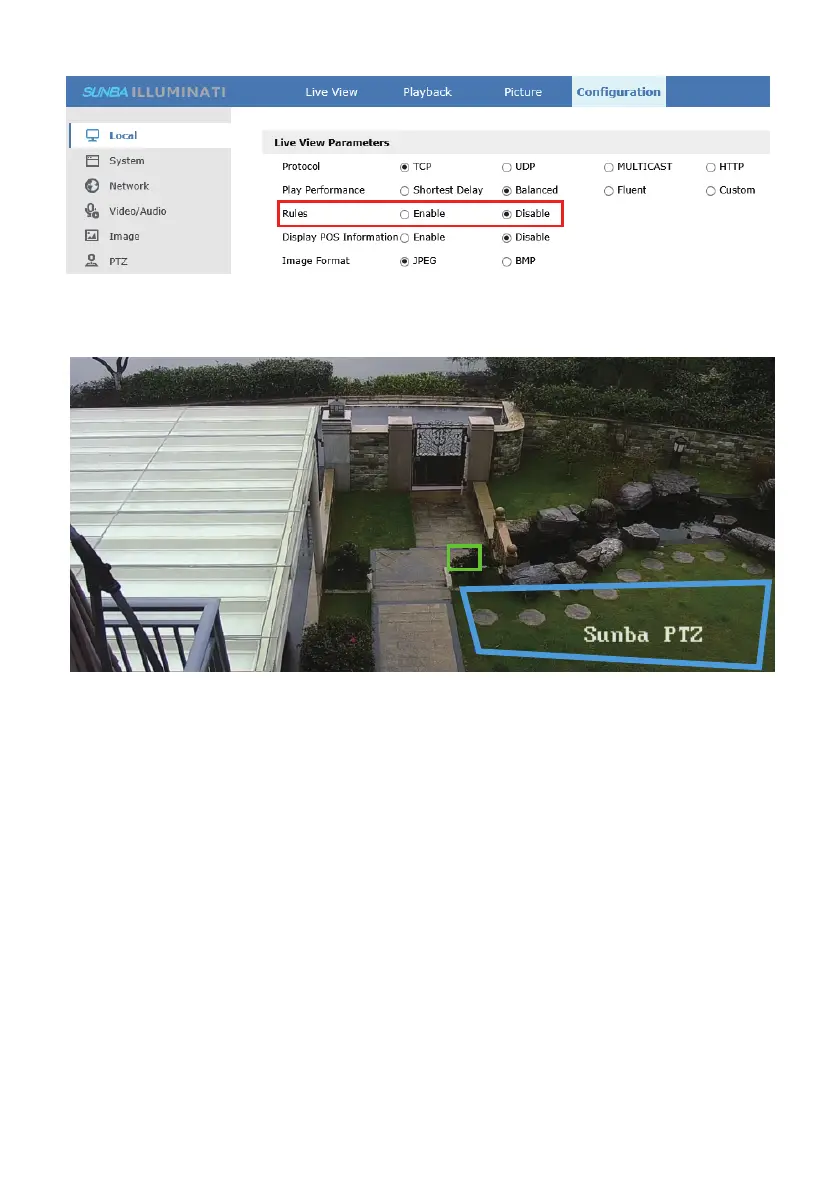
NOTE: Rules for smart events can not be enabled for live view in NVR, 3rd party
software and iFollow program as it is web plugin restricted.



 To Next Page