-13-
Please forward BOTH http port (80 by default) and TCP (media) port (34567
by default) and refer to the manual of your router for detailed steps of port
forward in order to remotely access using a WAN IP. Other mobile apps
such as Tiny Cam or IP Cam Viewer may require you to forward ONVIF and
RTSP port as well.
Type 3: RTSP
Please use the following URL along with any 3rd RTSP service provider:
“rtsp://IP:554/user=admin&password=&channel=1&stream=0.sdp?real_
stream” where 0 = mainstream and 1 = substream
For example with the default network setting:
rtsp://192.168.1.10:554/user=admin&password=&channel=1&stream=0.
sdp?real_stream
Type 4: VPN (Virtual Private Network)
This is recommended for customers who have static IP address and advan-
-ced router functions.
First, your router MUST support VPN.
Then please refer to the corresponding manual of your router to establish
a VPN for the local network where the camera is connected to.
For example, the VPN was setup for the router at your home where the
camera is installed. Please remember the username and password of the
VPN. Then, at any remote location, you can always setup a new network
using VPN to remotely access your camera at home.
Type 2: Port Forwarding
Please refer to portforward.sunba.net for more instructions.
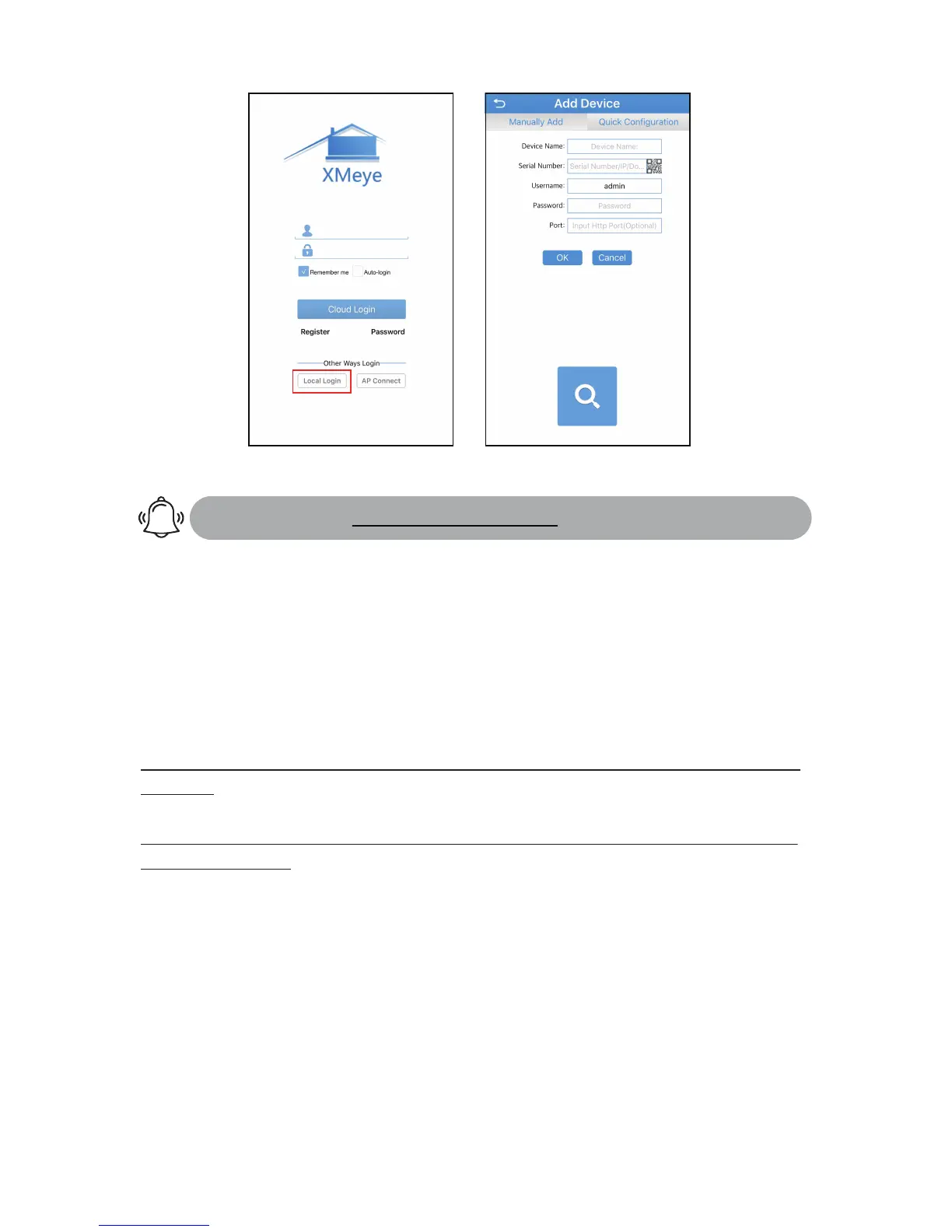
Recommended : Choose "Local Login" to
store your device info locally.
Serial Number: P2P Code/IP/Domain
User name: Your camera’s user account
Password : If your camera has a password
Port: Please leave it in blank if you are
uncertain.



 To Next Page