94
Clock:
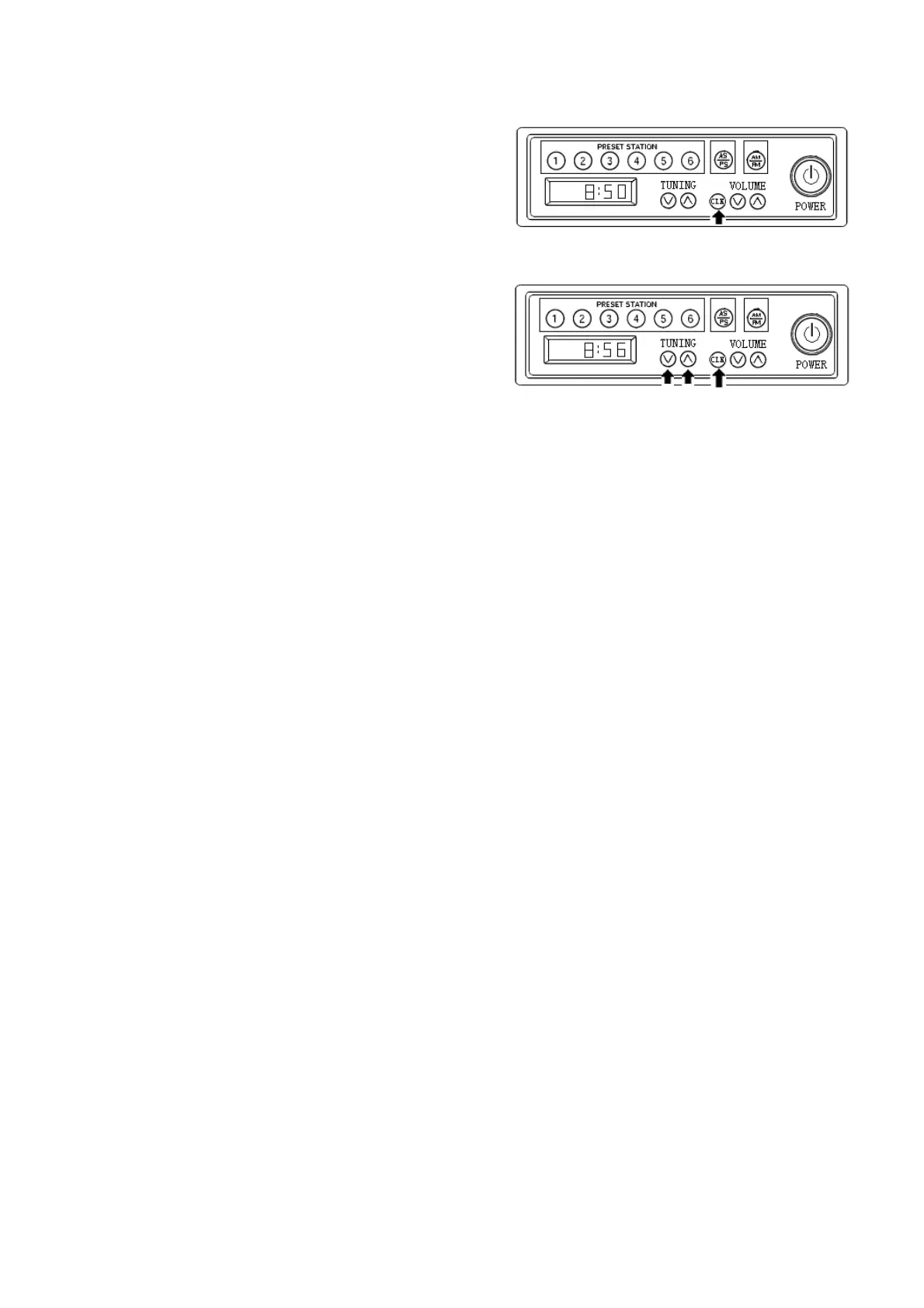
Press key CLK to enter clock display mode,
press key CLK again to return. In clock mode,
press this key for longer than 1 second until the
display value flashes. press key to ∧
increase the value in hour, press the key to ∨
increase value in minute. It will automatically
return to clock adjustment mode if there is no
operation for 5 seconds.
Precautions
Set volume in proper position to prevent traffic
accident.
In case of hot or cold weather, please remain
this equipment inside the machine. Ideal
temperature can guarantee the good
performance of this equipment.
After being spayed by water, this radio is
subject to damage. When washing your
machine, pay attention not to allow water to
reach the radio.



 To Next Page