Appendix D: Adaptec HostRAID Setup Guidelines
D-5
Confi guring Disk Drives
You may need to confi gure a disk drive before you can use it.
Caution: Confi guring a disk may overwrite the partition table on the disk and may
make any data on the disk inaccessible. If the drive is used in an array, you may
not be able to use the array again.
Do not confi gure a disk that is part of a boot array. To determine which disks are
associated with a particular array, please refer to
Viewing Array Properties.
To confi gure a disk drive:
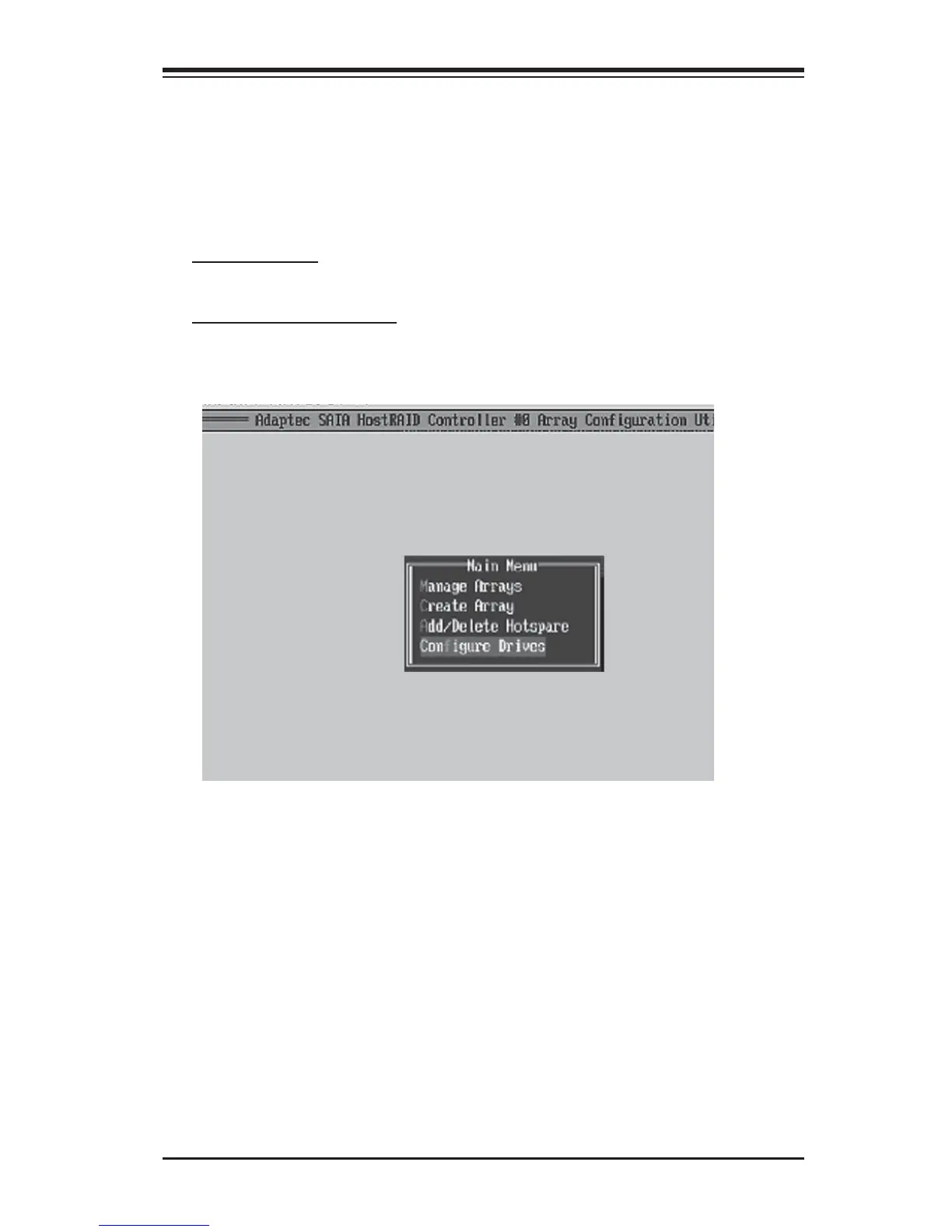
1. From the main menu (shown on Page D-4), select Confi gure Drives and hit
<Enter> (as shown below.)



 To Next Page