D-6
X7SB4/X7SBE User's Manual
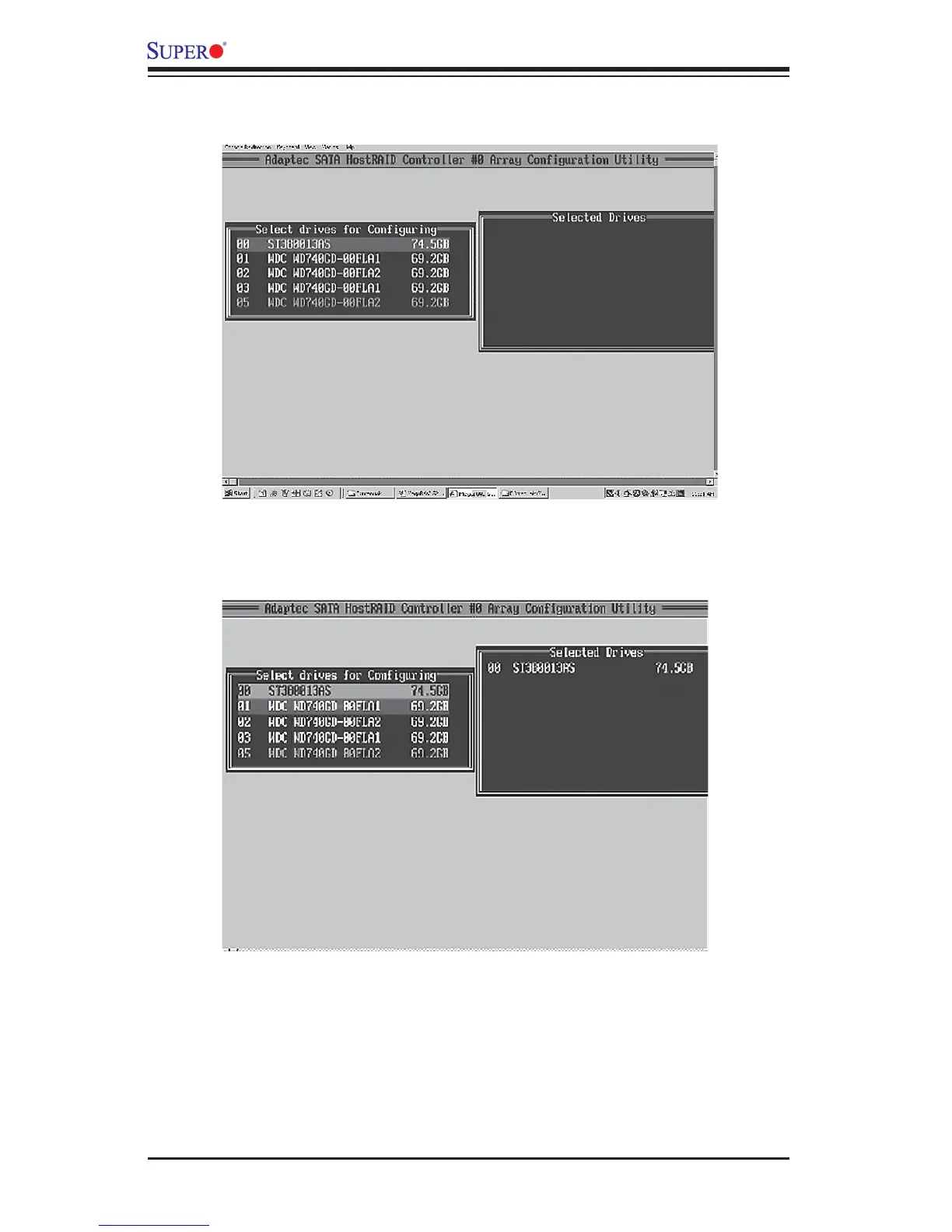
2. From the "Select Drives for Confi guring" List (shown below,) select the drives
you want to confi gure and press <Insert>.
3. The drive you've selected will appear in the "Selected Drives Dialog Box" on
the right (as shown below.) Repeat the same steps until all drives that you want
to confi gure appear in the selected drives box.
4. Once both drives display in the selected drive box, press <Enter.>



 To Next Page