12
1-1. Basic function
always correspond with the amount
displayed on the Bluetooth
®
device.
The amount of battery charge left
may not be displayed depending on
the type of the Bluetooth
®
device
connected.
This system does not have a
charging function.
An antenna for the Bluetooth
®
con-
nection is built into the instrument
panel.
The condition of the Bluetooth
®
connection may deteriorate and the
system may not function when a
Bluetooth
®
phone is used in the fol-
lowing conditions and/or places:
The cellular phone is obstructed by
certain objects (such as when it is
behind the seat or in the glove box
or console box).
The cellular phone is touching or is
covered with metal materials.
Leave the Bluetooth
®
phone in a
place where the condition of the
Bluetooth
®
connection is good.
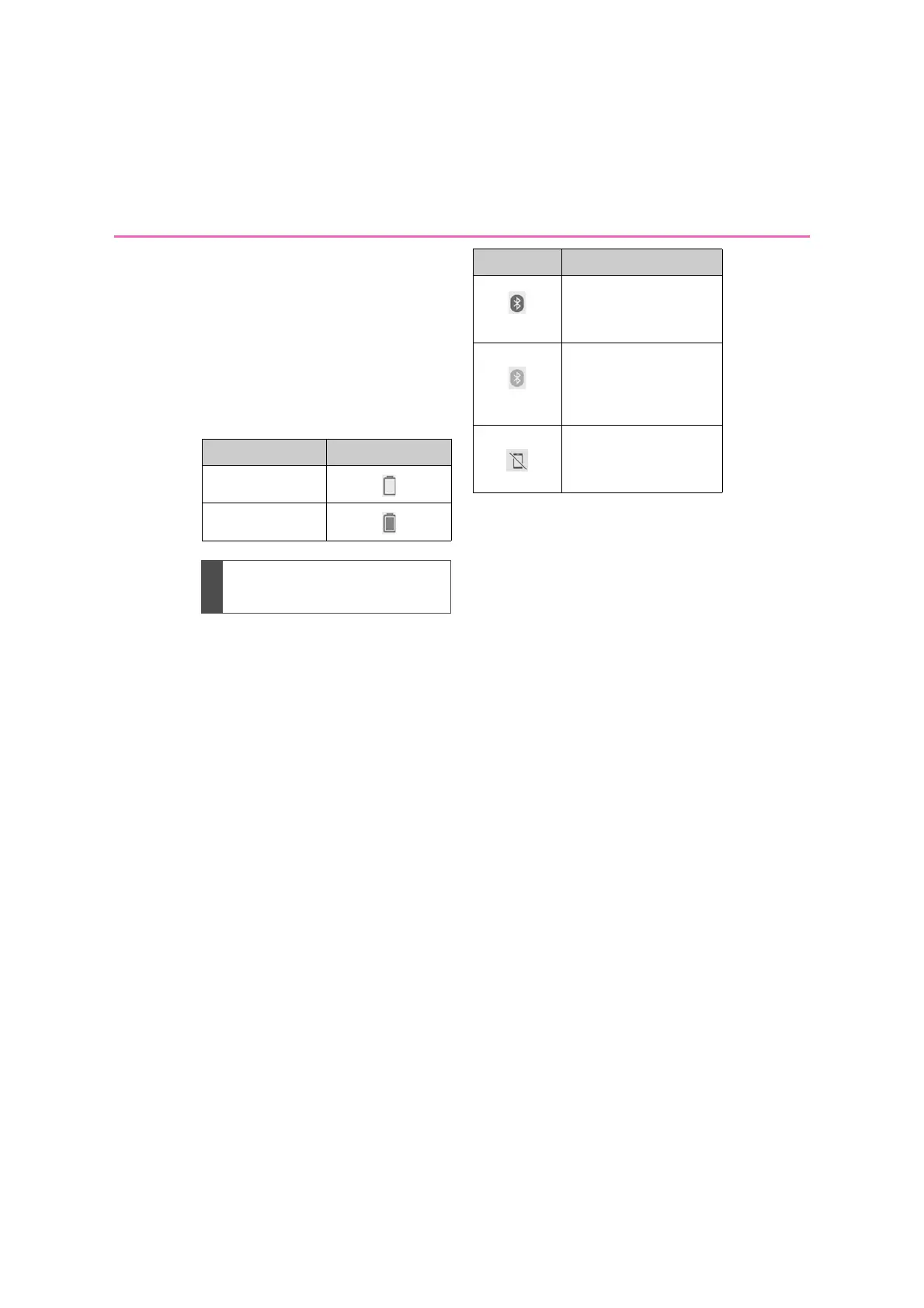
Remaining charge Indicators
Empty
Full
Bluetooth
®
connection con-
dition display
Indicators Conditions
(Blue)
Indicates that the condi-
tion of the Bluetooth
®
connection is good.
(Gray)
While in this condition,
sound quality during
phone calls may deterio-
rate.
Indicates that the cellular
phone is not connected
via Bluetooth
®
.



 To Next Page