23
2
2-1. Basic information before operation
Basic function
*2
: If equipped
Items are displayed in the list with
the most similar results of the
search at the top.
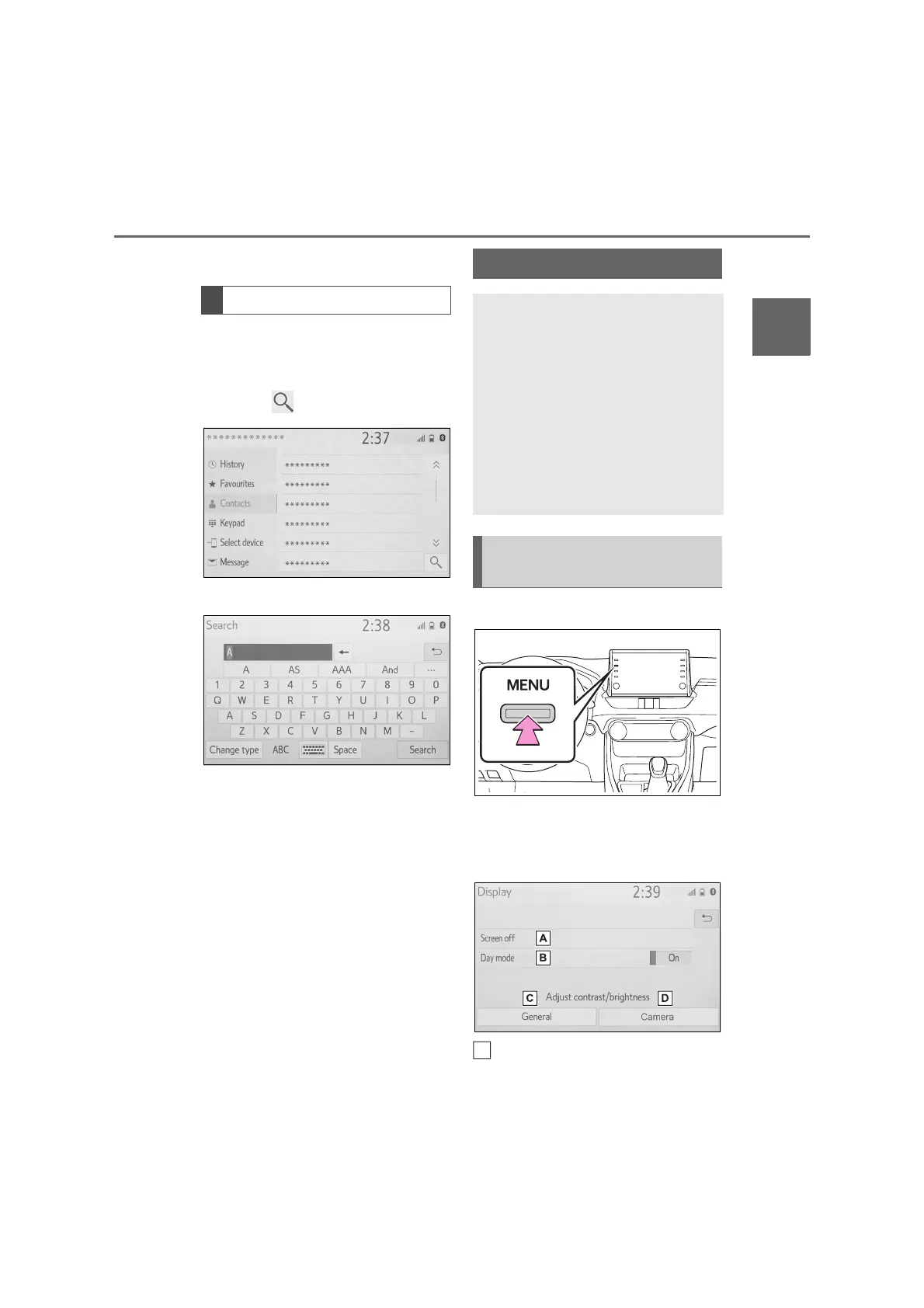
1 Select .
2 Input text.
3 Select “Search”.
The list is displayed.
1 Press the “MENU” button.
2 Select “Display”.
3 Select the desired items to be
set.
Select to turn the screen off. To
Searching a list
Screen adjustment
The contrast and brightness of
the screen display and the
image of the camera display
can be adjusted. The screen
can also be turned off, and/or
changed to either day or night
mode.
(For information regarding
audio/visual screen adjust-
ment: P.53)
Displaying the screen
adjustment screen
A



 To Next Page